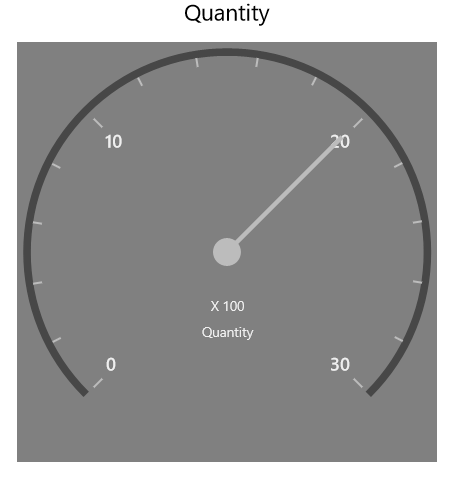
Theming in UWP Pivot Gauge (SfPivotGauge)
Theming is the process of applying particular settings to visual elements of a control. Following built-in themes are supported in the SfPivotGauge control:
- Blend
- Lime
- Metro
- Office2010Black
- Office2010Blue
- Office2010Silver
- Office2013DarkGray
- Office2013LightGray
- Office2013White
- Office2016Colorful
- Office2016DarkGray
- Office2016White
- Office365
- Saffron
- VisualStudio2013
- VisualStudio2015
By using the GaugeVisualStyle property in the SfPivotGauge, you can set the visual style of the control. By default, the Metro theme is applied. The following code snippet shows how to change the visual style for the SfPivotChart.
<syncfusion:SfPivotGauge x:Name="PivotGauge1" GaugeVisualStyle="Blend"
                         ItemSource="{Binding ProductSalesData}" PivotRows="{Binding PivotRows}"
                         PivotColumns="{Binding PivotColumns}" PivotCalculations="{Binding PivotCalculations}">
</syncfusion:SfPivotGauge>PivotGauge1.GaugeVisualStyle = PivotGaugeVisualStyle.Blend;PivotGauge1.GaugeVisualStyle = PivotGaugeVisualStyle.Blend;