Selecting Range
18 Nov 20181 minute to read
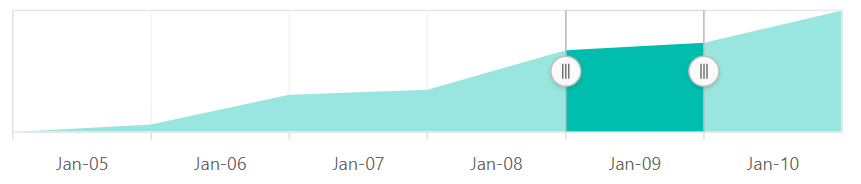
The Range Selector’s left and right thumbs are used to indicate the selected range in the large collection of data. A range can be selected in the following ways:
- By dragging the thumbs.
- By tapping on the labels.
- By setting the start and the end through the
valueproperty.