Update value on lost focus in WPF PropertyGrid
8 Jul 20262 minutes to read
We can update the value of property item either immediately when the editor property changes or during the editor’s lost focus using UpdateSourceMode property of PropertyGrid. Values of UpdateSourceMode are Immediately, ReturnOrLostFocus. The default value is Immediately.
Binding modes
When the UpdateSourceMode property is Immediately, the value of the property item will be updated immediately when the editor property changes. When the UpdateSourceMode property is ReturnOrLostFocus, the value of the property item will be updated only when the editor loses its focus or when the Enter key is pressed.
<Grid>
    <Grid.ColumnDefinitions>
        <ColumnDefinition Width="0.6*"/>
        <ColumnDefinition Width="0.4*"/>
    </Grid.ColumnDefinitions>

    <syncfusion:PropertyGrid Margin="10"
                             x:Name="propertyGrid"
                             UpdateSourceMode="ReturnOrLostFocus"
                             SelectedObject="{Binding ElementName=button}" />

    <syncfusion:ButtonAdv  Name="button"
                           Margin="10"
                           Height="25"
                           Width="200"
                           Label="SelectedObject"
                           HorizontalAlignment="Center"
                           VerticalAlignment="Center"
                           Grid.Column="1"
                           syncfusion:SkinStorage.VisualStyle="Default" />
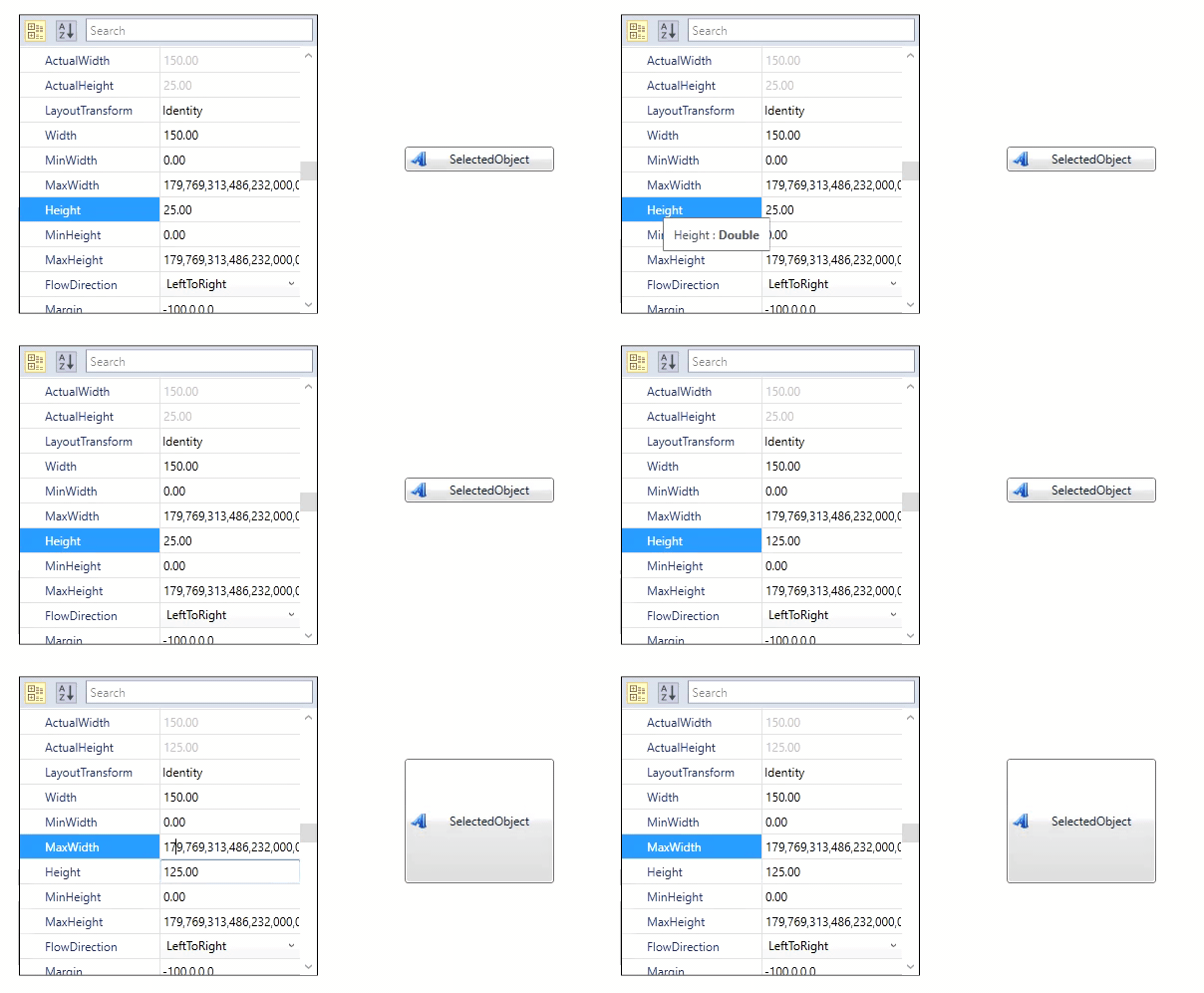
</Grid>propertyGrid.UpdateSourceMode = UpdateSourceMode.ReturnOrLostFocus;The SelectedObject value changes immediately when the target element property changes, as shown below:
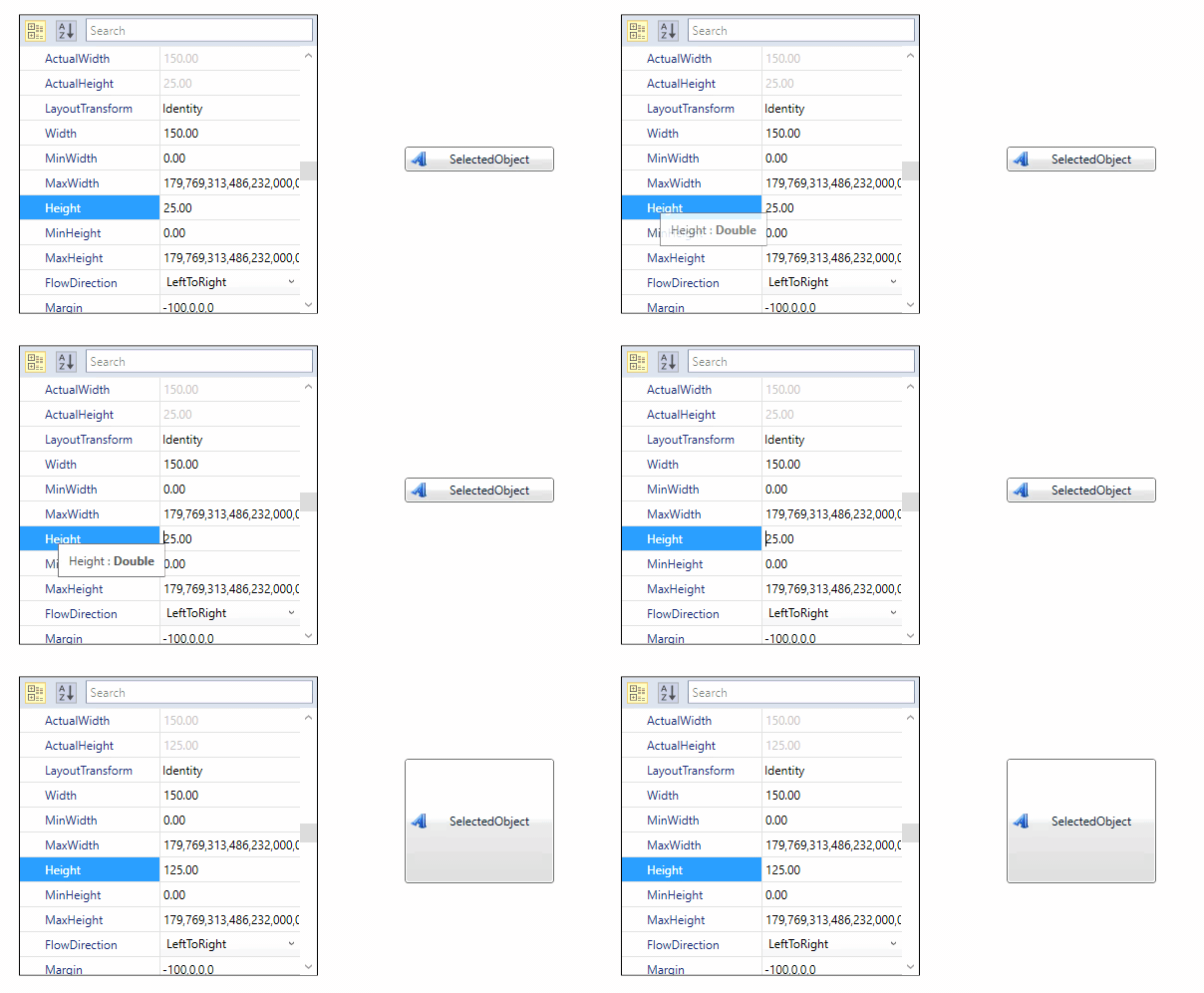
The SelectedObject value changes only when the target element lost its focus or when enter key is pressed, as shown below.