About Syncfusion® WinUI Ribbon Control
18 Nov 20181 minute to read
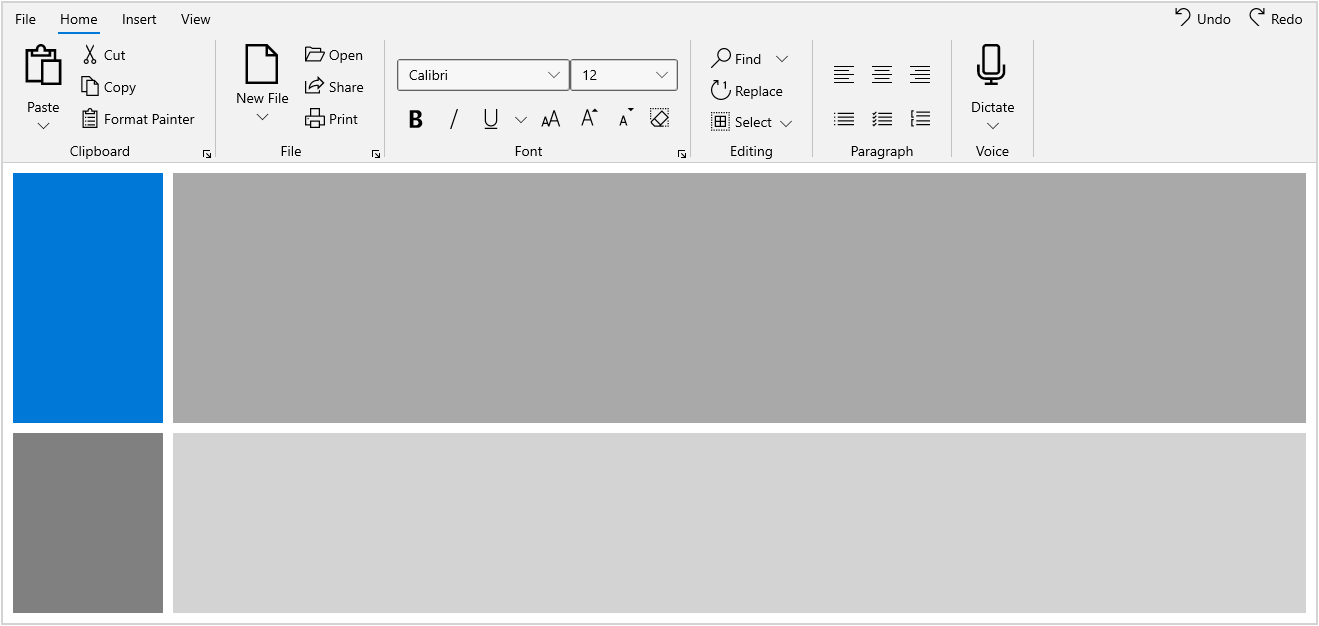
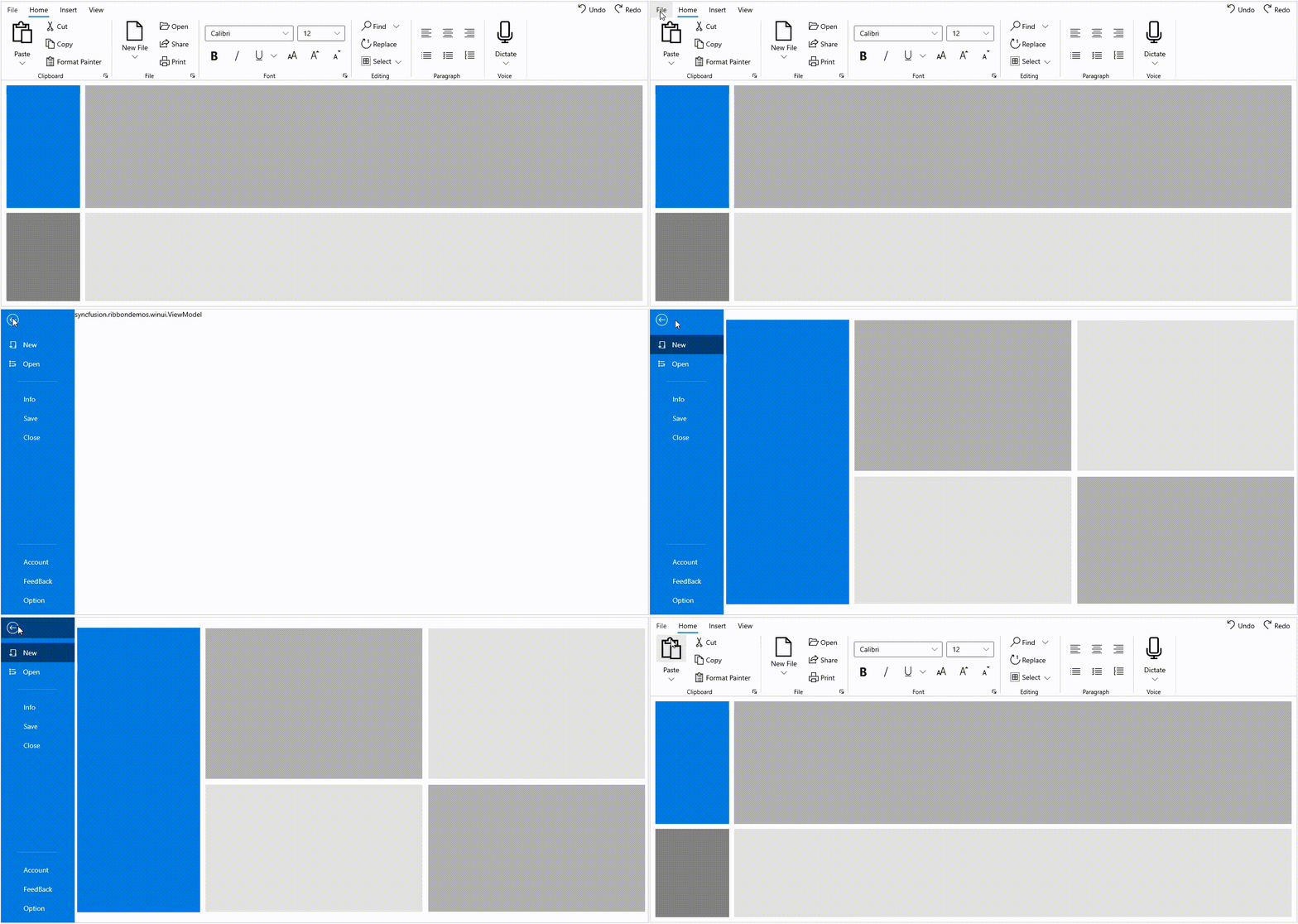
The Syncfusion® WinUI Ribbon is a command bar that organizes an application’s commands and tools into a series of tabs. It also supports a backstage view similar to Microsoft Office products. For setup steps (NuGet package, namespaces), see Getting Started with WinUI Ribbon.
Key features
-
RibbonTab and RibbonGroup: Group and categorize the commands for the application using
RibbonTabs andRibbonGroups. - Backstage: An additional view that lets you create custom views in your application.
- BackstageView: Manage additional commands through a separate backstage view in the Ribbon.
- Commands: Commands can be provided as ribbon buttons, dropdown buttons, and split buttons. Other controls can also be hosted.
- Simplified Layout: Provides a compact and simplified layout for the Ribbon by arranging the most-used commands in a single line and in less space. See Simplified Layout.
- Compact Sizing: Allows the Ribbon to be displayed in a smaller, condensed form for space-constrained scenarios. See Compact Sizing.
- Quick Access Toolbar (QAT): Renders a set of commonly used ribbon items for quick access. See Quick Access Toolbar.
- KeyTips: Supports keyboard navigation to activate ribbon elements via KeyTipService. See Keyboard Navigation.
- RibbonGallery: A simple and flexible ribbon gallery feature that displays a collection of related commands, similar to the gallery feature used in Microsoft Office. See Ribbon Gallery.