How to make float only in Windows Forms Docking Manager
18 Nov 20181 minute to read
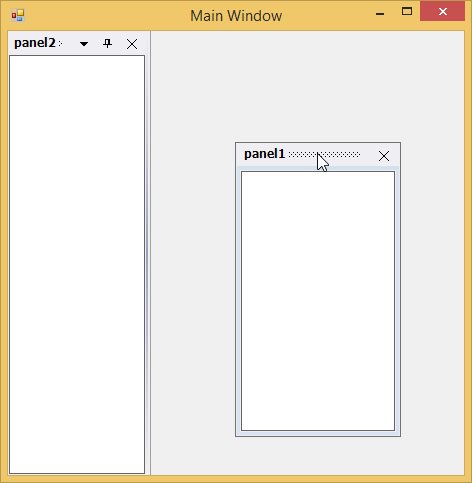
The docked control can also be only floating and cannot be docked, by calling the SetFloatOnly method.
| Parameter | Description |
|---|---|
| SetFloatOnly |
Make the docked control a float only control. Ctrl - The control for which docking is enabled.bFloating - Represents a Boolean value, `true`, to disabled docking. |
this.dockingManager1.SetFloatOnly(this.listBox2, true);Me.dockingManager1.SetFloatOnly(Me.listBox2, True);