Record Navigation Bar in Windows Forms GridDataBoundGrid
20 Aug 20261 minute to read
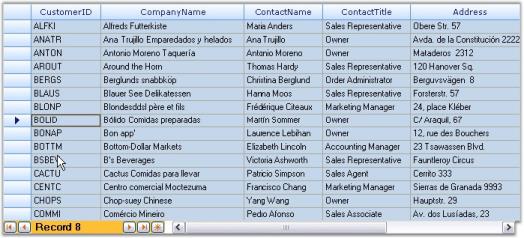
It is possible to display DataBound Grid within Grid Record Navigation control. This combination will give you a look similar to Microsoft Access.
NOTE
For more details, refer to the following browser sample:
**_
Example
The following sample displays DataBound Grid within Grid Record Navigation control. This sample was created using the designer.
-
Step 1: Create an SqlDataAdapter and connect to the Customers table of Northwind database.
N> A DataSet is generated. -
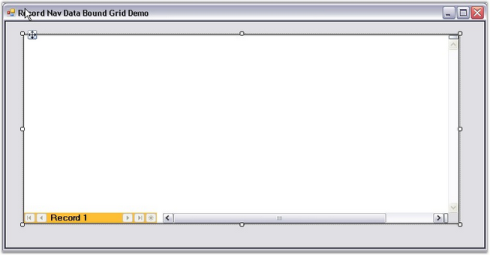
Step 2: Drag Grid Record Navigation control onto the form.
-
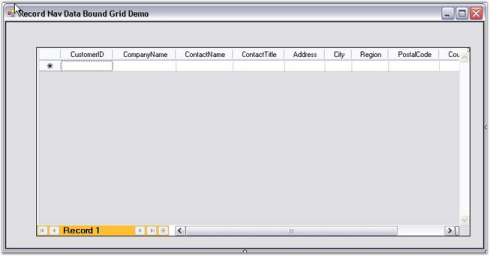
Step 3: Drag Grid DataBound Grid onto the Grid Record Navigation control.
NOTE
Records can be displayed by typing in the NavigationBar.
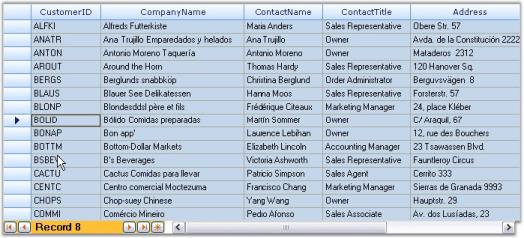
DataBound Grid is displayed within Grid Record Navigation control.