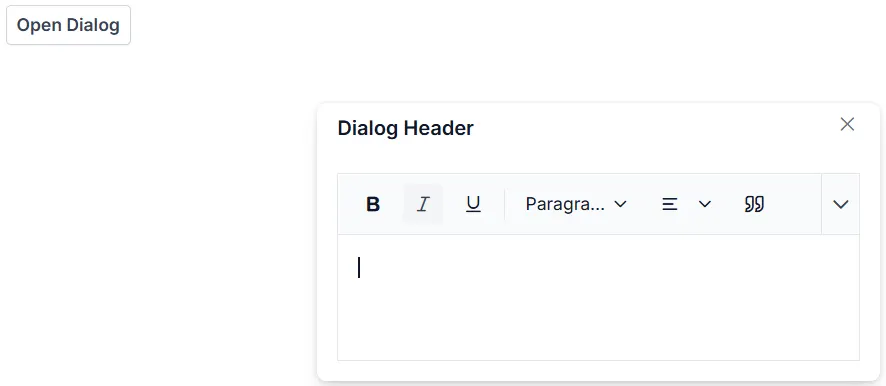
Render Blazor Rich Text Editor inside the Dialog
While rendering the Blazor Rich Text Editor inside the Dialog component, the dialog container and its wrapper elements are styled with display as none, so the editor’s toolbar does not get proper offset width and will render above the edit area container. To resolve this issue, you can call the RefreshUIAsync method of Blazor RichTextEditor in the Dialog Opened event.
@using Syncfusion.Blazor.RichTextEditor
@using Syncfusion.Blazor.Popups
@using Syncfusion.Blazor.Buttons

<SfButton @onclick="@OpenDialog">Open Dialog</SfButton>
<SfDialog @ref="DialogObj" Width="450px" ShowCloseIcon="true">
    <DialogEvents Opened="@DialogOpen"></DialogEvents>
    <DialogTemplates>
        <Header>
            <div>Dialog Header</div>
        </Header>
        <Content>
            <SfRichTextEditor @ref="RteObj">
            </SfRichTextEditor>
        </Content>
    </DialogTemplates>
</SfDialog>

@code {
    SfDialog DialogObj;
    SfRichTextEditor RteObj;
    private async Task OpenDialog()
    {
        await this.DialogObj.ShowAsync();
    }
    private async Task DialogOpen()
    {
        await this.RteObj.RefreshUIAsync();
    }
}