Globalization in Blazor Rich Text Editor
Localization
The Rich Text Editor supports localization. Refer to the Blazor Localization documentation to localize Blazor components.
Globalization
Enable RTL mode
Specify the direction of the Blazor Rich Text Editor component using the EnableRtl property. RTL writing systems include Arabic, Hebrew, and others; setting EnableRtl="true" switches the editor to right-to-left.
The
EnableRtlproperty does not change automatically based on the current culture. Enable it explicitly when RTL is required.
@using Syncfusion.Blazor.RichTextEditor

<SfRichTextEditor EnableRtl="true" />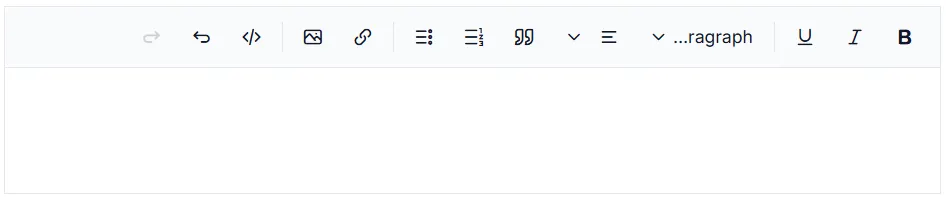
See also
You can refer to our Blazor Rich Text Editor feature tour for an overview of its capabilities. Explore the Blazor Rich Text Editor example to learn how to render and configure the Blazor Rich Text Editor tools.