Create Reports
This section explains on how to add Reports in the Syncfusion Report Server.
- If the user has
Create All Reportspermission, then the user can create reports in any category. - If the user has
Create Reports in Categorypermission with some chosen categories, then the user can only create reports in those chosen categories. - Reports must be added in any one category.
- Reports can be designed in the Report Designer and then added in the Report Server. For client users, Report Designer can be downloaded from the Report Server.
- Reports created by using the SSRS Report Builder can also be uploaded into the Report Server.
Steps to create a report
-
Click on the
Createbutton in the menu and selectReportsto add a report.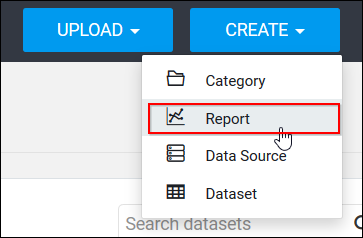
-
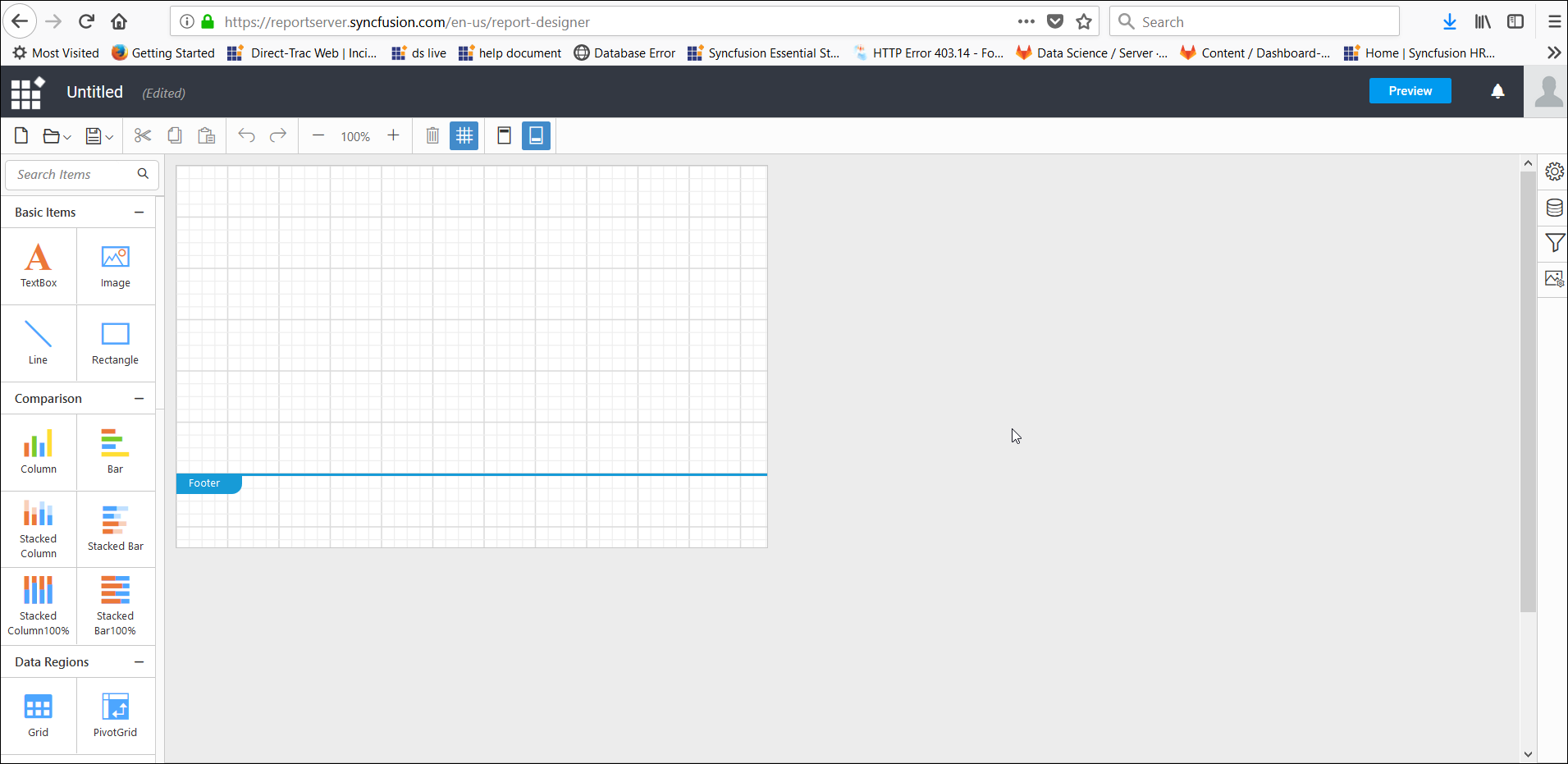
Then, the reports can be created from the Report Designer as shown below,
NOTE
Read Write Deletepermission for thatSpecific Reportwill be added for the user who created the report.