Styling Modes in OTP Input
21 May 20251 minute to read
Styling modes specify the visual style variants for input fields in the OTP Input component, allowing you to customize appearances according to your application’s design needs.
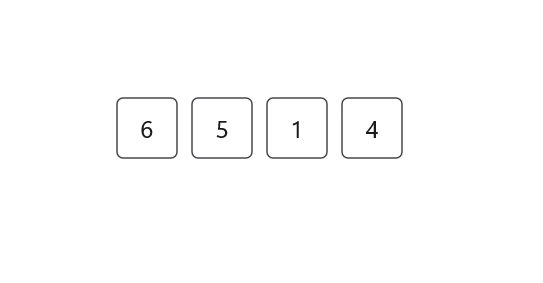
Outline mode
Customize the appearance of input fields with a border around them by setting the StylingMode property to Outlined. This is the default styling mode for the OTP Input component.
<otpInput:SfOtpInput StylingMode="Outlined" />SfOtpInput otpInput = new SfOtpInput()
{
StylingMode = OtpInputStyle.Outlined
};
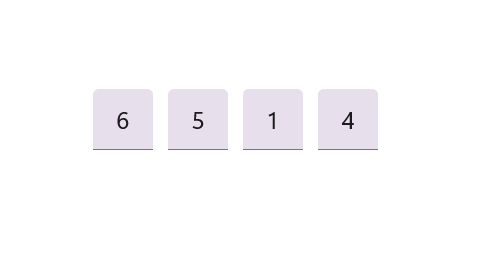
Filled mode
Customize the appearance of input fields by filling them with color by setting the StylingMode property to Filled.
<otpInput:SfOtpInput StylingMode="Filled" />SfOtpInput otpInput = new SfOtpInput()
{
StylingMode = OtpInputStyle.Filled
};
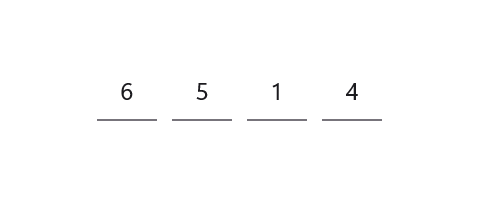
Underline mode
Customize the appearance of input fields with an underline by setting the StylingMode property to Underlined.
<otpInput:SfOtpInput StylingMode="Underlined" />SfOtpInput otpInput = new SfOtpInput()
{
StylingMode = OtpInputStyle.Underlined
};