How can I help you?
Shared Dataset
The shared dataset contains the data fields and reference of an existing dataset in ReportServer. It provides an easy way to manage data properties in ReportServer.
Import shared datasets into Web Designer
This section explains, how to import a Shared Dataset from the server.
-
Click the
Dataicon in the configuration panel to launch aDataconfiguration.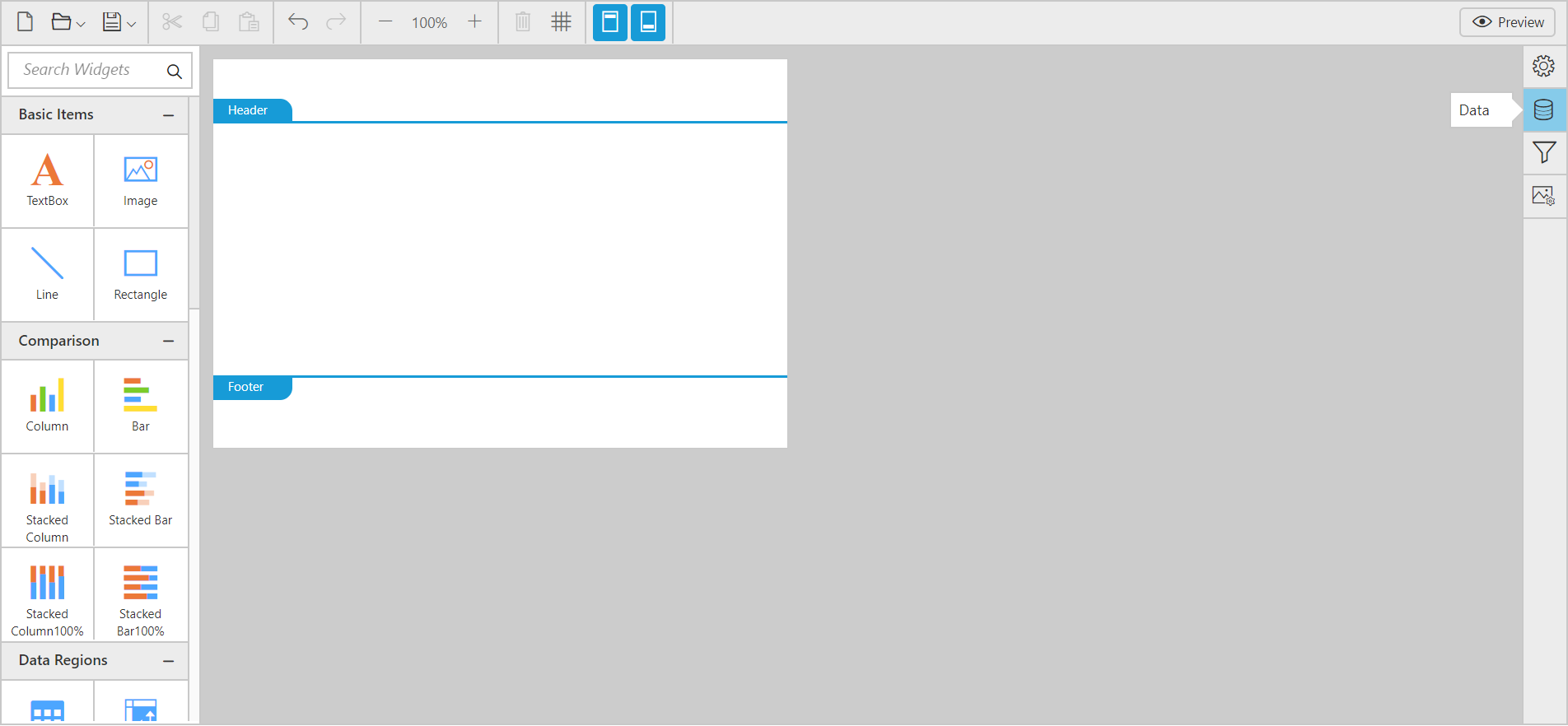
-
Click the
Add DataSetbutton inDatapanel and chooseSharedfrom the context menu.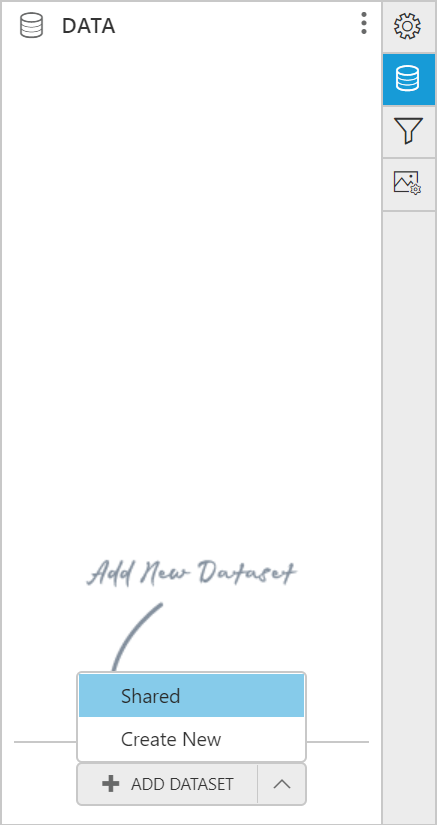
-
After choosing the
Shared Data, the new data wizard will be shown as below: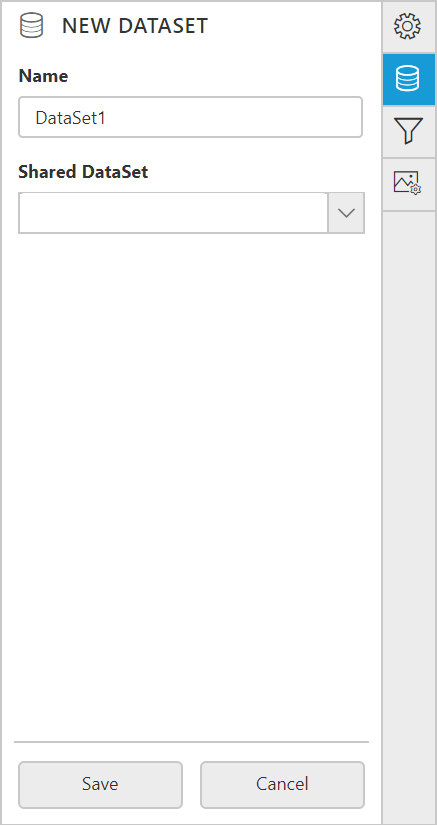
-
In Name field, specify the dataset name without special characters.
-
In Shared DataSet field, you can select existing shared datasets in the server from the drop-down list.
-
Click
Savein theNew Datasetconfiguration panel.Now, a new shared dataset will be added in the report like below.

Note: You can import multiple shared dataset in the report.