Swimlane Grouping in ASP.NET Core Kanban
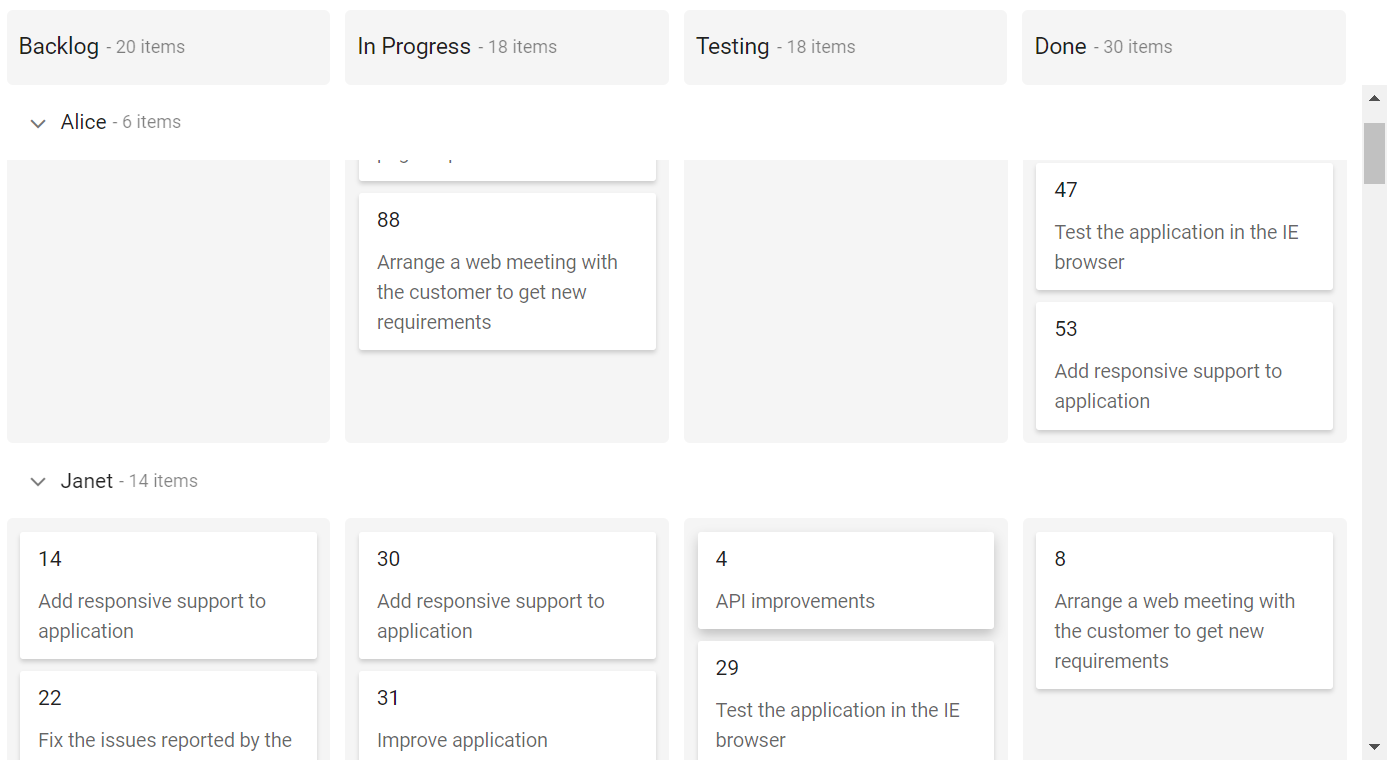
Swimlanes are horizontal categorizations of cards on the Kanban board. It is used for grouping of cards, which brings transparency to the workflow process.
Render swimlane row
Cards can be grouped based on keyField and displayed in rows, which are separated by columns. It is mandatory to define the keyField that is mapped from the datasource for rendering swimlane rows in the Kanban board.
Output be like the below.

Custom row text
Customize the swimlane row header text by using the textField property mapped from datasource.
It is not mandatory to define the
textFieldtoswimlaneSettings. It will automatically consider thekeyFieldto swimlane row header text.
If the mappingtextFieldkey is not present in the datasource, it will consider the swimlanekeyFieldas swimlane row header text.
Template
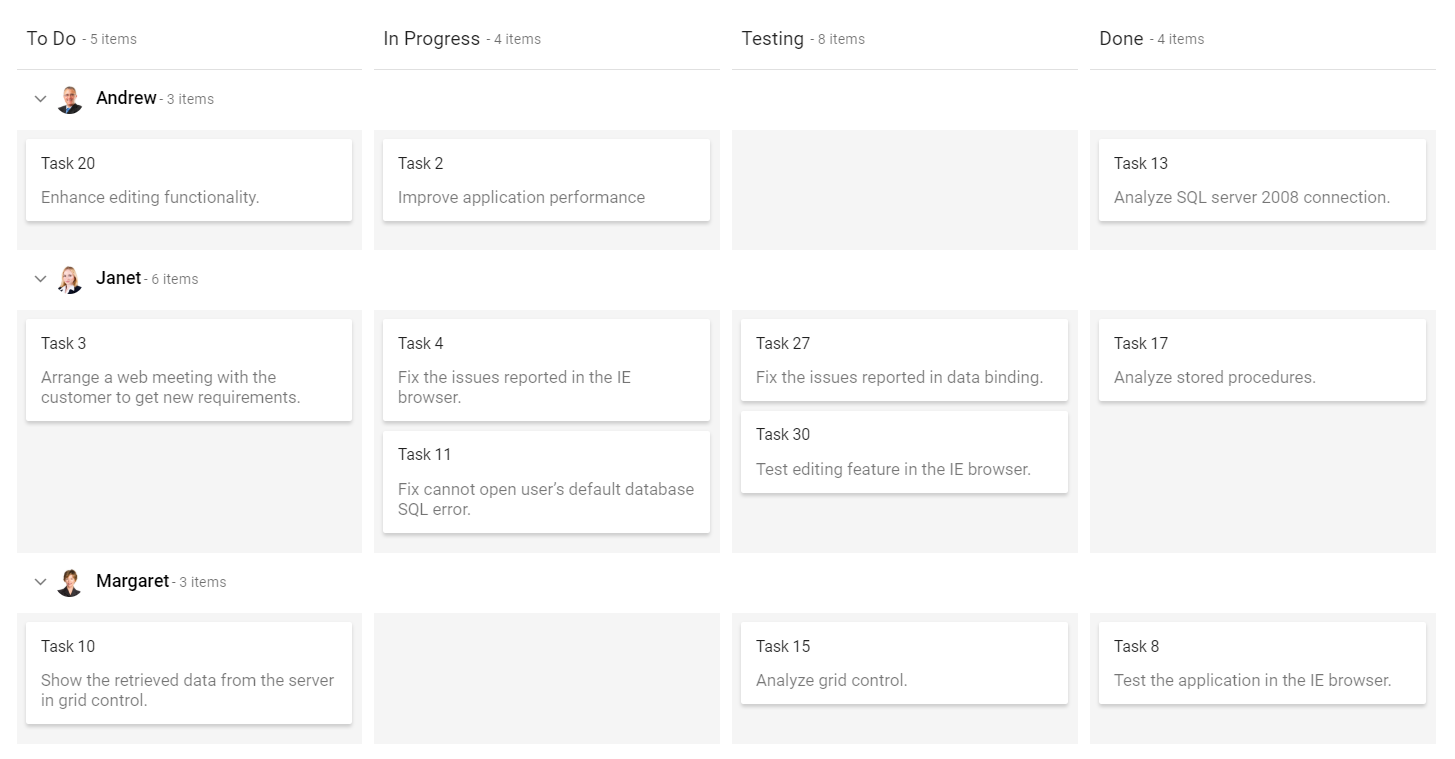
You can customize the Kanban swimlane row by using the template property, which is specified within the swimlaneSettings property. In this demo, the swimlane header is customized with HTML element.
Output be like the below.
Sorting
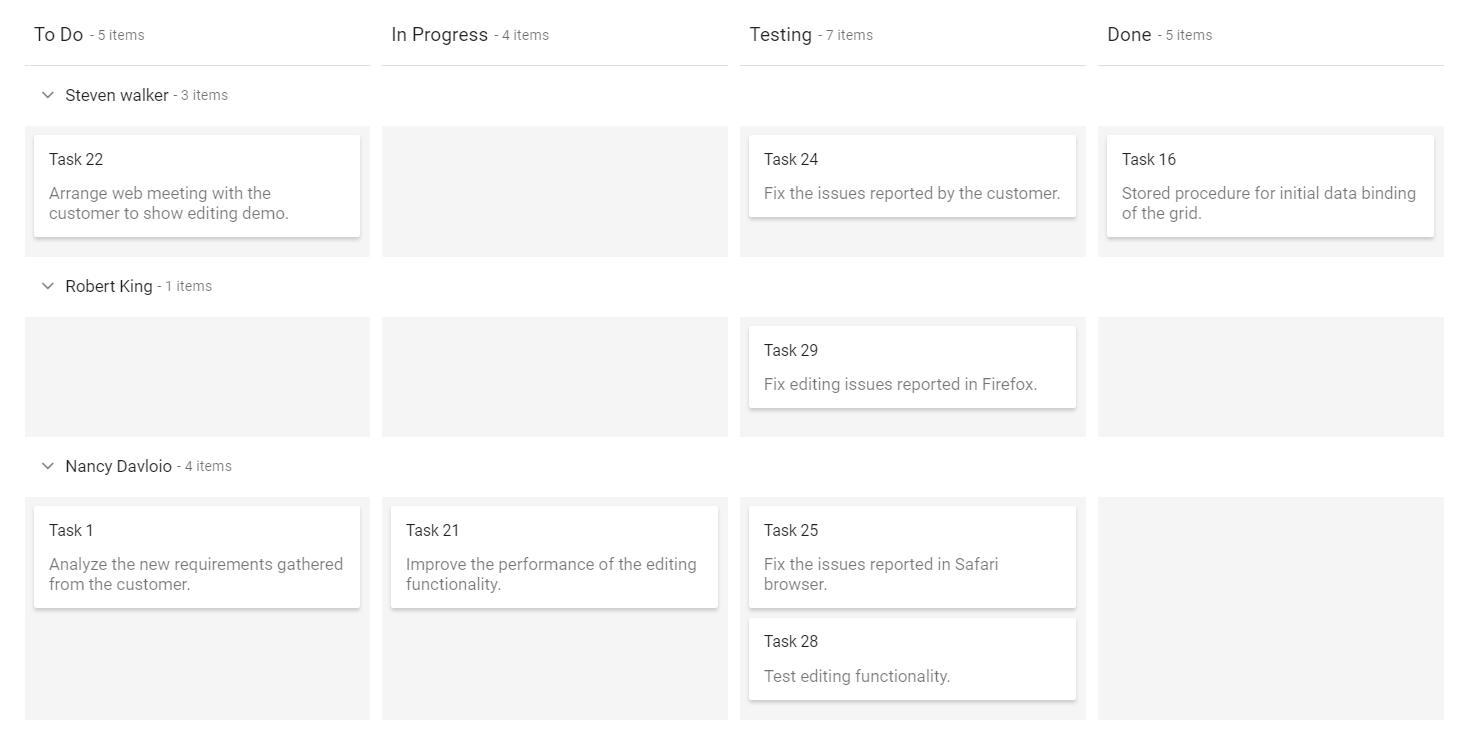
Swimlane rows are rendered on descending order when using the sortBy property set to Descending order. By default, swimlane rows are rendered by Ascending order.
Output be like the below.
Drag-and-drop
By default, The Kanban does not allow dragging the cards across the swimlane rows. Enabling the dragAndDrop property allows you to drag the cards across the swimlane rows, which is specified inside swimlaneSettings property.
Create empty row
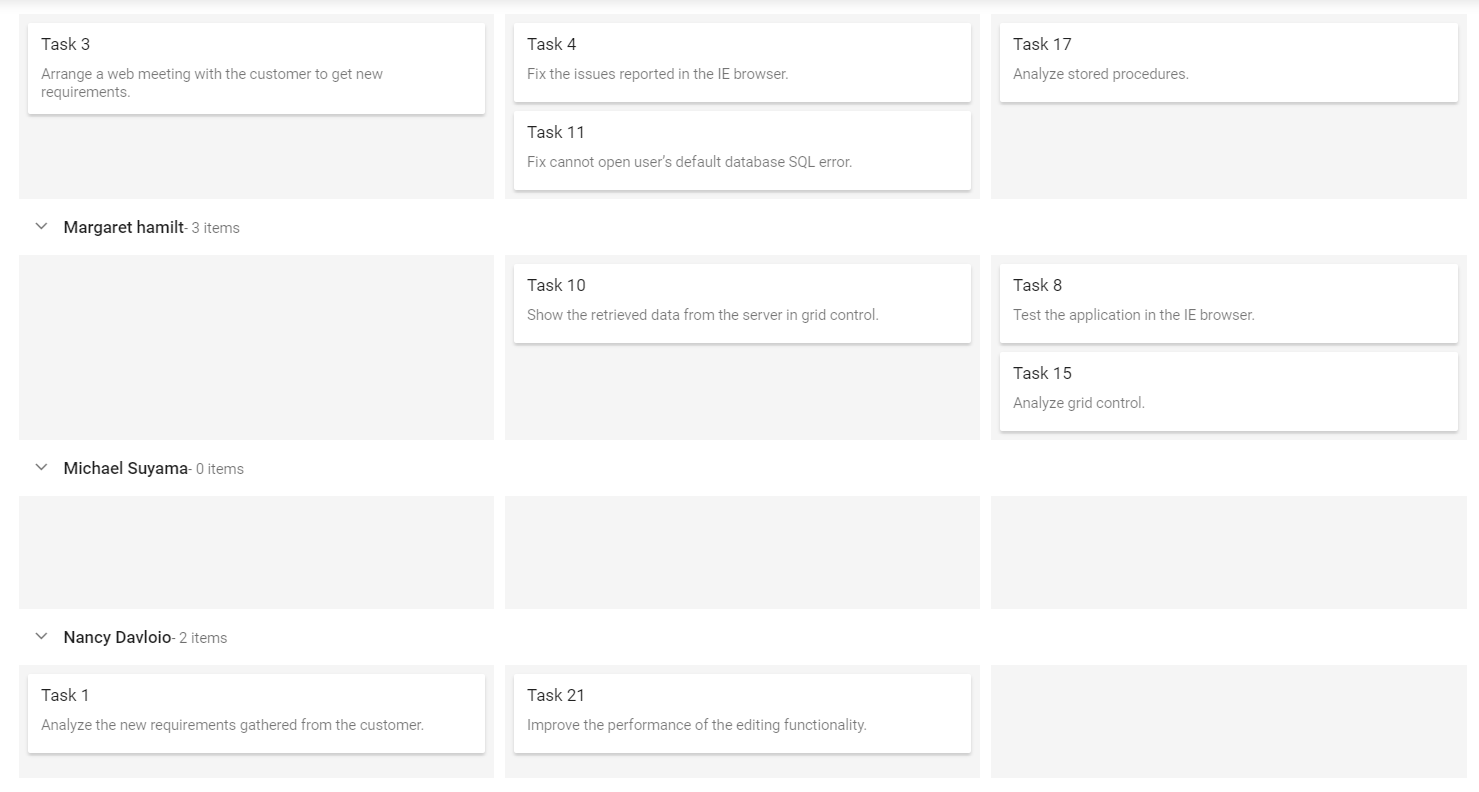
You can render the empty swimlane row by enabling the showEmptyRow property. If mapping keyField does not have cards, empty swimlane row will be rendered.
Output be like the below.
Calculate cards count
Users can show or hide the cards count by swimlane row in header when enabling the showItemCount property, which is enabled by default on the Kanban board.
Provided localization support for Items text.
In below demo, disabled on showItemCount property on rendering swimlane row without total count.
Output be like the below.

Enable frozen rows
Frozen rows provide an option to make the current swimlane row header text always visible on top of the content while scrolling the Kanban content. The swimlane header text will be changed dynamically, when you scroll to another swimlane row.
By default, the enableFrozenRows property is set as false. If you wish to show the swimlane frozen rows, you can enable the enableFrozenRows property.
This feature support only when using Kanban content scrolling.