Download and Setup - Essential® UI Kit for .NET MAUI Kit Plugin
13 May 20261 minute to read
Syncfusion® publishes the Essential® UI Kit for .NET MAUI Plugin in JetBrains marketplace. You can either install it from JetBrains Rider or download and install it from the JetBrains marketplace.
Prerequisites
Before getting started, make sure your environment meets the following requirements:
- A JetBrains IDE - Rider
The minimum version of the JetBrains IDE is 2024.2 to use the Essential® UI Kit for .NET MAUI Kit plugin.
Install through the JetBrains Rider
The following steps explain how to install the Essential® UI Kit for .NET MAUI plugin from JetBrains Rider.
-
Open JetBrains Rider.
-
Navigate to File > Settings > Plugins.
-
Select the Marketplace tab and type Essential® UI Kit for .NET MAUI in the search field, Click the Install button on the plugin.
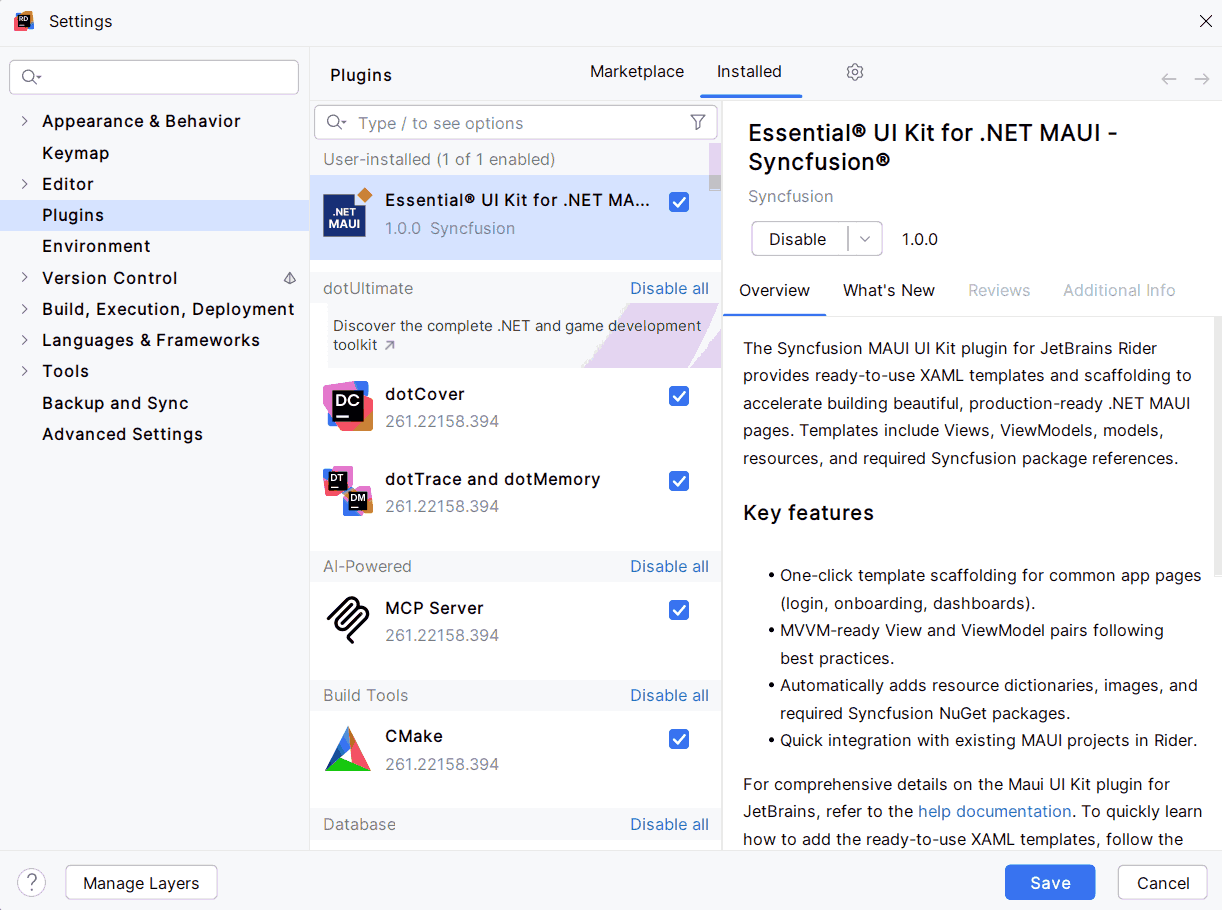
-
After the installation completes, restart your JetBrains Rider if prompted.
Install plugin from disk
The following steps explain how to install the Essential® UI Kit for .NET MAUI Kit plugins from JetBrains Rider from the disk.
-
Download the plugin archive (ZIP or JAR) of Essential® UI Kit for .NET MAUI.
-
Press
Ctrl+Alt+Sto open settings and then select Plugins. -
On the Plugins page, click The Settings button and then click Install Plugin from Disk.
-
Select the plugin archive file and click OK.
-
Click OK to apply the changes and restart the IDE if prompted.