How can I help you?
How to change the cursor color using CSS in Document Editor component
11 Sep 20251 minute to read
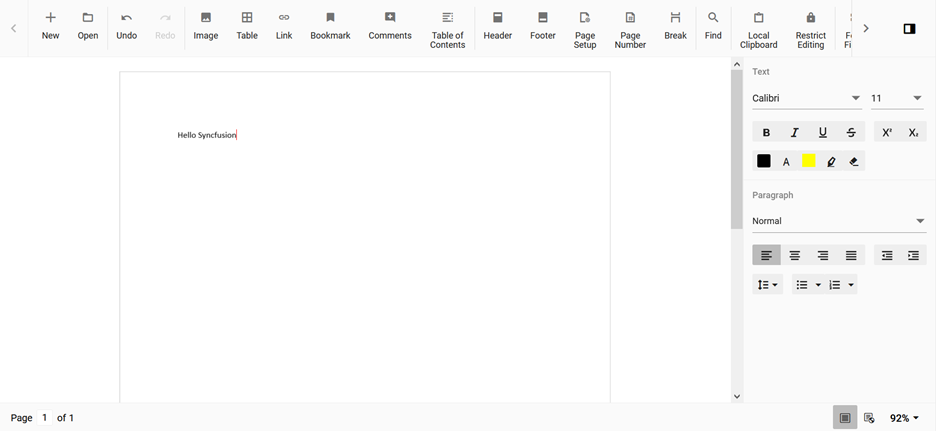
Document Editor default cursor color is black. The user can change the color by overriding the css property using class name. The Document editor cursor css have a class named e-de-blink-cursor.
Refer the below code snippet to change the cursor color to red.
.e-de-blink-cursor {
border-left: 1px solid red!important;
}
Output will be like below: