Print Modes in Vue PDF Viewer
14 Aug 20262 minutes to read
This guide shows how to set the PDF Viewer printMode so PDFs print from the current window or from a new window/tab.
Prerequisites
- A Vue app with the Syncfusion PDF Viewer and
Printmodule injected.
Steps to set print mode
Step 1: Decide which printMode you need:
-
Default— print from the same browser window. -
NewWindow— print from a new window or tab (may be blocked by pop-up blockers).
Step 2: Set printMode during viewer initialization (recommended):
<template>
  <div id="app">
    <ejs-pdfviewer
      id="pdfviewer"
      :documentPath="documentPath"
      :resourceUrl="resourceUrl"
      :printMode="printMode"
      style="height: 100vh"
    >
    </ejs-pdfviewer>
  </div>
</template>

<script>
import {
  PdfViewerComponent,
  Toolbar,
  Magnification,
  Navigation,
  LinkAnnotation,
  BookmarkView,
  Annotation,
  ThumbnailView,
  Print,
  TextSelection,
  TextSearch,
  FormFields,
  FormDesigner,
  PageOrganizer,
} from '@syncfusion/ej2-vue-pdfviewer';

export default {
  name: 'App',
  components: {
    'ejs-pdfviewer': PdfViewerComponent,
  },
  data() {
    return {
      documentPath: 'https://cdn.syncfusion.com/content/pdf/pdf-succinctly.pdf',
      resourceUrl:
        'https://cdn.syncfusion.com/ej2/33.2.13/dist/ej2-pdfviewer-lib',
      printMode: "NewWindow",
    };
  },

  provide: {
    PdfViewer: [
      Toolbar,
      Magnification,
      Navigation,
      LinkAnnotation,
      BookmarkView,
      Annotation,
      ThumbnailView,
      Print,
      TextSelection,
      TextSearch,
      FormFields,
      FormDesigner,
      PageOrganizer,
    ],
  },
};
</script>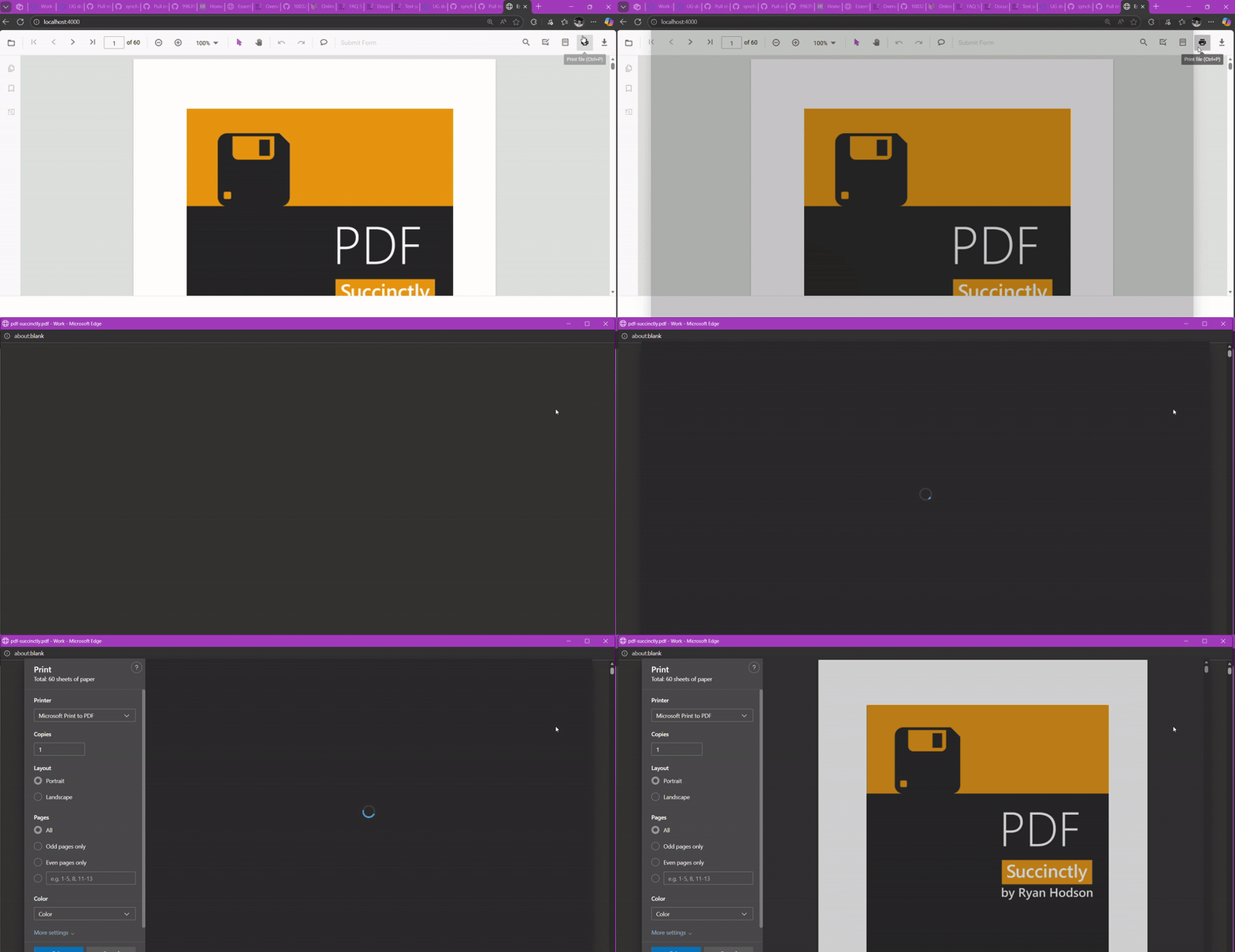
Step 3: Print mode can also be changed at runtime after the viewer is created:
// switch to NewWindow at runtime
pdfviewer.ej2Instances.printMode = 'NewWindow';
Quick reference
-
Default: Print from the same window (default). -
NewWindow: Print from a new window or tab.
Browser pop-up blockers must allow new windows or tabs when using
pdfviewer.ej2Instances.printMode = "NewWindow".
View live examples and samples on GitHub