Enable Print Rotation in React PDF Viewer
14 Aug 20262 minutes to read
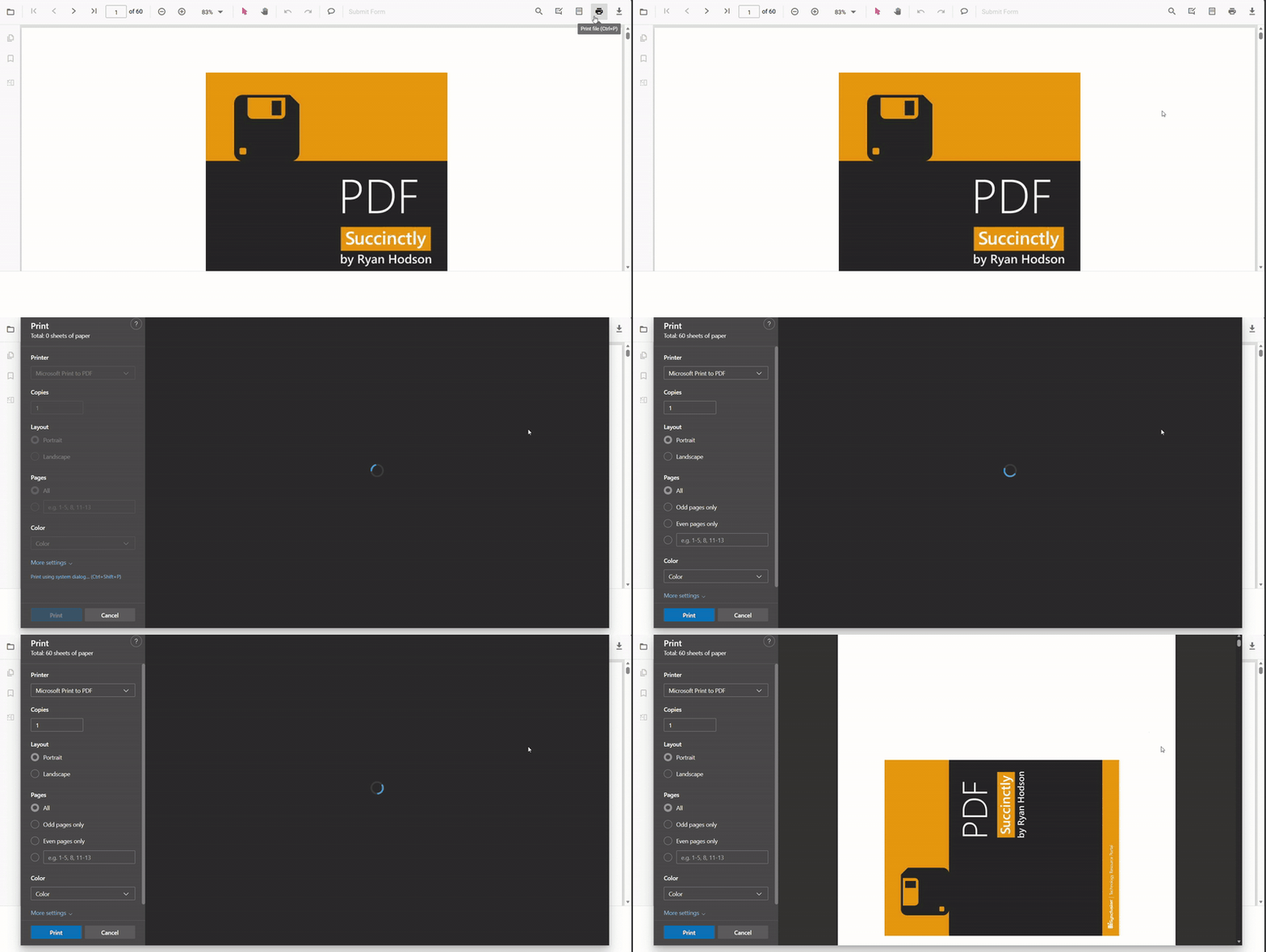
This guide shows how to enable automatic rotation of landscape pages during printing so they match the paper orientation and reduce clipping. Use enablePrintRotation (boolean, default false) when printing documents that include landscape pages, and you want them rotated to match the printer paper orientation.
Prerequisites
- The
Printmodule must be injected intoPdfViewerComponent.
How to enable print rotation
- Inject the required modules (including
Print) intoPdfViewerComponent. - Set
enablePrintRotation={true}in the PDF Viewer during initialization.
Example
import {
    PdfViewerComponent, Toolbar, Magnification, Navigation, Annotation, FormDesigner,
    FormFields, TextSelection, TextSearch, Print, Inject
} from '@syncfusion/ej2-react-pdfviewer';

export default function App() {
    return (
        <div style={{ height: '100vh' }}>
            <PdfViewerComponent
                id="PdfViewer"
                documentPath="https://cdn.syncfusion.com/content/pdf/pdf-succinctly.pdf"
                resourceUrl="https://cdn.syncfusion.com/ej2/31.1.23/dist/ej2-pdfviewer-lib"
                enablePrintRotation={true}
                style={{ height: '100%' }}
            >
                <Inject
                    services={[
                        TextSelection, TextSearch, Print, Navigation, Toolbar, Magnification,
                        Annotation, FormDesigner, FormFields
                    ]}
                />
            </PdfViewerComponent>
        </div>
    );
}
Troubleshooting
- If you need to preserve original page orientation for archival printing, set
enablePrintRotation: false. - Confirm that injected modules include
Printor the property will have no effect.