Getting Started with React PDF Viewer
23 Sep 20269 minutes to read
Syncfusion® React PDF Viewer enables you to view, annotate, and interact with PDF documents in web applications. This section guides you through the steps to get started and create a PDF Viewer in a React application.
Prerequisites
- Node.js 24+ (LTS recommended).
- Syncfusion CLI.
Install the Syncfusion CLI
Install the Syncfusion CLI globally using the following command:
npm install -g @syncfusion/syncfusion-cliSet up the Vite project using Syncfusion CLI
You can create a React Vite application using the Syncfusion CLI. The CLI provides two ways to create a project:
Non-interactive mode
Non-interactive mode allows you to create a project directly using a single command with the required command-line arguments.
sf new syncfusion-react-app --framework react --template pdf-viewer --theme tailwind3In this mode, the project configuration is passed directly in the command. The above command creates a React Vite application configured with the Syncfusion® PDF Viewer component.
Interactive mode
Interactive mode guides you through the project creation process with step-by-step prompts.
sfWhen you run the sf command, the CLI prompts you to select the required project configuration. To create a React Vite application with the Syncfusion® PDF Viewer component, select the following options:
√ Project name? ... syncfusion-react-app
√ Choose Framework: » React
√ Choose Build Tool: » Vite
√ Choose Language: » JavaScript
√ Choose Template: » PDF Viewer
√ Choose Theme: » Tailwind3
√ Choose Style Format: » CSS
√ Would you like to integrate the Syncfusion MCP Server (AI Assistant) into this project? ... no
√ Would you like to install Syncfusion Component Skills for AI-powered development? ... no
√ Install dependencies and start app now? ... no
The above selections generate a React Vite application configured with the Syncfusion® PDF Viewer component. You can choose different values for language, theme, style format, MCP setup, and skills installation based on your project requirements.
The Syncfusion® CLI creates the project with a predefined template. After the project is generated, you can customize or replace the component code based on your application requirements.
Run the project
Once the project is created, navigate to the project directory and run the following commands in your terminal.
cd syncfusion-react-app
npm install
npm run dev
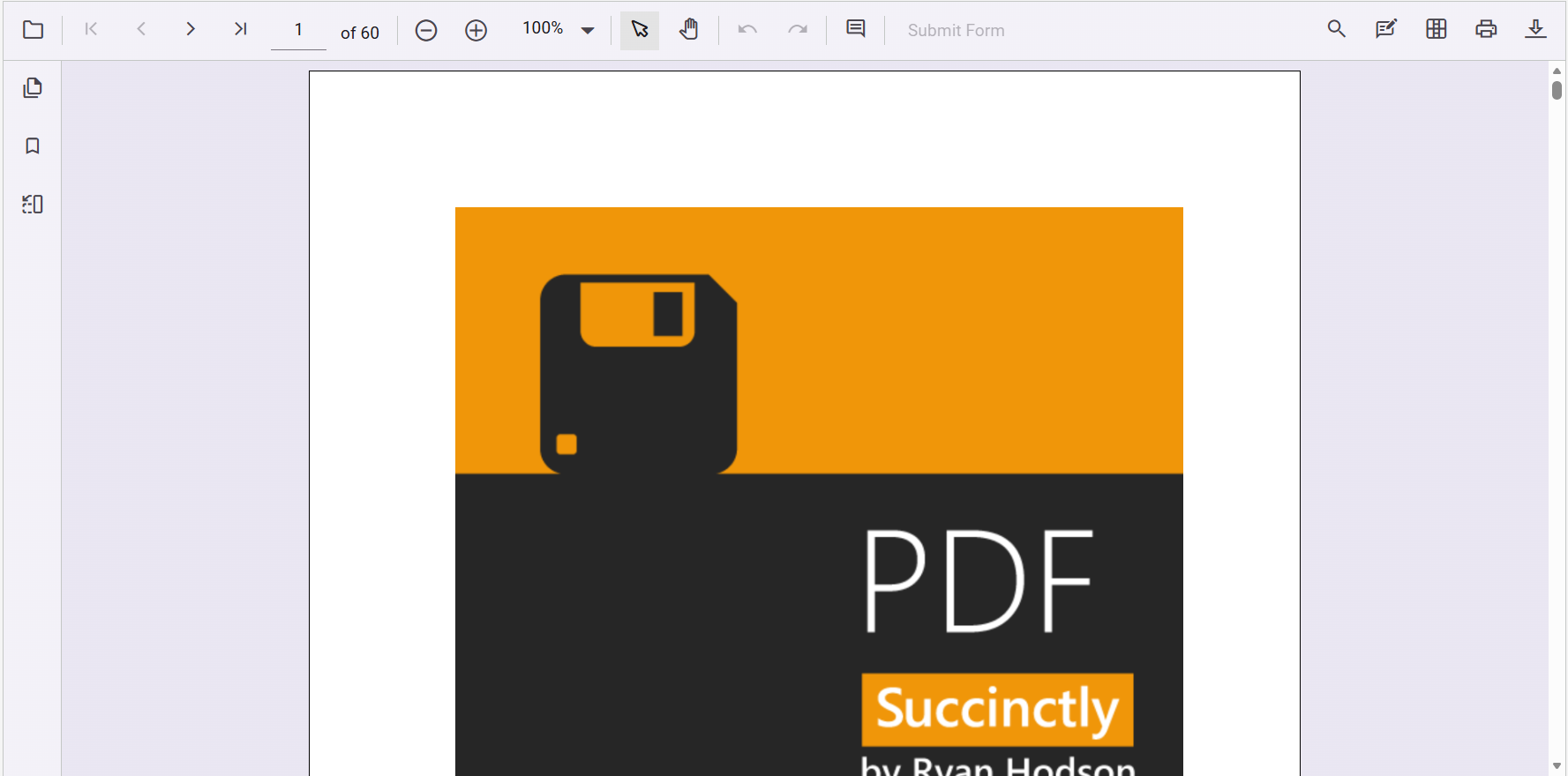
The output will appear as follows:
You can also explore the PDF Viewer interactively using the live sample below.
Prerequisites
Create a new React application
To set up a React application, run the following commands:
npm create vite@latest pdf-viewer-app -- --template react-ts
cd pdf-viewer-app
npm create vite@latest pdf-viewer-app -- --template react
cd pdf-viewer-appInstall the Syncfusion® React PDF Viewer package
Install the React PDF Viewer package from npm using the following command:
npm install @syncfusion/ej2-react-pdfviewer --saveImport the required CSS styles
Themes for PDF Viewer can be applied using CSS or SASS files from the npm theme packages, CDN, CRG, or Theme Studio. For more information, see the themes documentation.
This guide uses the Tailwind 3 theme as an example, sourced from the theme package. In this package, each component includes an index.css file that automatically loads all the required dependency styles. To install the Tailwind 3 theme package, use the following command:
npm install @syncfusion/ej2-tailwind3-themeBy default, Vite projects include a src/index.css file with default styles. These default styles may conflict with Syncfusion component styles. Clear all content from the src/index.css file to prevent style conflicts.
The required styles for the PDF Viewer are imported in the src/index.css file:
@import '../node_modules/@syncfusion/ej2-tailwind3-theme/styles/pdfviewer/index.css';The
index.cssfile automatically includes all required dependent component styles for the PDF Viewer. You do not need to import individual dependency styles such as Base, Buttons, Dropdowns, Inputs, Navigations, Popups, and SplitButtons separately.
Initialize the PDF Viewer
Add the Syncfusion® React PDF Viewer component to your src/App.jsx or src/App.tsx file.
The key props and services used in the following samples are:
-
documentPath: URL or Base64 string of the PDF to load. -
resourceUrl: Path to the PDFium (pdfium.js/pdfium.wasm) assets required for rendering. -
Inject services={[...]}: Registers the optional modules (toolbar, navigation, annotations, search, form fields, etc.) you want to enable.
import { PdfViewerComponent, Toolbar, Magnification, Navigation, LinkAnnotation, BookmarkView,
         ThumbnailView, Print, TextSelection, Annotation, TextSearch, FormFields, FormDesigner,
         PageOrganizer, Inject } from '@syncfusion/ej2-react-pdfviewer';

export default function App() {
    return (
      <PdfViewerComponent id="container"
        // Specifies the URL (for example, a file from the public folder) or a Base64-encoded PDF.
        documentPath="https://cdn.syncfusion.com/content/pdf/pdf-succinctly.pdf"
        // Specifies the path to the PDFium resource files required for the PDF Viewer to function.
        resourceUrl="https://cdn.syncfusion.com/ej2/34.1.29/dist/ej2-pdfviewer-lib">

         <Inject services={[ Toolbar, Magnification, Navigation, Annotation, LinkAnnotation,
                             BookmarkView, ThumbnailView, Print, TextSelection, TextSearch,
                             FormFields, FormDesigner, PageOrganizer ]}/>
      </PdfViewerComponent>
    );
}
import { PdfViewerComponent, Toolbar, Magnification, Navigation, LinkAnnotation, BookmarkView,
ThumbnailView, Print, TextSelection, Annotation, TextSearch, FormFields, FormDesigner,
PageOrganizer, Inject } from '@syncfusion/ej2-react-pdfviewer';
export default function App() {
return (
<PdfViewerComponent id="container"
// Specifies the URL (for example, a file from the public folder) or a Base64-encoded PDF.
documentPath="https://cdn.syncfusion.com/content/pdf/pdf-succinctly.pdf"
// Specifies the path to the PDFium resource files required for the PDF Viewer to function.
resourceUrl="https://cdn.syncfusion.com/ej2/34.1.29/dist/ej2-pdfviewer-lib">
<Inject services={[ Toolbar, Magnification, Navigation, Annotation, LinkAnnotation,
BookmarkView, ThumbnailView, Print, TextSelection, TextSearch,
FormFields, FormDesigner, PageOrganizer ]}/>
</PdfViewerComponent>
);
}To load PDF documents and resources from your local application instead of a CDN, refer to Load PDF Viewer with Local Resources.
Run the application
Run the application using the following command:
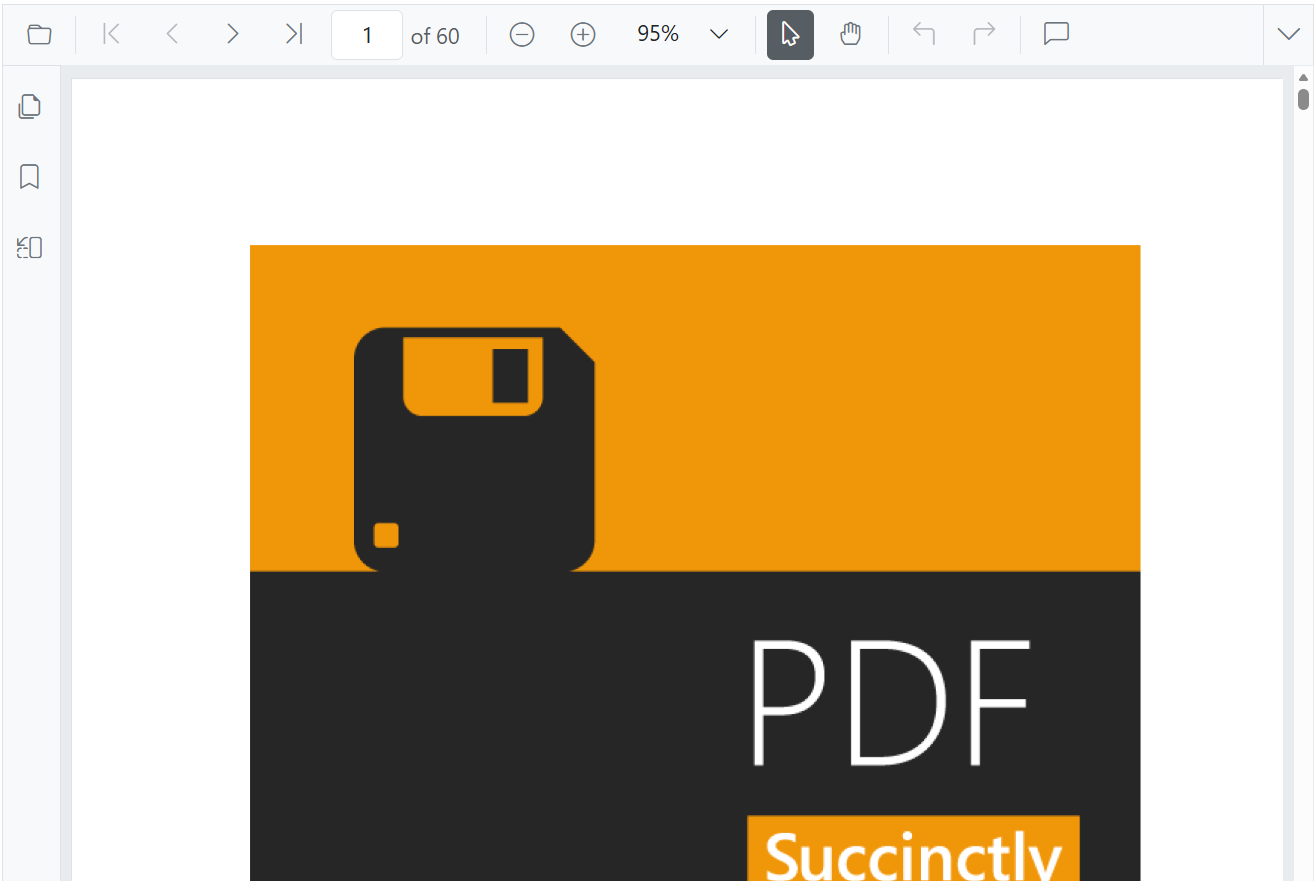
npm run devAfter the application starts, open the localhost URL shown in the terminal to view the React PDF Viewer in the browser. The output will appear as follows:
You can also explore the PDF Viewer interactively using the live sample below.
Video tutorial
To get started quickly with React PDF Viewer, you can watch this video: