Redaction Annotation in React PDF Viewer
17 Sep 20265 minutes to read
Redaction annotations permanently remove sensitive content from a PDF. You can draw redaction marks over text or graphics, redact entire pages, customize overlay text and styling, and apply redaction to finalize.
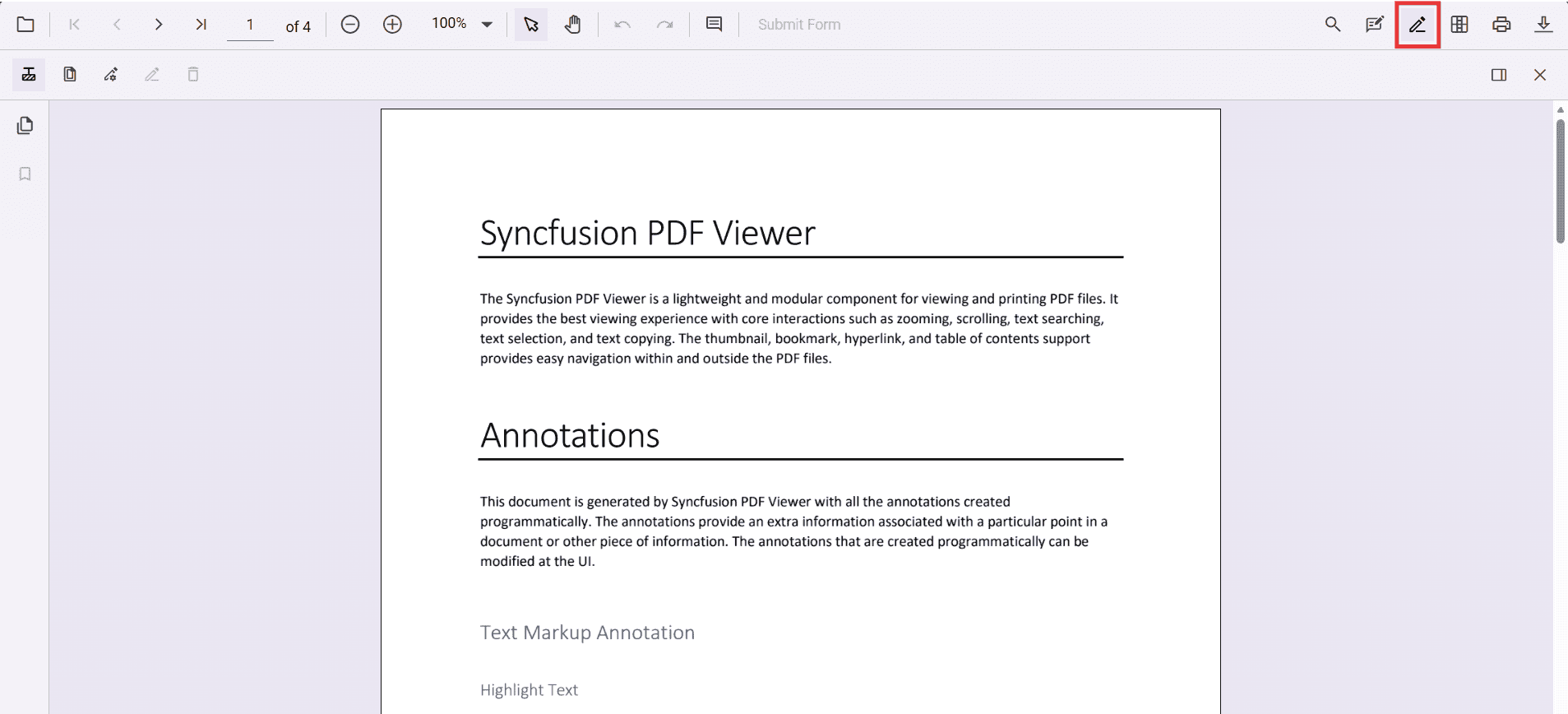
Add Redaction Annotation
Add redaction annotations in UI
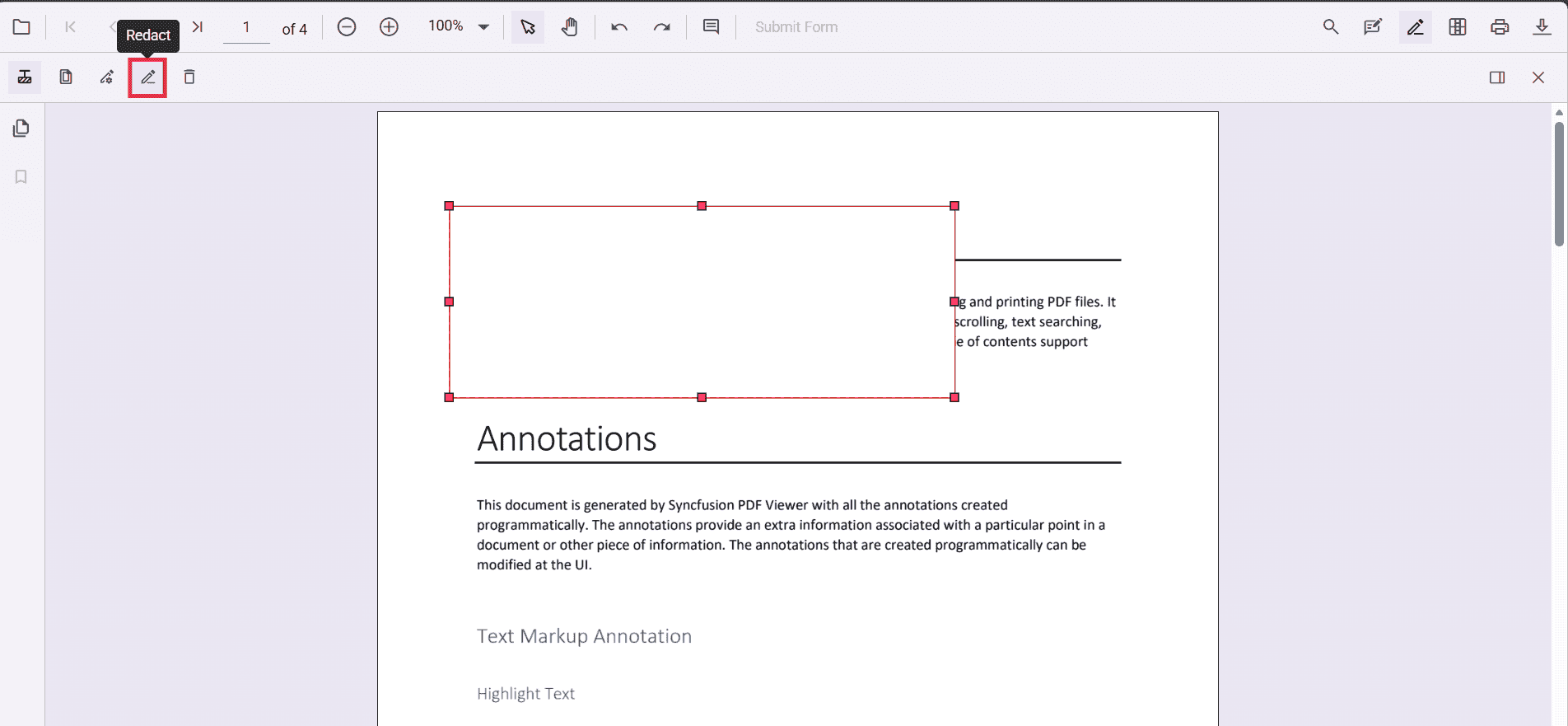
- Use the Redaction tool from the toolbar to draw over content to hide it.
- Redaction marks can show overlay text (for example, “Confidential”) and can be styled.
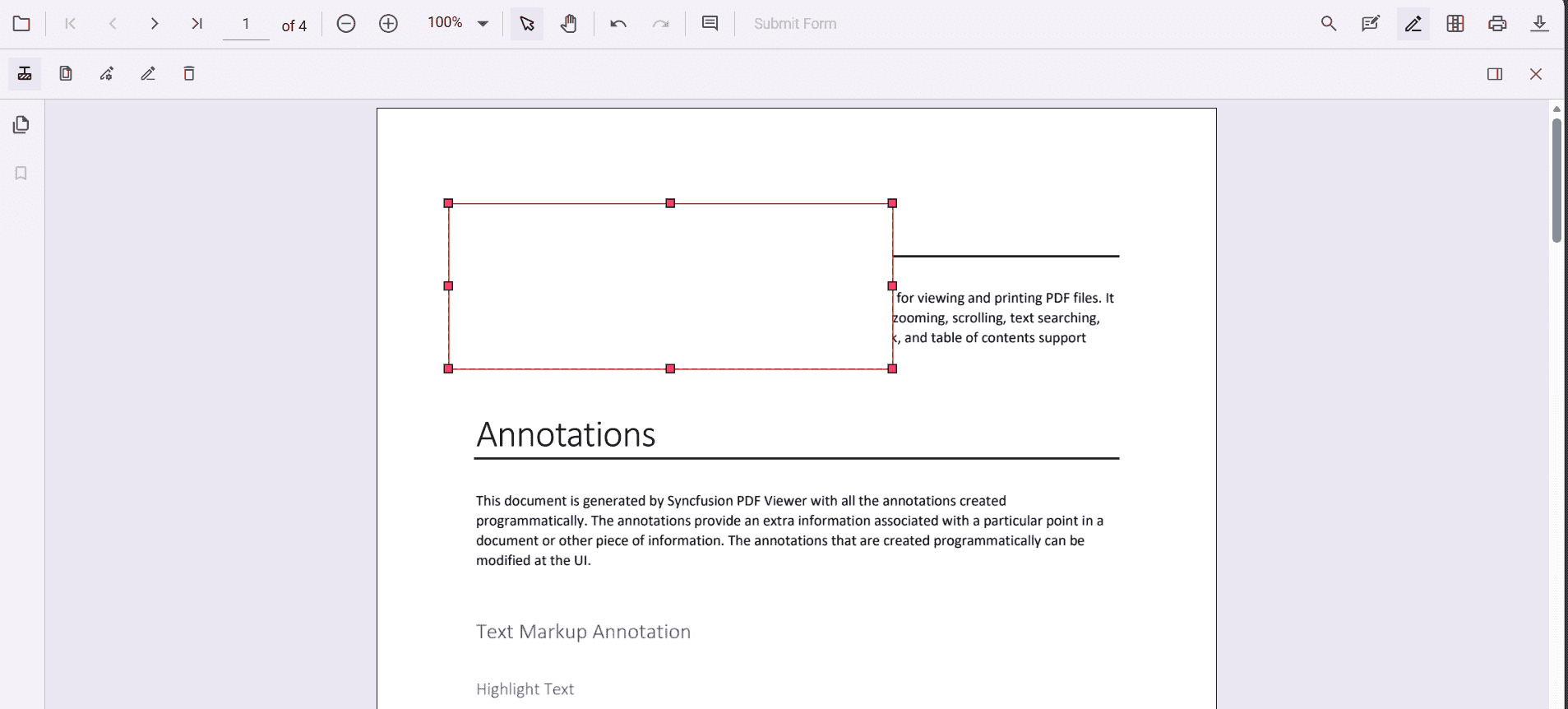
Redaction annotations are interactive:
-
Movable
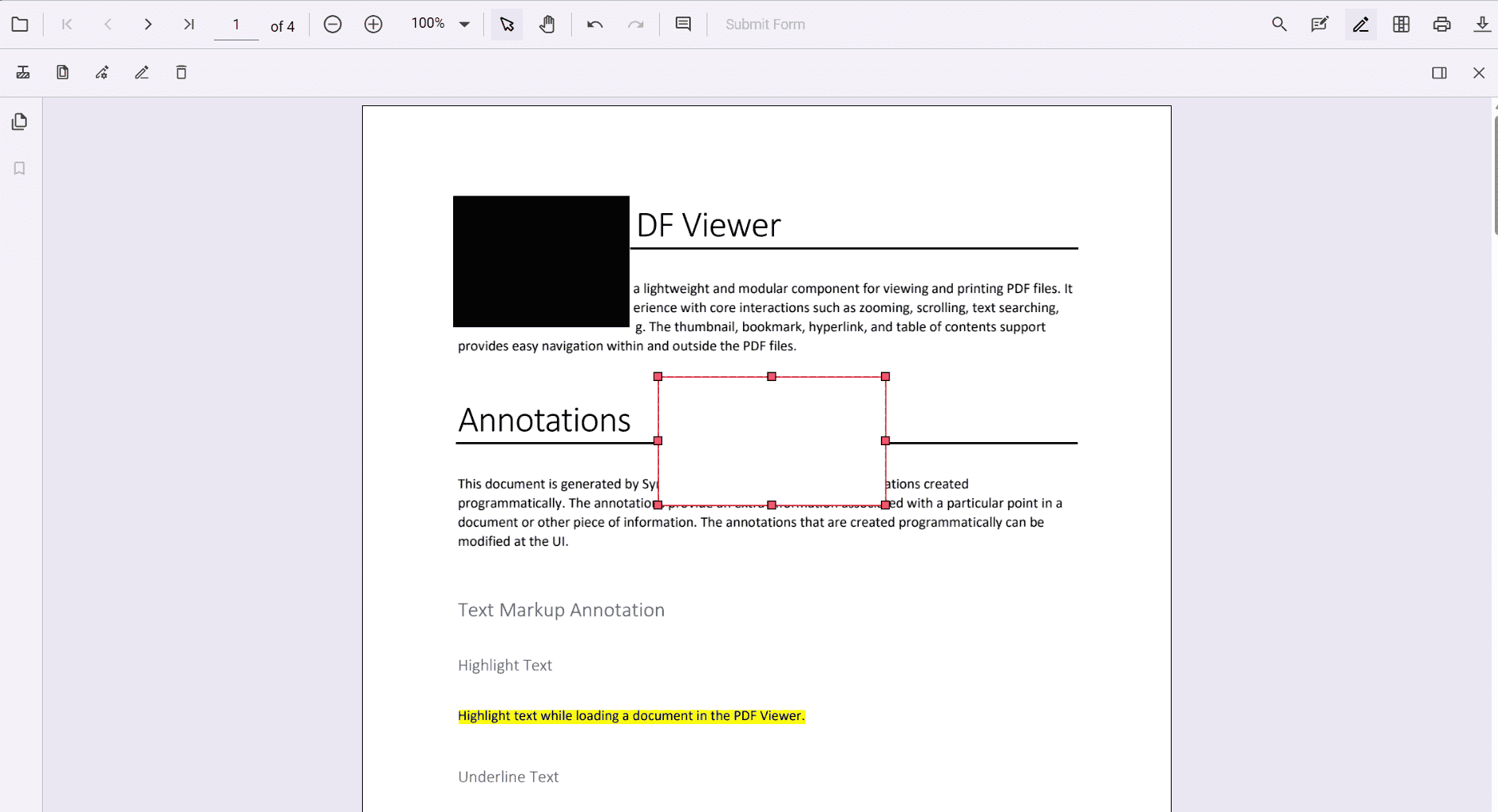
-
Resizable
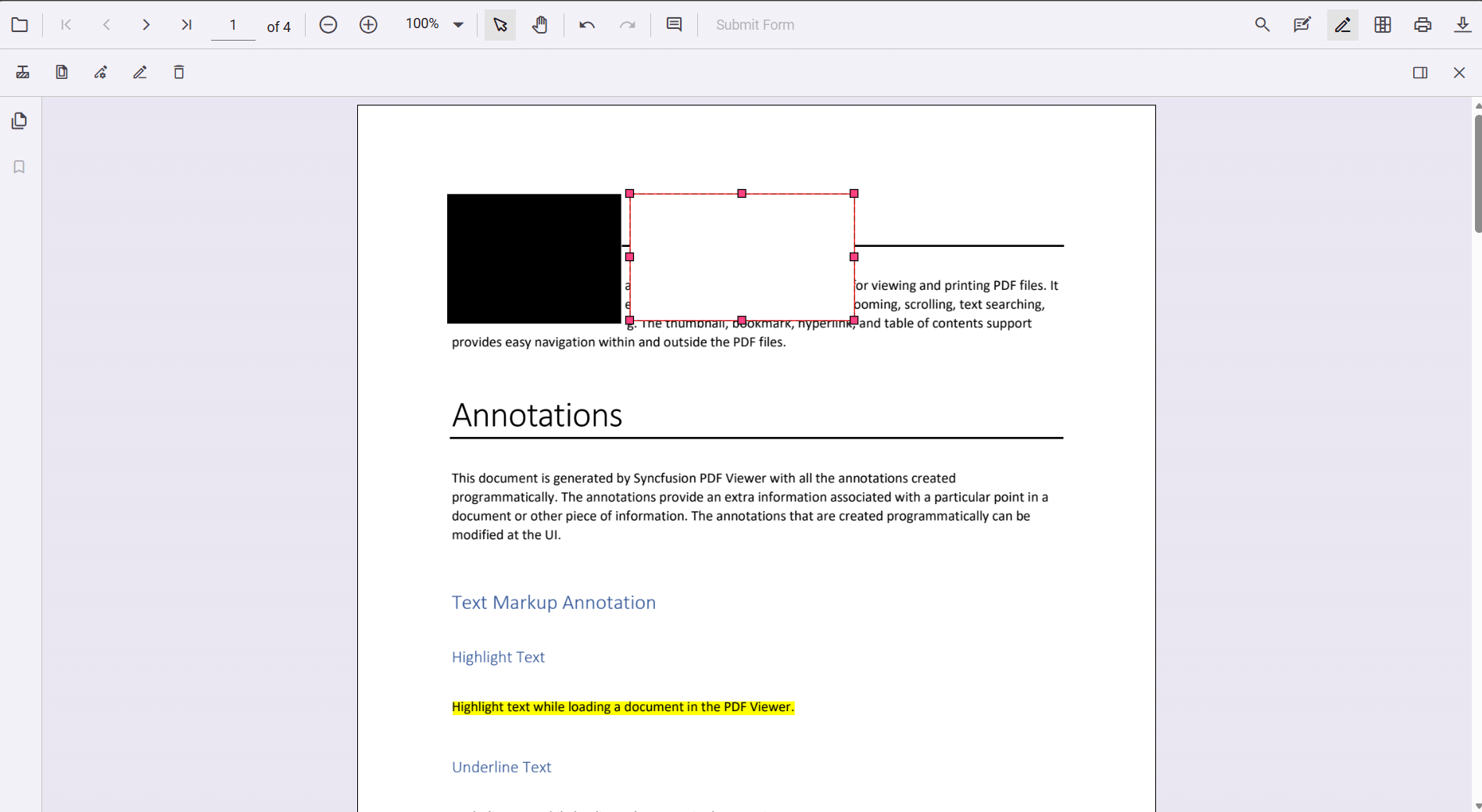
You can also add redaction annotations from the context menu by selecting content and choosing Redact Annotation.
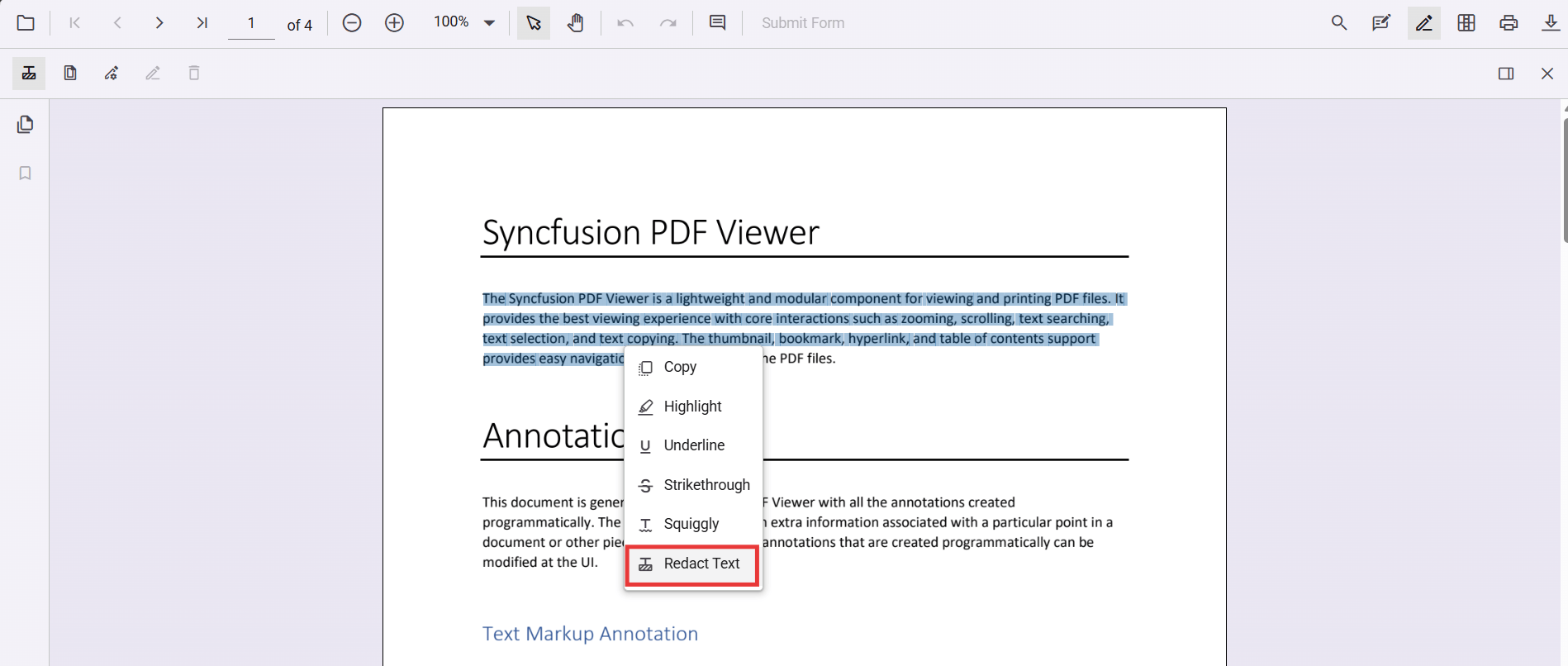
Ensure the Redaction tool is included in the toolbar. See RedactionToolbar for configuration.
Add redaction annotations programmatically (React)
import * as React from 'react';
import * as ReactDOM from 'react-dom/client';
import { PdfViewerComponent, Inject, Toolbar, Annotation } from '@syncfusion/ej2-react-pdfviewer';

function getViewer(){ return document.getElementById('container').ej2_instances[0]; }

function addRedactionProgrammatically(){
  const viewer=getViewer();
  viewer.annotation.addAnnotation('Redaction',{
    bound:{x:200,y:480,width:150,height:75},
    pageNumber:1,
    markerFillColor:'#000',
    markerBorderColor:'#fff',
    fillColor:'#000',
    overlayText:'Confidential',
    fontColor:'#fff', fontFamily:'Times New Roman', fontSize:10,
    beforeRedactionsApplied:false
  });
}

function App(){
  return(<>
    <button onClick={addRedactionProgrammatically}>Add Redaction</button>
    <PdfViewerComponent id="container" style={{height:'650px'}} documentPath="https://cdn.syncfusion.com/content/pdf/pdf-succinctly.pdf" resourceUrl="https://cdn.syncfusion.com/ej2/31.2.2/dist/ej2-pdfviewer-lib">
      <Inject services={[Toolbar,Annotation]}/>
    </PdfViewerComponent>
  </>);
}

ReactDOM.createRoot(document.getElementById('sample')).render(<App/>);
Track additions using the annotationAdd event (wired above as a component prop).
Edit Redaction Annotations
Edit redaction annotations in UI
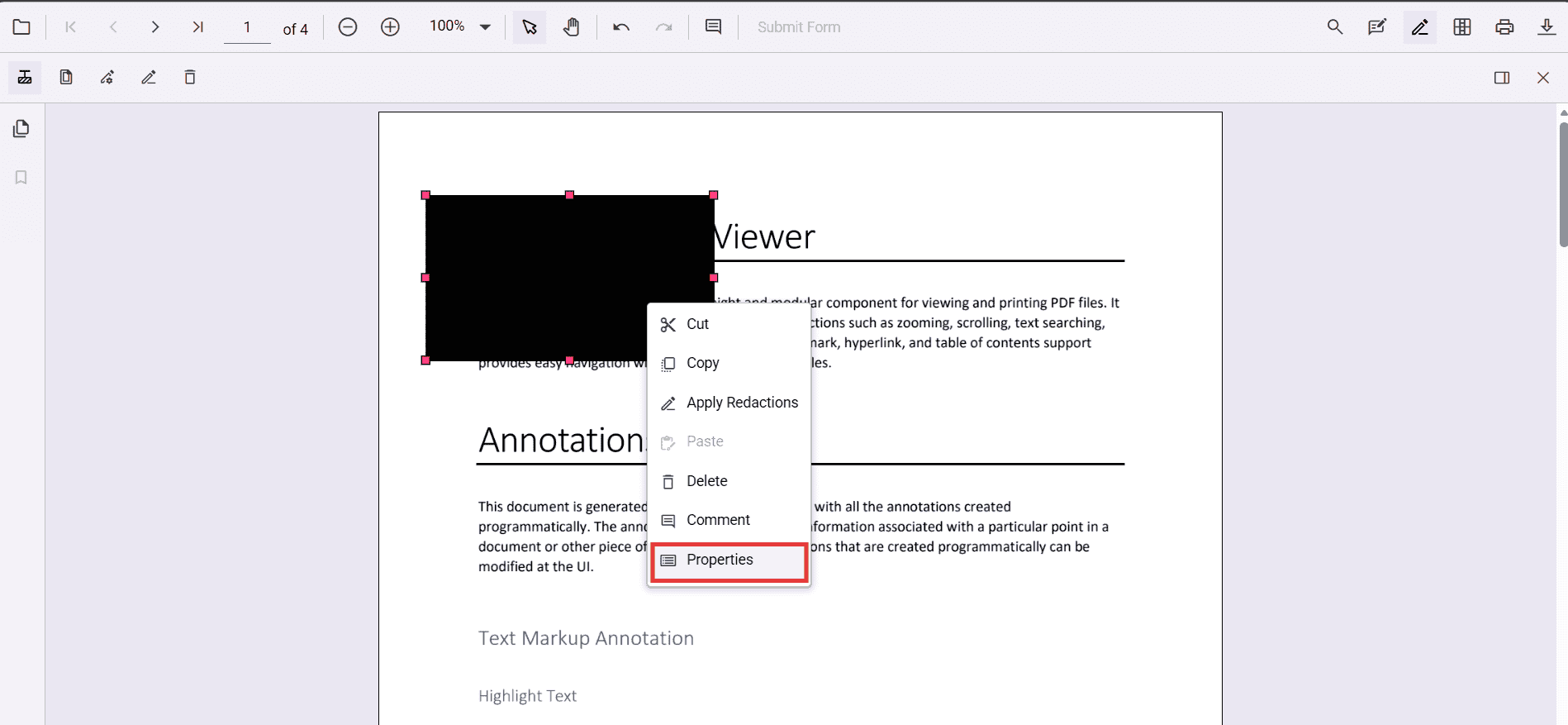
Use the viewer to select, move, and resize Redaction annotations. Use the context menu for additional actions.
Edit the properties of redaction annotations in UI
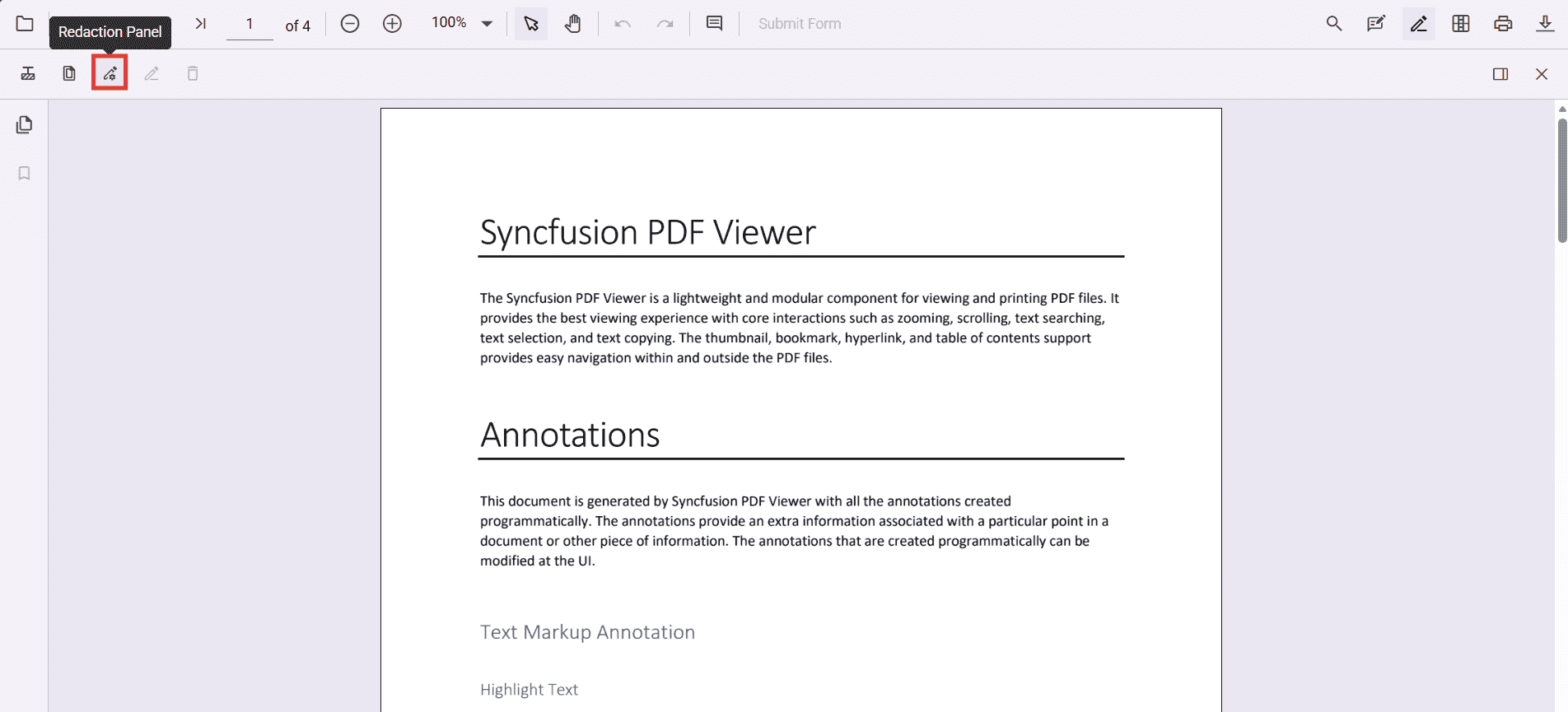
Use the property panel or context menu → Properties to change overlay text, font, fill color, and more.
Edit redaction annotations programmatically (React)
function editFirstRedaction(){
  const v=getViewer();
  const ann=v.annotationCollection||[];
  for(const a of ann){
    if(a.subject==='Redaction'){
      a.overlayText='EditedAnnotation';
      a.markerFillColor='#222';
      a.fontColor='#ff0';
      v.annotation.editAnnotation(a);
      break;
    }
  }
}
This mirrors the TS logic using the React component ref to access the annotation APIs.
Delete redaction annotations
Delete in UI
-
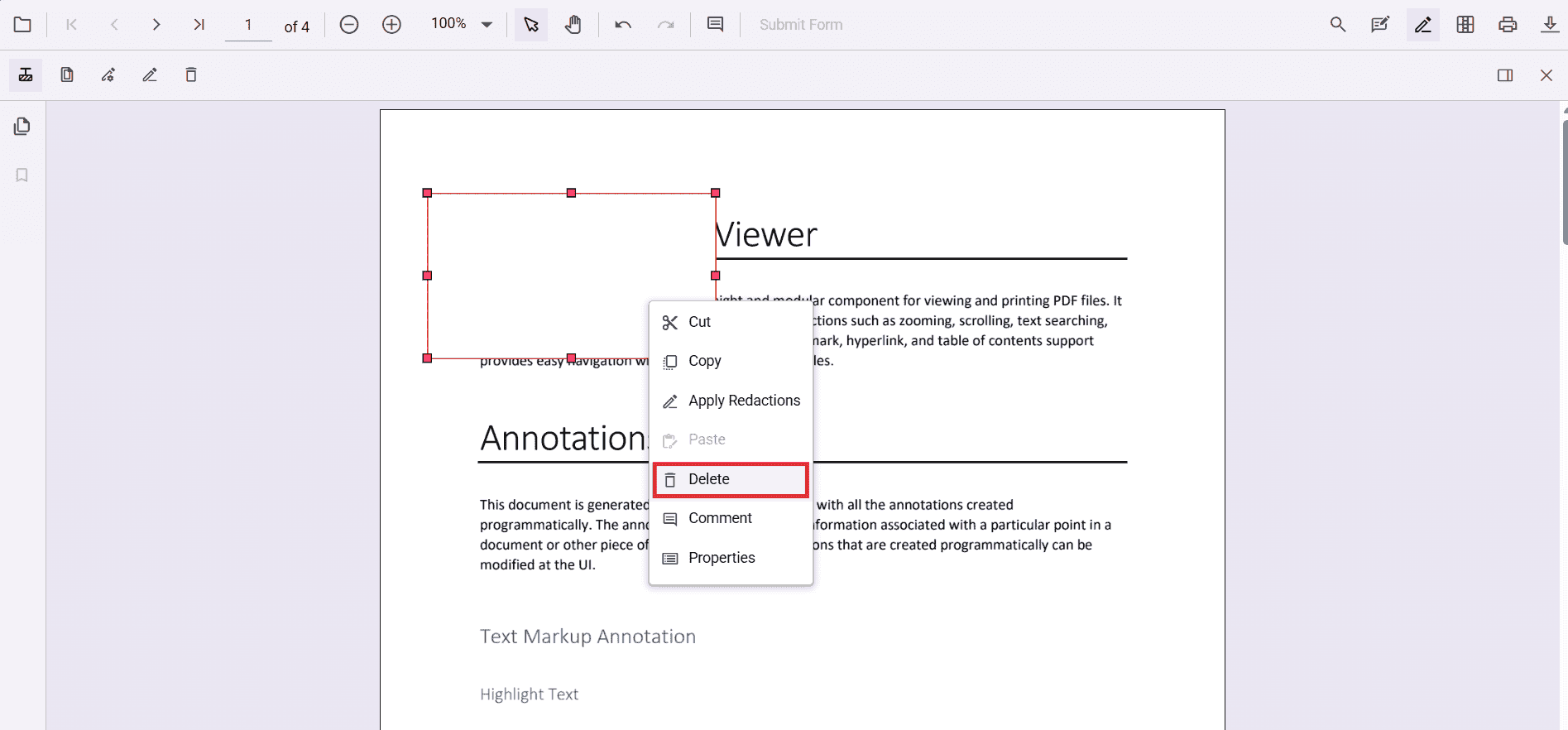
Right‑click → Delete
- Use the Delete button in the toolbar
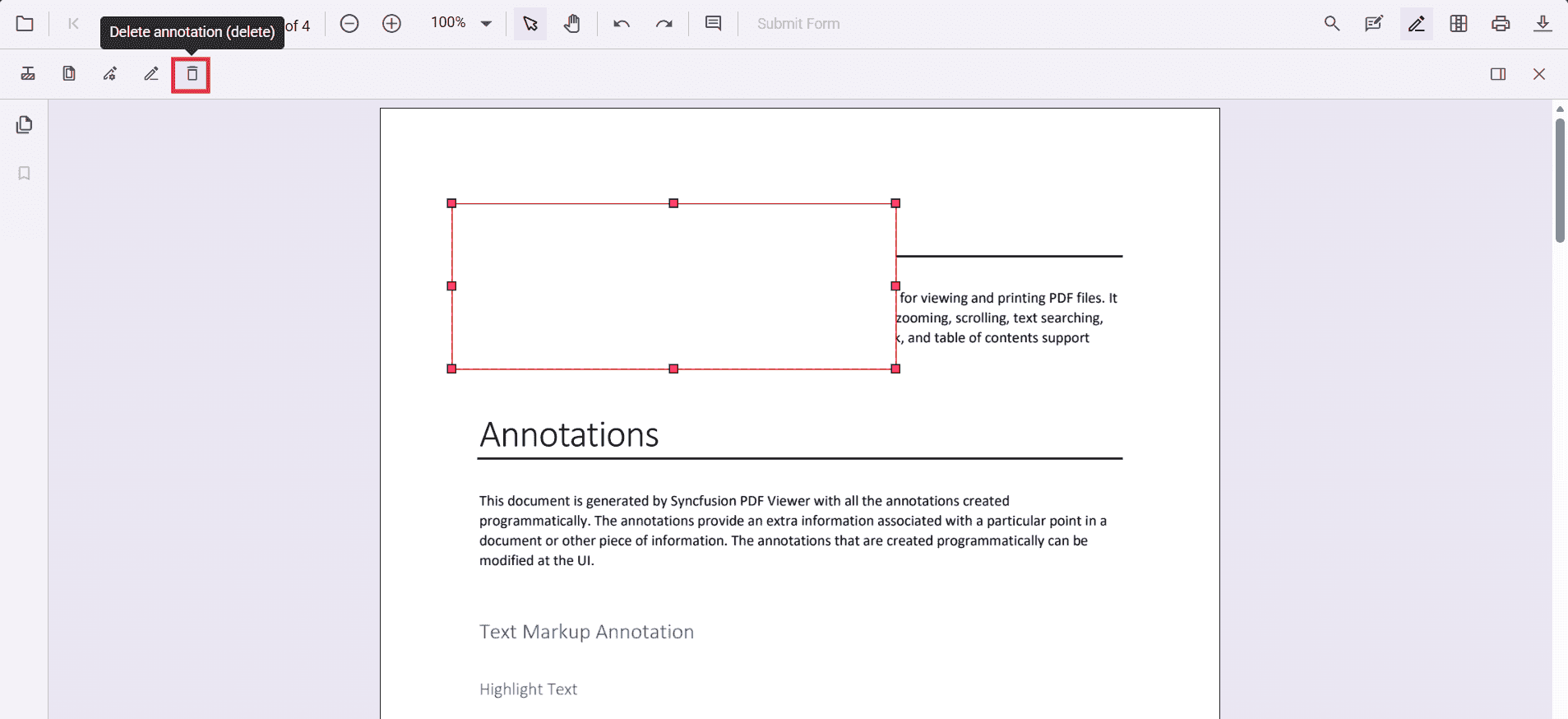
- Press Delete key
Delete programmatically (React)
function deleteFirstRedaction(){
  const v=getViewer();
  const first=(v.annotationCollection||[]).find(a=>a.subject==='Redaction');
  if(first) v.annotationModule.deleteAnnotationById(first.annotationId);
}
This uses annotationModule.deleteAnnotationById with a known annotation id.
Redact pages
Redact pages in UI
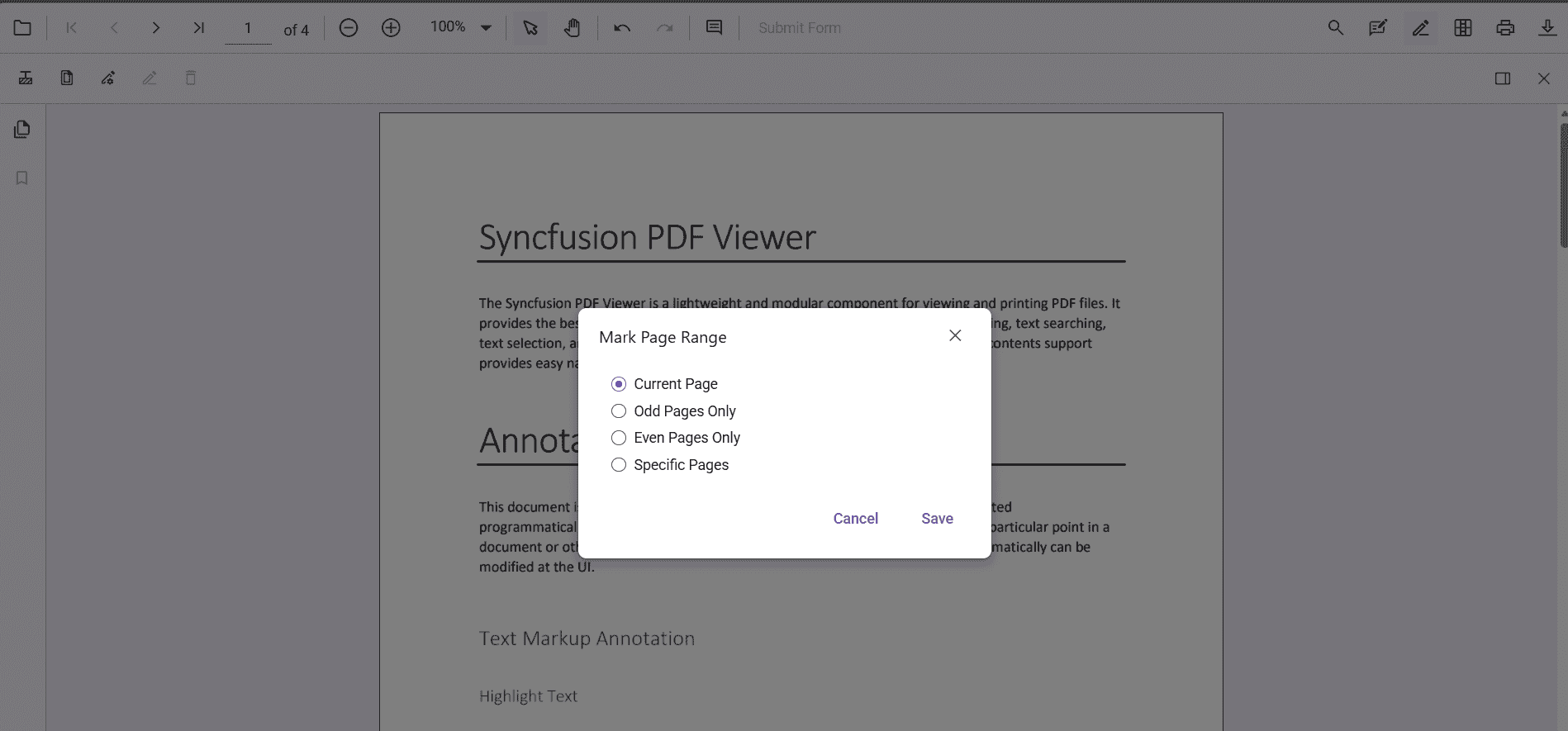
Use the Redact Pages dialog to mark entire pages with options like Current Page, Odd Pages Only, Even Pages Only, and Specific Pages.
Add page redactions programmatically (React)
function addPageRedactions(){
  getViewer().annotation.addPageRedactions([1,3,5]);
}
Programmatically adds redaction marks to the given page numbers.
Apply redaction
Apply redaction in UI
Click Apply Redaction to permanently remove marked content.
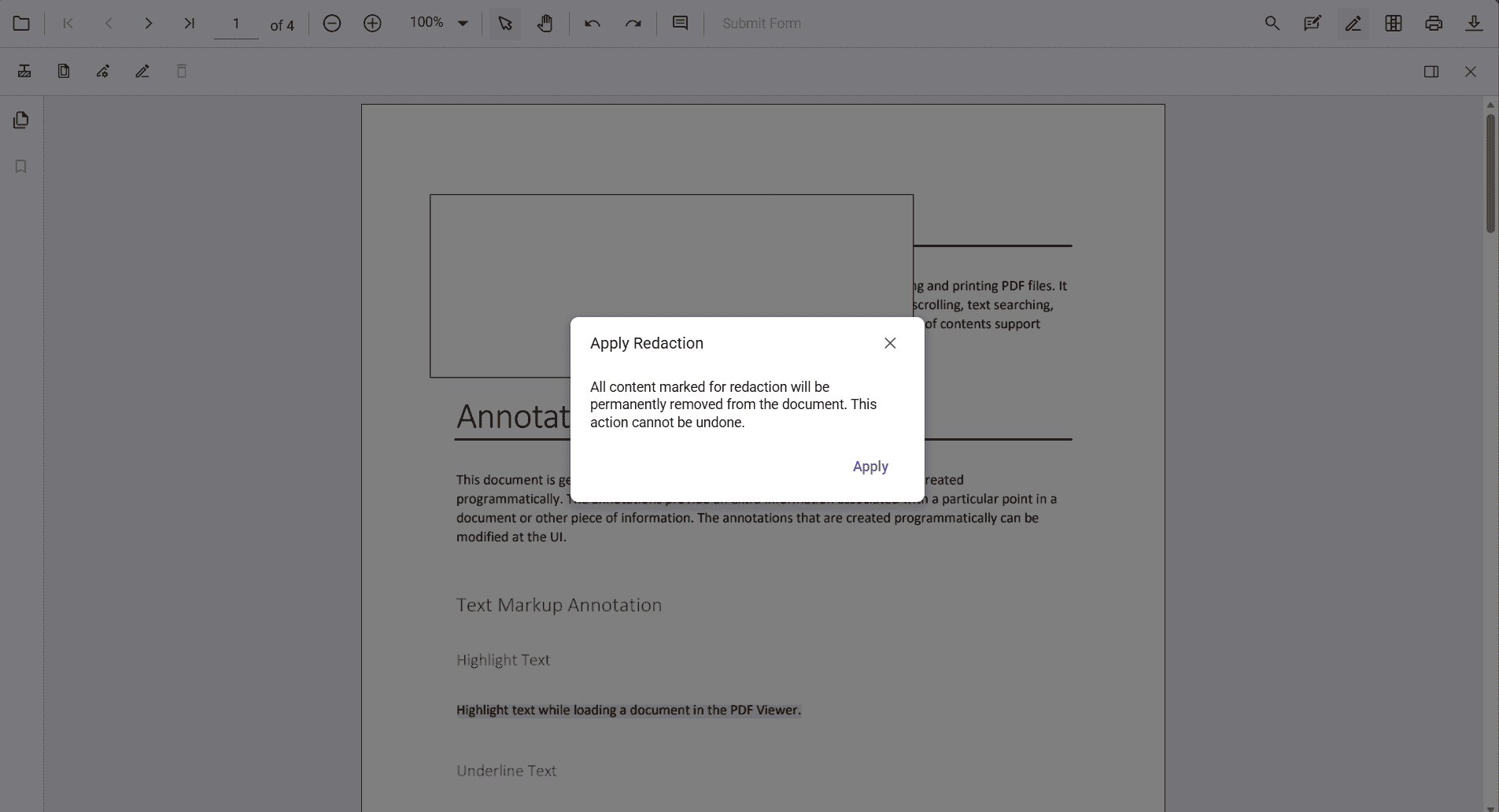
Redaction is permanent and cannot be undone.
Apply redaction programmatically (React)
function applyRedaction(){ getViewer().annotation.redact(); }Applying redaction is irreversible.
Default redaction settings during initialization
Configure defaults with the redactionSettings component prop:
<PdfViewerComponent redactionSettings={{overlayText:'Confidential',markerFillColor:'#000'}} />