Page Thumbnail in .NET MAUI PDF Viewer
21 Sep 20261 minute to read
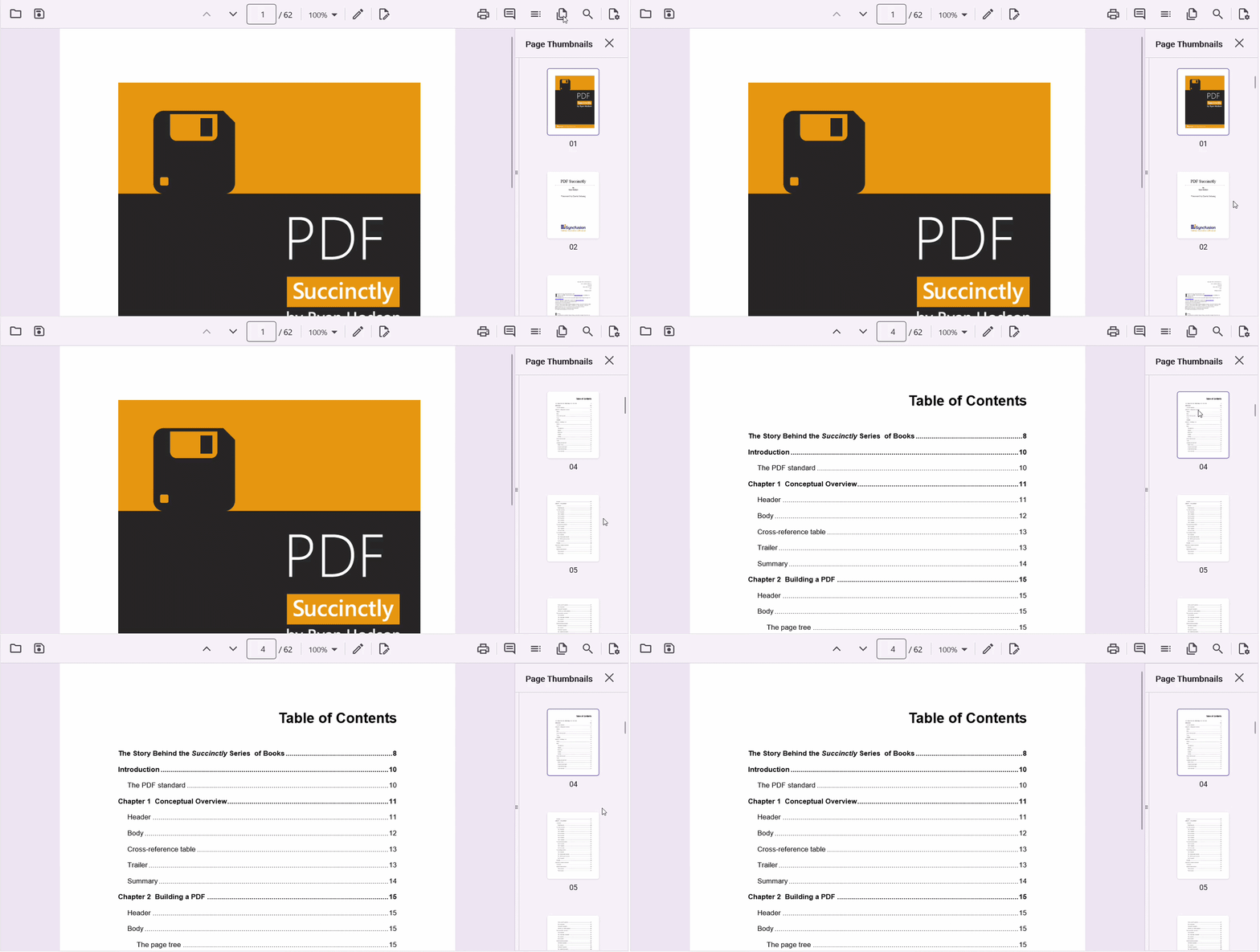
The page thumbnail view in the .NET MAUI PDF Viewer displays preview images of PDF pages, allowing users to quickly identify and navigate to a specific page. The thumbnail corresponding to the currently displayed page is automatically highlighted, making navigation easier in large documents.
Show or Hide the Thumbnail View
The built-in thumbnail view can be displayed by setting the IsThumbnailViewVisible property to true. By default, the thumbnail view is hidden.
Note: The thumbnail view is available after a PDF document is loaded.
<pdfViewer:SfPdfViewer
    x:Name="pdfViewer"
IsThumbnailViewVisible="True" />pdfViewer.IsThumbnailViewVisible = true;To hide the thumbnail view programmatically:
pdfViewer.IsThumbnailViewVisible = false;Users can also close the thumbnail pane using the built-in close button.
Navigate Using Thumbnails
Selecting a thumbnail automatically navigates to the corresponding page in the PDF document.
The thumbnail view provides the following behaviors:
- Displays preview images for all pages in the document.
- Highlights the thumbnail of the currently visible page.
- Automatically updates the highlighted thumbnail during page navigation.
- Scrolls the thumbnail list to keep the selected page thumbnail in view.
Platform Behavior
The page thumbnail view adapts its presentation based on the device form factor:
- On desktop and tablet devices, a thumbnail pane is displayed alongside the PDF document.
- On mobile devices, thumbnails are shown in a touch-friendly layout optimized for smaller screens.
Demo