Load password-protected PDFs in Blazor PDF Viewer
14 Aug 20262 minutes to read
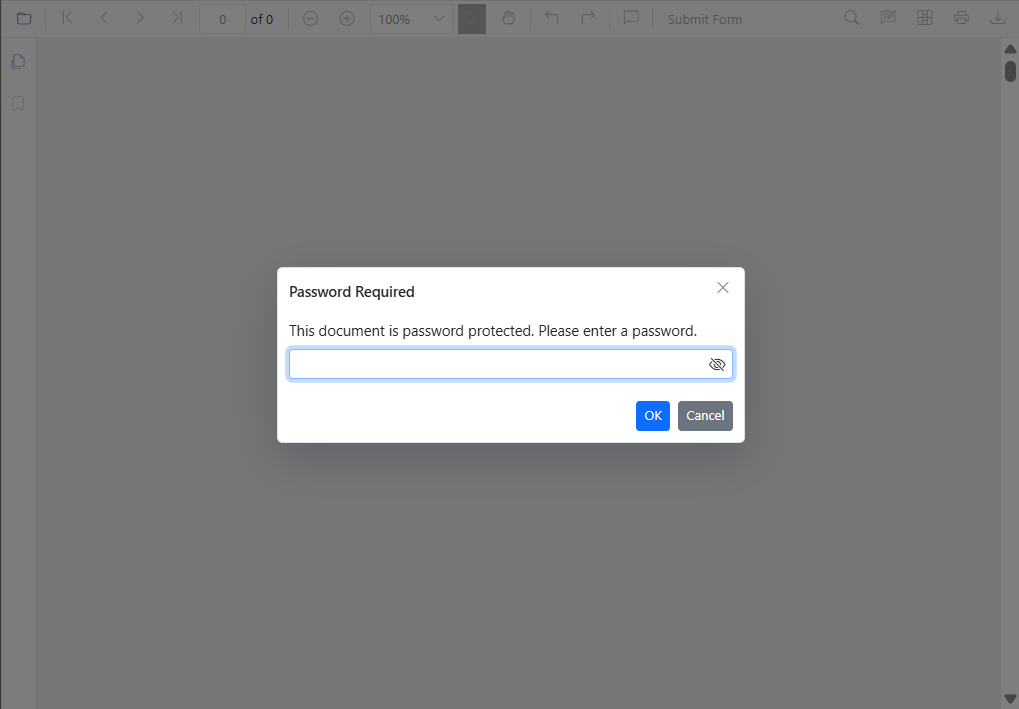
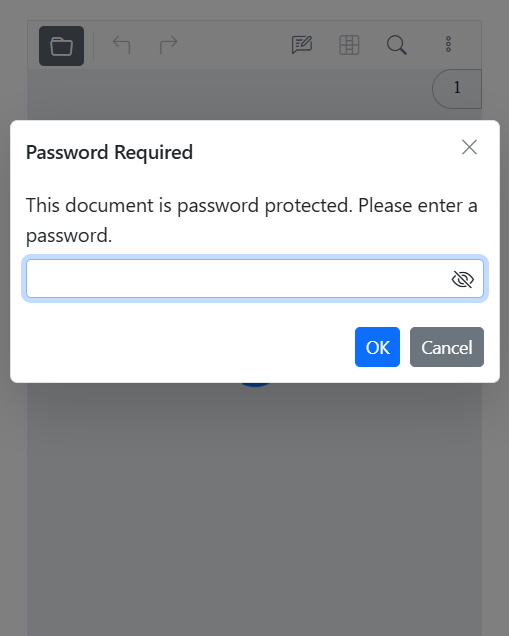
Some PDFs require a password to open. When a protected document is loaded, the viewer displays a password prompt automatically.
Desktop password prompt:
Mobile password prompt:
The viewer handles the prompt as follows:
- If the correct password is provided, the document loads and becomes viewable according to the document’s permissions.
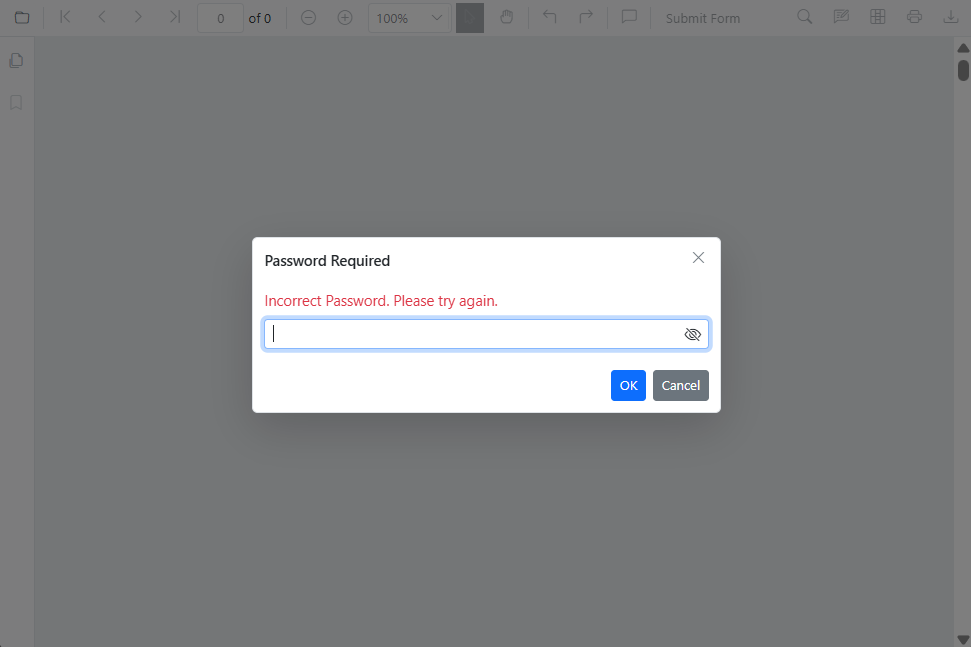
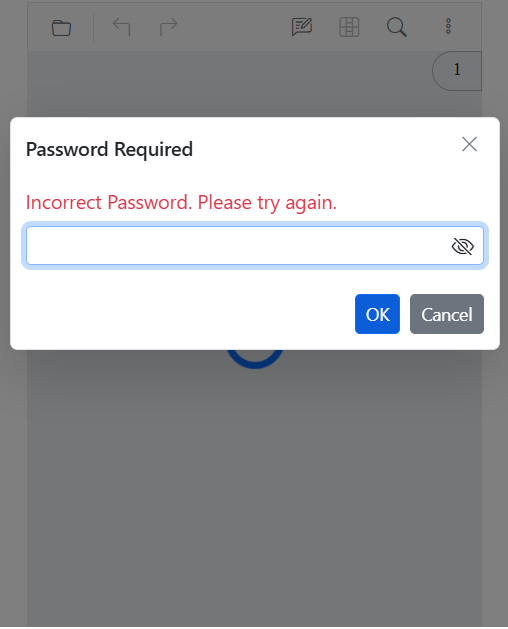
- If the password is incorrect, the viewer shows an error and continues to prompt until a valid password is entered or the operation is canceled.
Invalid password error in desktop:
Invalid password error in mobile:
- If the operation is canceled, the document is not loaded.
Detect load errors
Handle incorrect-password events through the DocumentLoadFailed event to surface custom error messages.
Supported permissions
When the document loads successfully, the viewer respects the permissions embedded in the PDF. Common restrictions include:
- Printing allowed or disallowed
- Content copying
- Page editing
- Commenting and annotations
The viewer cannot bypass or elevate document permissions. For the full list of owner-controlled permissions, see Permission-protected documents.
Load the password-protected document programmatically
Use the LoadAsync method to load a PDF from a file path, URL, or base64 data at runtime. The two supported overloads are:
-
LoadAsync(byte[] bytes, string password = null)— pass the PDF as a byte array -
LoadAsync(string document, string password = null)— pass a URL or server-relative path
The password parameter is consumed for the current load operation only and is not cached across re-renders. If the document is reloaded, supply the password again.
@page "/password-protected"
@using Syncfusion.Blazor.SfPdfViewer
@using Syncfusion.Blazor.Buttons

<SfButton @onclick="Clicked">Load Document</SfButton>
<SfPdfViewer2 Height="100%" Width="100%" @ref="Viewer">
</SfPdfViewer2>

@code {
    private SfPdfViewer2? Viewer;

    private async Task Clicked()
    {
        if (Viewer is null)
        {
            return;
        }

        await Viewer.LoadAsync("wwwroot/pdf-succinctly-password-protected.pdf", "password");
    }
}
The sample uses a
wwwroot/path, which is appropriate for Blazor WebAssembly. For Blazor Server, load the file from a server-accessible location (for example, pass a byte array returned from an API) and use thebyte[]overload.
Outcomes
| Password state | Result |
|---|---|
| Correct | The PDF loads immediately |
| Incorrect | The viewer displays the incorrect password popup |
| Null or empty | The password popup is shown automatically |