Download in ASP.NET MVC PDF Viewer
14 Aug 20261 minute to read
The PDF Viewer supports downloading the loaded PDF file. You can enable or disable the download using the following example.
<div id="e-pv-e-sign-pdfViewer-div">
    @Html.EJS().PdfViewer("pdfviewer").ResourceUrl("https://cdn.syncfusion.com/ej2/31.2.2/dist/ej2-pdfviewer-lib").DocumentPath("https://cdn.syncfusion.com/content/pdf/pdf-succinctly.pdf").EnableDownload(true).Render()
</div>
<div id="e-pv-e-sign-pdfViewer-div">
@Html.EJS().PdfViewer("pdfviewer").ServiceUrl(VirtualPathUtility.ToAbsolute("~/PdfViewer/")).DocumentPath("https://cdn.syncfusion.com/content/pdf/pdf-succinctly.pdf").EnableDownload(true).Render()
</div>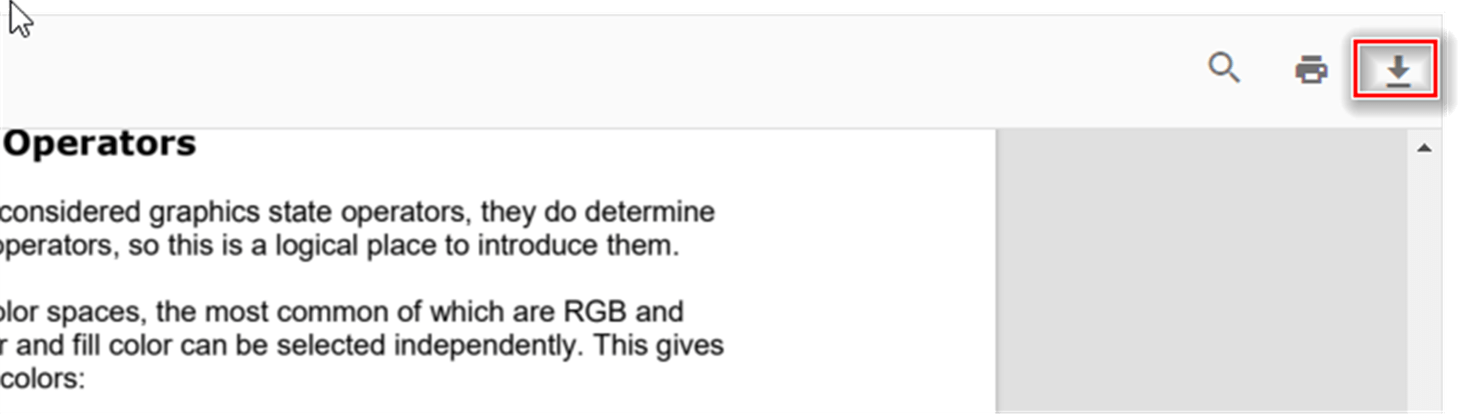
You can also programmatically invoke the download action using the download() method, as shown below:
```html
<div style="width:100%;height:600px">
    @Html.EJS().PdfViewer("pdfviewer").DocumentLoad("download").EnableDownload(true).DocumentPath("https://cdn.syncfusion.com/content/pdf/hive-succinctly.pdf").Render()
</div>

<script>
    function download() {
        var pdfViewer = document.getElementById('pdfviewer').ej2_instances[0];
        pdfViewer.download();
    }
</script>
```
```html
<div style="width:100%;height:600px">
@Html.EJS().PdfViewer("pdfviewer").DocumentLoad("download").ServiceUrl(VirtualPathUtility.ToAbsolute("~/api/PdfViewer/")).EnableDownload(true).DocumentPath("https://cdn.syncfusion.com/content/pdf/hive-succinctly.pdf").Render()
</div>
<script>
function download() {
var pdfViewer = document.getElementById('pdfviewer').ej2_instances[0];
pdfViewer.download();
}
</script>
```Get the base64 string while downloading the PDF document
You can use the downloadEnd event of the PDF Viewer to retrieve the downloaded document as a base64 string.