Rulers in WPF Diagram
The Ruler provides horizontal and vertical guides for measuring in the WPF Diagram control. The Ruler can be used to measure diagram objects, indicate positions, and align Diagram elements. This is especially useful in creating scale models. You can set the unit of measure, such as centimeters or inches. The default Unit of measure is pixels. The ruler also includes a Position Indicator that displays the precise location of the mouse cursor on the diagram canvas, and the default color of the position indicator marker is black.
By default, rulers are not displayed in the diagram. To display rulers, assign
Rulerinstances to theHorizontalRulerandVerticalRulerproperties of theSfDiagram.
Please refer to the sample from Dashboard->Desktop->WPF->Diagram->GettingStarted->Rulers and Units.
Define Rulers
<syncfusion:SfDiagram x:Name="diagram">
    <syncfusion:SfDiagram.HorizontalRuler>
        <syncfusion:Ruler/>
    </syncfusion:SfDiagram.HorizontalRuler>
    <syncfusion:SfDiagram.VerticalRuler>
        <syncfusion:Ruler Orientation="Vertical"/>
    </syncfusion:SfDiagram.VerticalRuler>
</syncfusion:SfDiagram>diagram.HorizontalRuler = new Ruler();
diagram.VerticalRuler = new Ruler() { Orientation = Orientation.Vertical };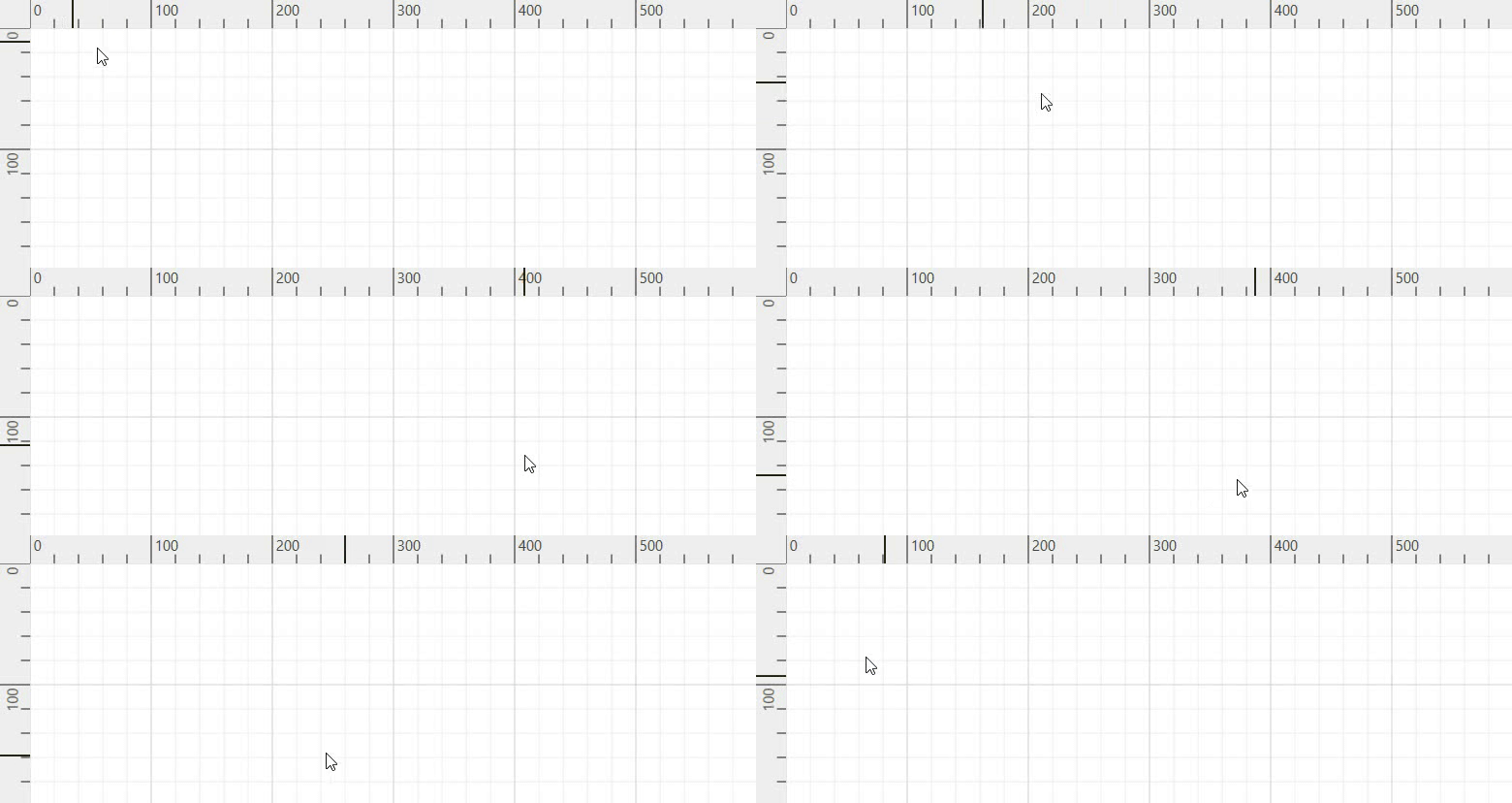
Customizing the Ruler
Customizing Measurement Units
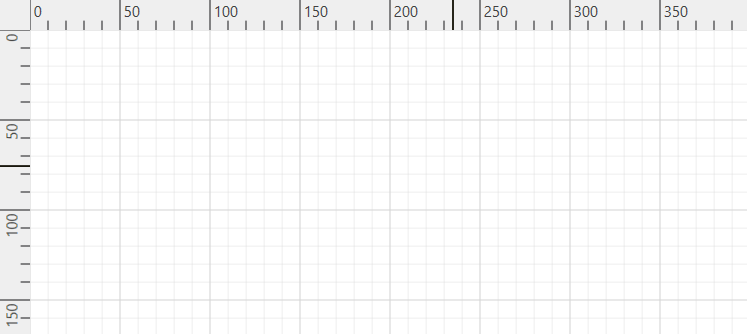
By default, ruler segments are arranged based on the MeasurementUnit. See the available LengthUnits for Ruler.
Segment width, the textual description of the ruler segment, and the appearance of the ruler ticks can be customized.
Customizing Position Indicator Marker Brush Color
You can change the color of the ruler’s position indicator marker y desired color by using MarkerBrush property of the Ruler class.
<syncfusion:SfDiagram x:Name="diagram">
    <syncfusion:SfDiagram.HorizontalRuler>
        <syncfusion:Ruler MarkerBrush="Red"/>
    </syncfusion:SfDiagram.HorizontalRuler>
    <syncfusion:SfDiagram.VerticalRuler>
        <syncfusion:Ruler Orientation="Vertical" MarkerBrush="Green"/>
    </syncfusion:SfDiagram.VerticalRuler>
</syncfusion:SfDiagram>diagram.HorizontalRuler = new Ruler() { MarkerBrush = Brushes.Red };
diagram.VerticalRuler = new Ruler() { Orientation = Orientation.Vertical, MarkerBrush = Brushes.Green };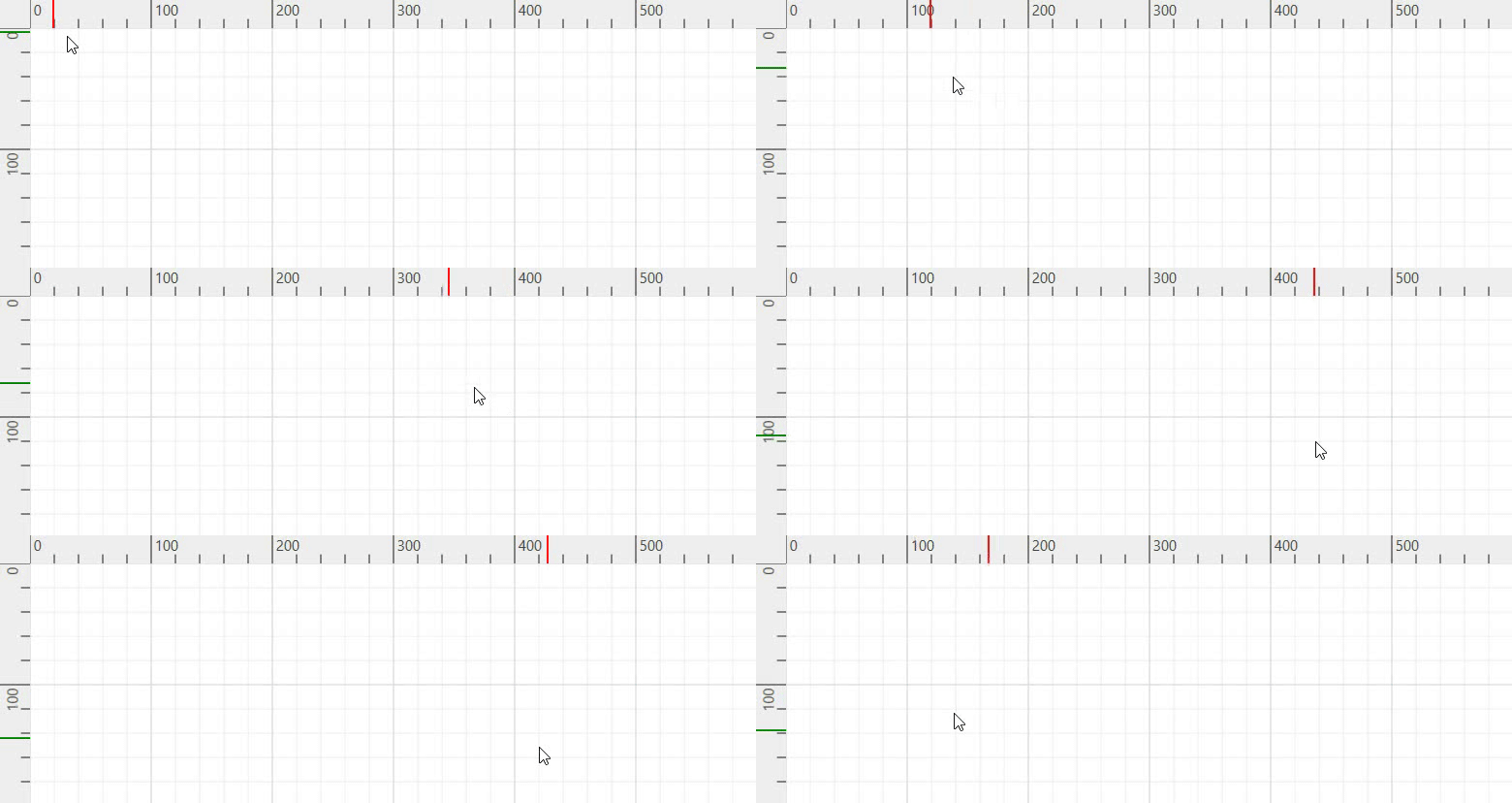
Please refer to the sample to Customize the Ruler.
See Also
How to customize the ruler units?
How to round off the ruler’s value if it displays a decimal value in the WPF Diagram ?