How to Generate Syncfusion License Key
18 Nov 20183 minutes to read
Generating a Single License Key
License keys can be generated from the License & Downloads or Trial & Downloads section from your Syncfusion® account.
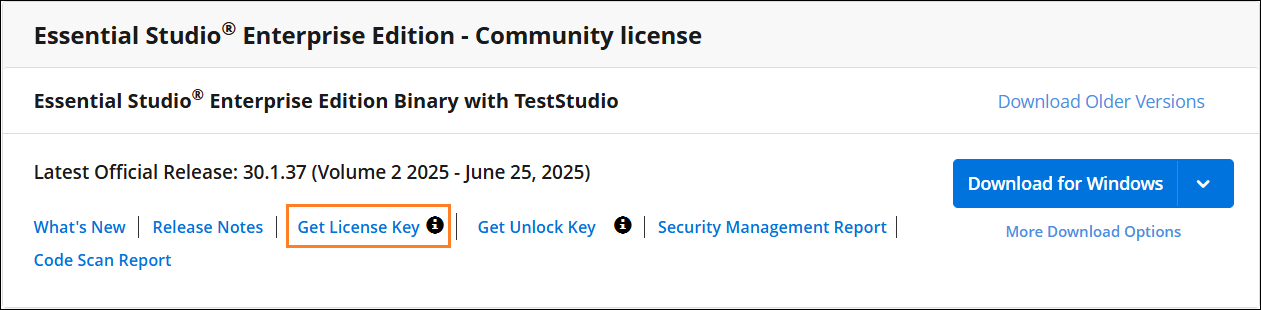
- Syncfusion® license keys are version‑specific and edition‑specific. Refer to the KB for guidance on generating the license key for the required version and platform/edition.
- Starting from v34.1.29 (2026 Volume 2 release), Syncfusion® introduced Standalone UI SDKs offering individual component packages, including:
- Essential Studio Grid SDK
- Essential Studio Chart SDK
- Essential Studio Scheduler SDK
- Essential Studio Gantt SDK
- Essential Studio Rich Text Editor SDK
- Essential Studio Diagram SDK
- Essential Studio File Manager SDK
- Starting from v31.1.17 (2025 Volume 3 release), Syncfusion® introduced a new licensing model where license keys are generated per product rather than per platform, and the editions include:
- Essential Studio UI Edition
- Essential Studio Document SDK
- Essential Studio PDF Viewer SDK
- Essential Studio DOCX Editor SDK
- Essential Studio Spreadsheet Editor SDK
- Essential Studio Enterprise Edition (includes all the above)
- Previously (before v31.x), Syncfusion® generated license keys per platform (e.g., ASP.NET Core, Blazor, Windows, etc.). In other words, pre-v31 keys were version + platform, while v31+ keys are version + edition.
- Refer to the KB to know which version of the Syncfusion® license key should be used in your application.
Multiple License Keys Generation
In v31.1.17 or later, if you have purchased multiple editions or SDKs separately and are using them in a single application, you must generate and use multiple license keys.
When this is required
This applies when your application uses components from more than one edition or SDK, such as:
- UI Edition and PDF Viewer SDK
- Document Editor SDK and UI components
How to Generate Multiple License Keys
You must generate license keys individually for each purchased edition or SDK.
- Repeat the license generation steps for each edition
- Each selection generates a separate license key
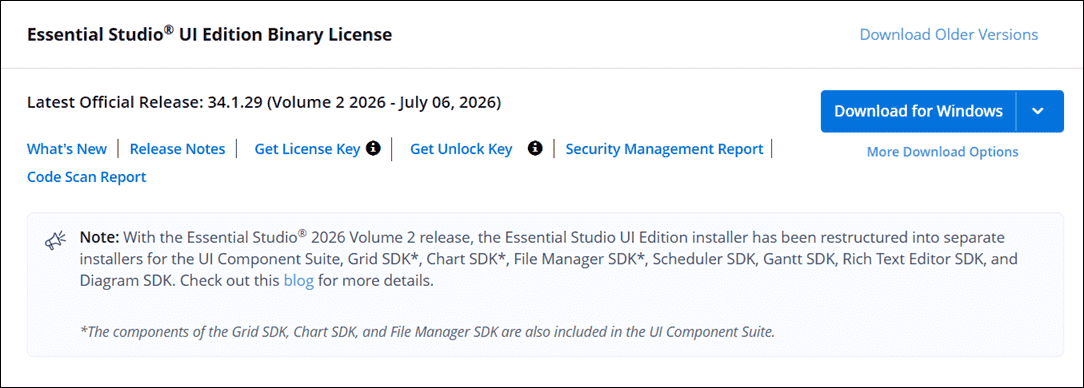
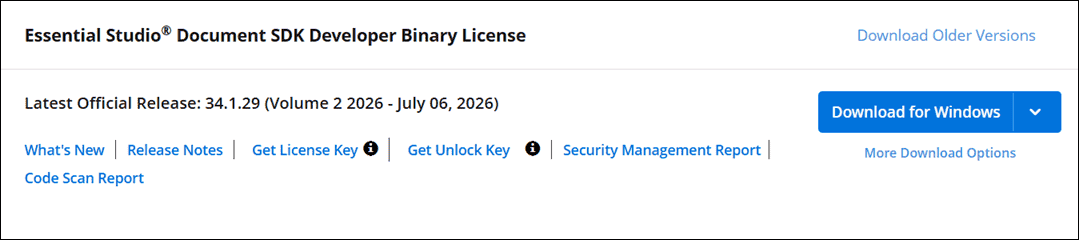
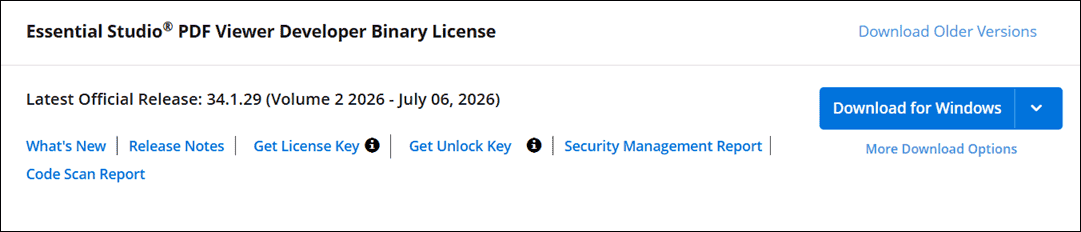
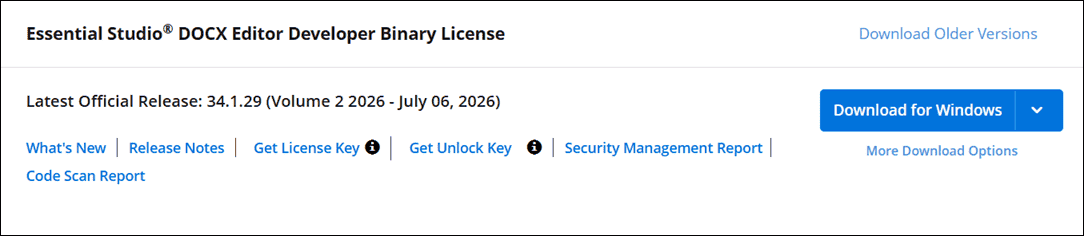

Example:
1. UI Edition → UI_LICENSE_KEY
2. PDF Viewer SDK → PDF_VIEWER_SDK_KEY
Claim License key
Syncfusion® License keys can also be generated from the “Claim License Key” page based on the trial or valid license associated with your Syncfusion® account.
You can get the license key, based on license availability in your Syncfusion® account.
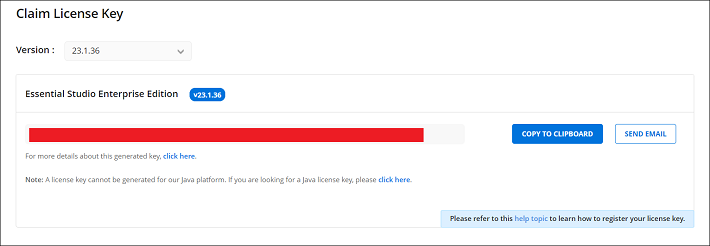
Active License
If you have a Syncfusion® account associated with valid license, license key will be generated from claim license key page.
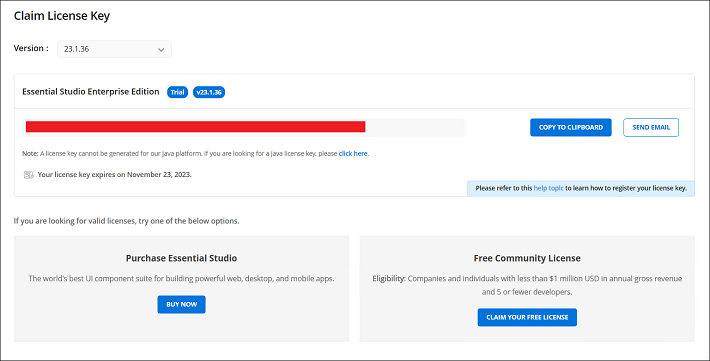
Active Trial
If you have a Syncfusion® account associated with valid trial license, license key will be generated from claim license key page with expiry date.
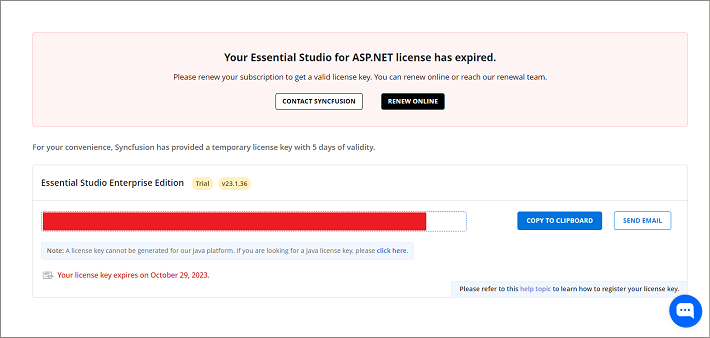
Expired License
If you have a Syncfusion® account with an expired license, your license subscription must be renewed in order to obtain a valid license key for the latest Essential® Studio® version. Meanwhile, a temporary license key with a 5-day validity period will be generated.
No Trial or No License or Expired trial
Personal Email Users:
Start a trial via the ‘Start Your Trial’ after registering a work email.
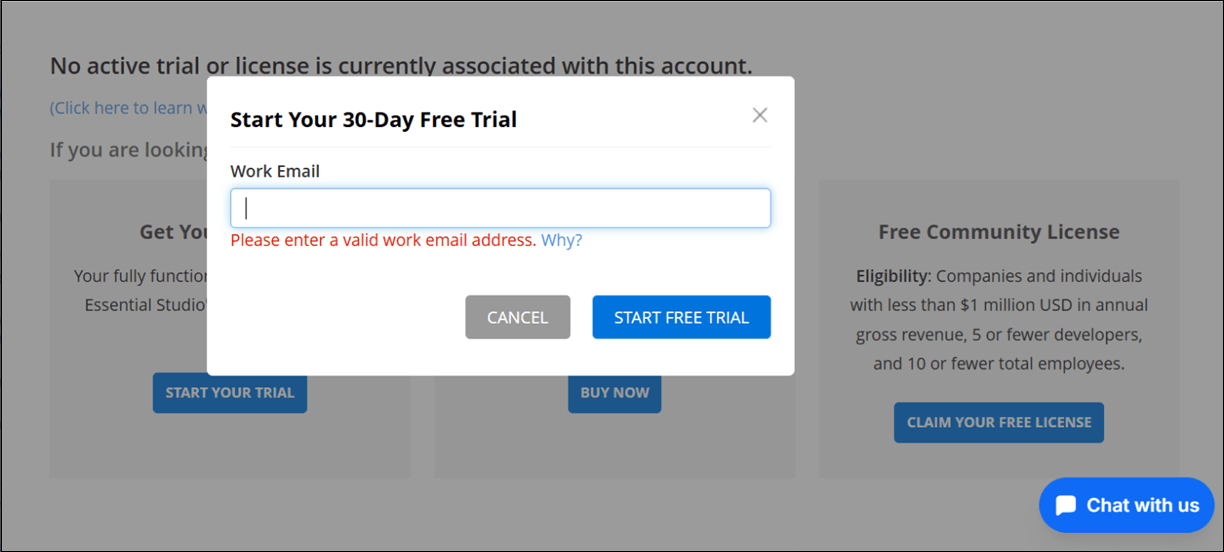
Corporate Email Users:
A trial automatically starts with a work email, and a key is issued.
Refer to the Usage and Features of Syncfusion Claim License Key Page section for detailed instructions on claim license key process.