Download Syncfusion Enterprise Edition Installer
18 Nov 20181 minute to read
-
Syncfusion® provides the Essential Studio® Enterprise Edition installer to licensed customers. To download the installer, you must have a valid Syncfusion® account with an active Enterprise license. An active internet connection is also required to authenticate and access the download page.
-
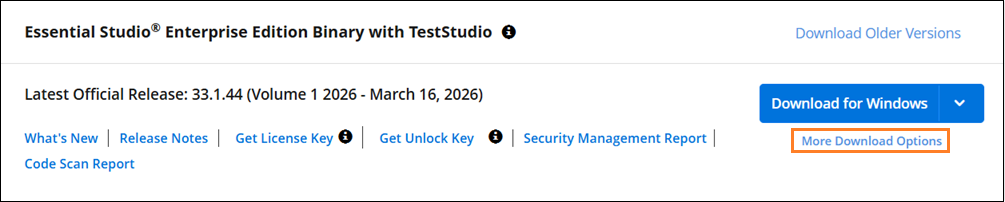
You can get the most recent version of Essential Studio® Installer here.
-
Click the More Download Options button (shown in the screenshot above) to open the additional downloads page, then select Offline Installer (ZIP) to download the Essential Studio® Enterprise Edition installer, which is provided in ZIP format. After the ZIP download completes, extract it to a local folder before running the installer. The extracted folder will contain the
syncfusionessentialstudiosetup_{version}.exeused in the installation steps.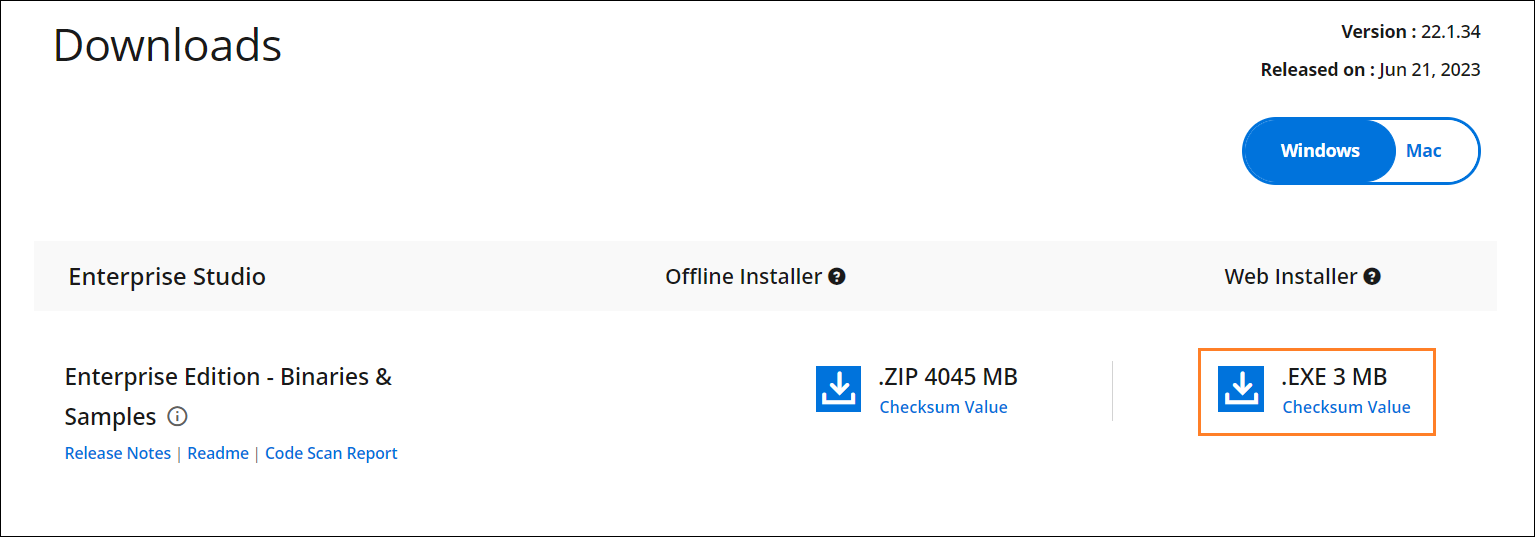
You can also refer to the Enterprise Edition installer links for step-by-step installation guidelines.