How can I help you?
How to remove cache folders of Code Studio to resolve the app corruption.
24 Oct 20251 minute to read
This guide explains how to delete the Code Studio cache folders when you encounter application corruption issues.
Steps to Delete the Cache Folders
step 1: Delete the config.yaml file
WINDOWS
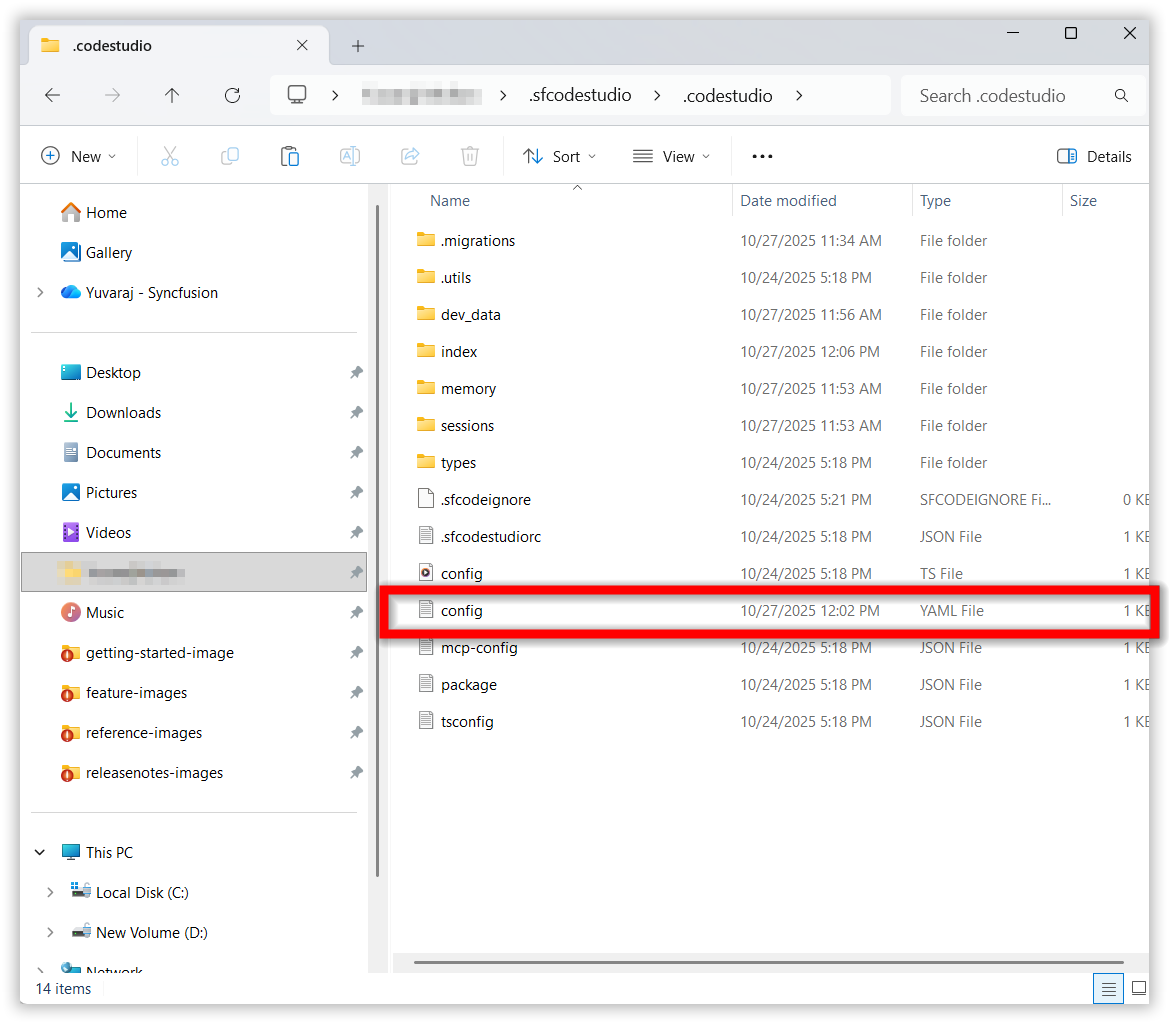
Delete the config.yaml file in this location “C:\Users\YourName\ .sfcodestudio\ .codestudio\config.yaml”
MAC
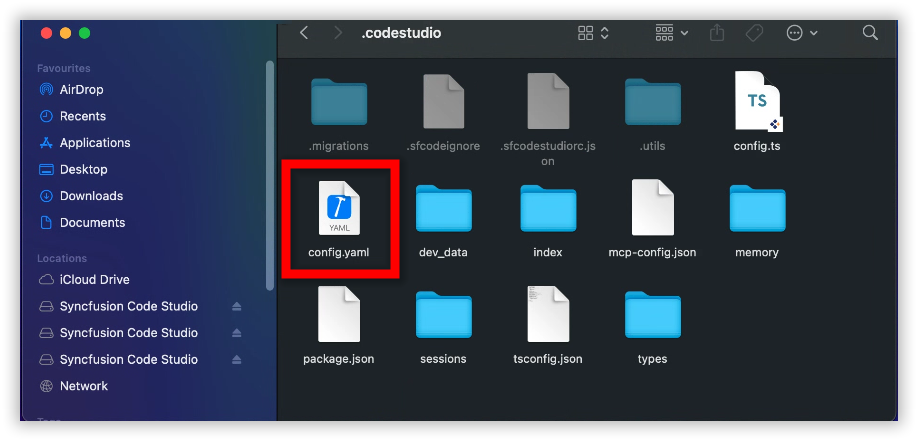
Delete the config.yaml file in this location “Users\syncfusion\ .sfcodestudio\ .codestudio\config.yaml”
step 2: Delete the Syncfusion Code Studio folders
WINDOWS
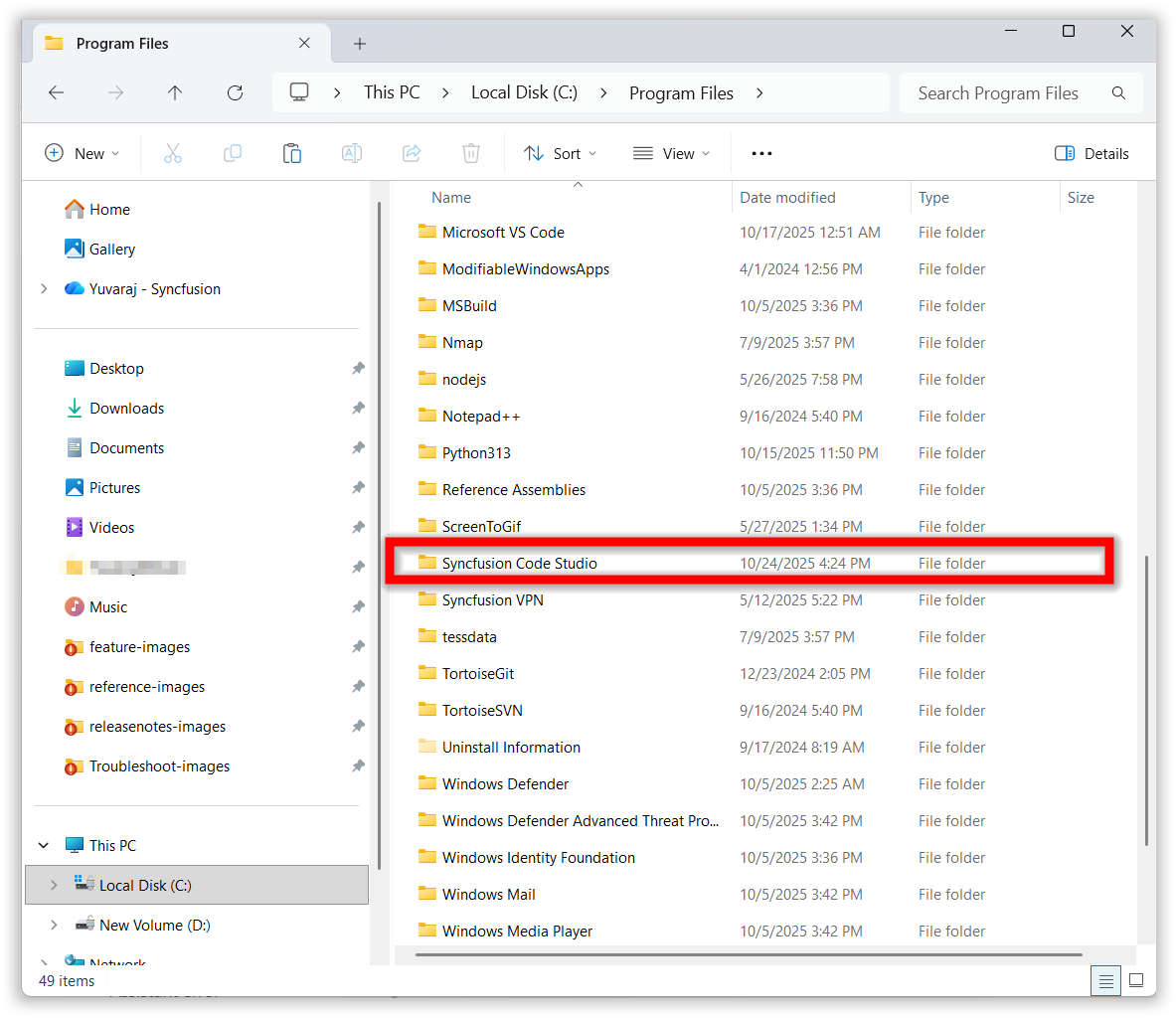
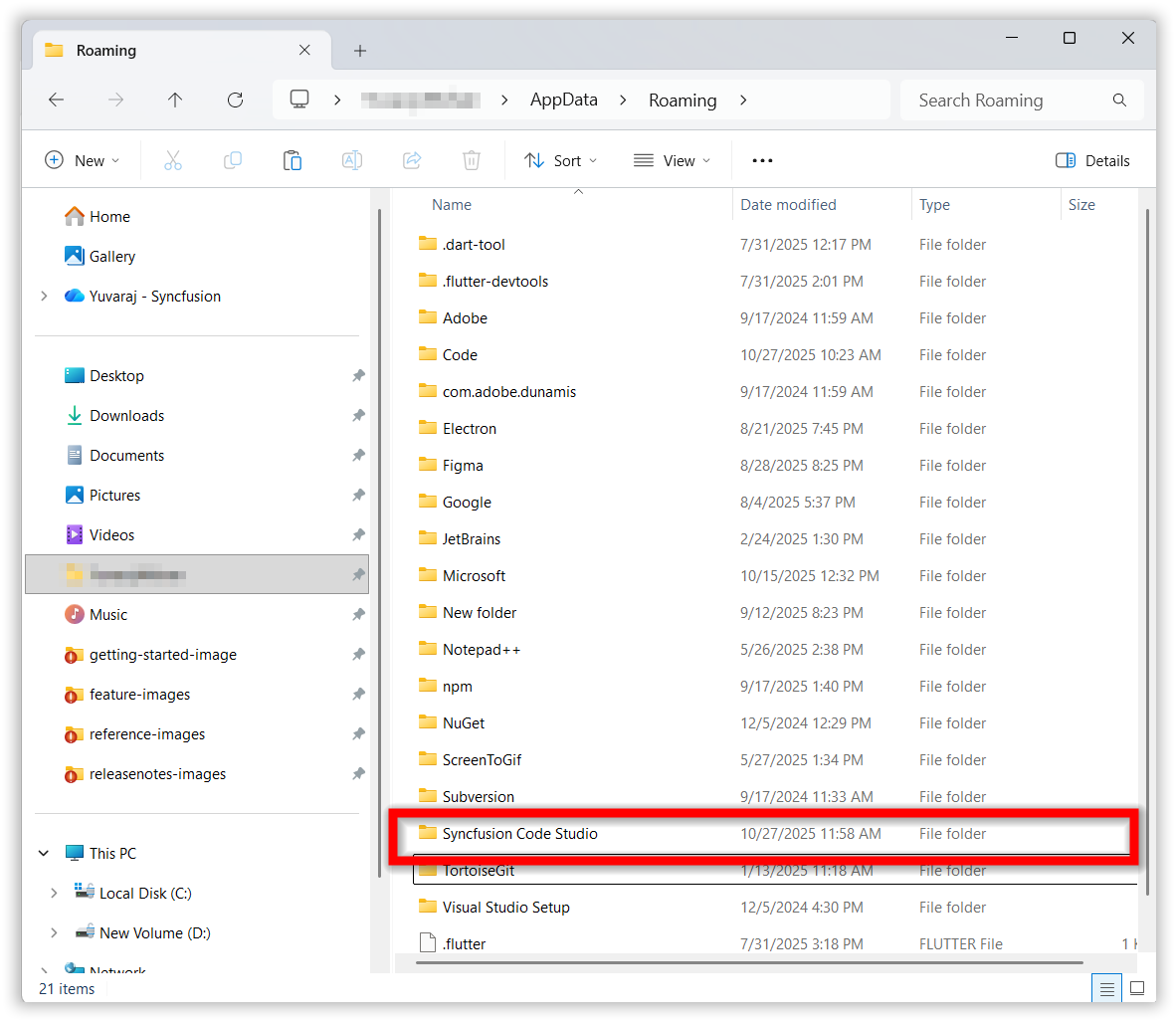
Delete the Syncfusion Code Studio folder in these locations “C:\Program Files\Syncfusion Code Studio” and “C:\Users\YourName\AppData\Roaming\Syncfusion Code Studio”
MAC
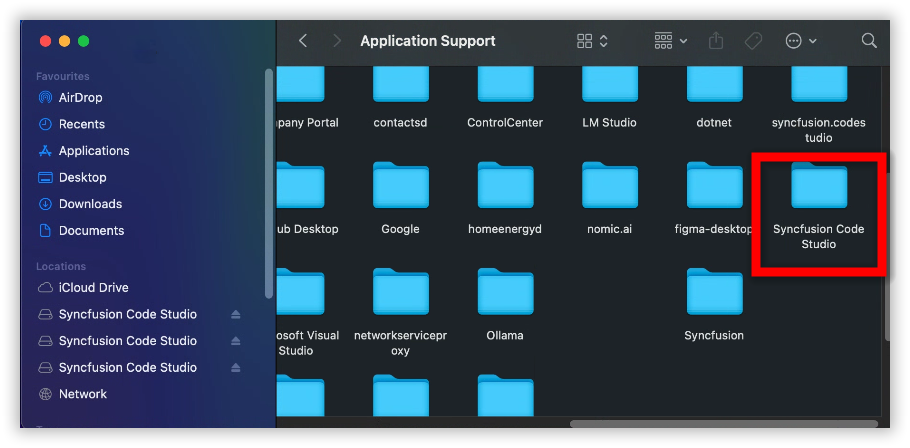
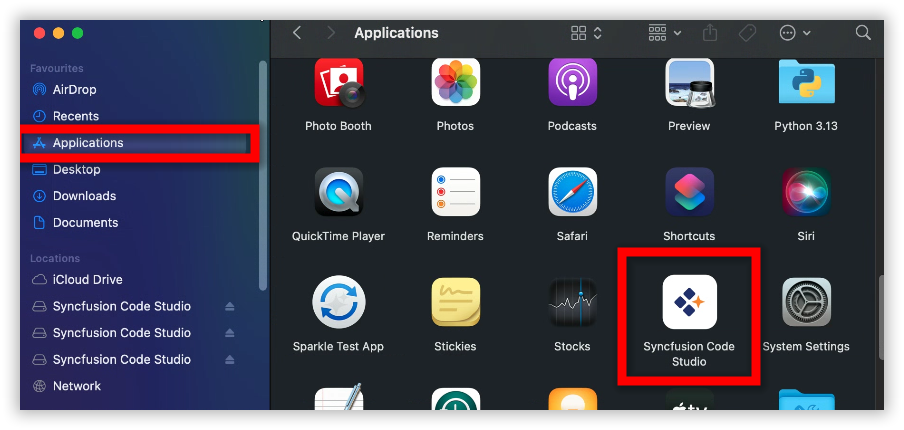
Delete the Syncfusion Code Studio folder in these locations “Users\syncfusion\Library\Application Support\Syncfusion Code Studio” and “Applications\Syncfusion Code Studio”