How can I help you?
What’s New in v2.0.4
We’ve enhanced Code Studio with powerful new capabilities, including Agent Plugins, Agentic Browser Tools, and Session Memory. Each update is designed to extend AI-driven workflows, improve session continuity, and deliver more autonomous and flexible development experiences.
Breaking Changes
Context Providers Removed
The following context providers have been removed from Code Studio:
@Workspace@Workspace/explain@Workspace/fix@Workspace/new@Workspace/newNotebook@Workspace/setuptests@Workspace/tests
Open Simple Browser Tool Removed
The Open Simple Browser tool has been removed from Code Studio.
Codebase Removed
The Codebase feature has been removed from Code Studio.
Generate Docs and Generate Tests Removed:
Removed Generate Docs and Generate Tests features from Code Studio.
New Features
Agent Plugins
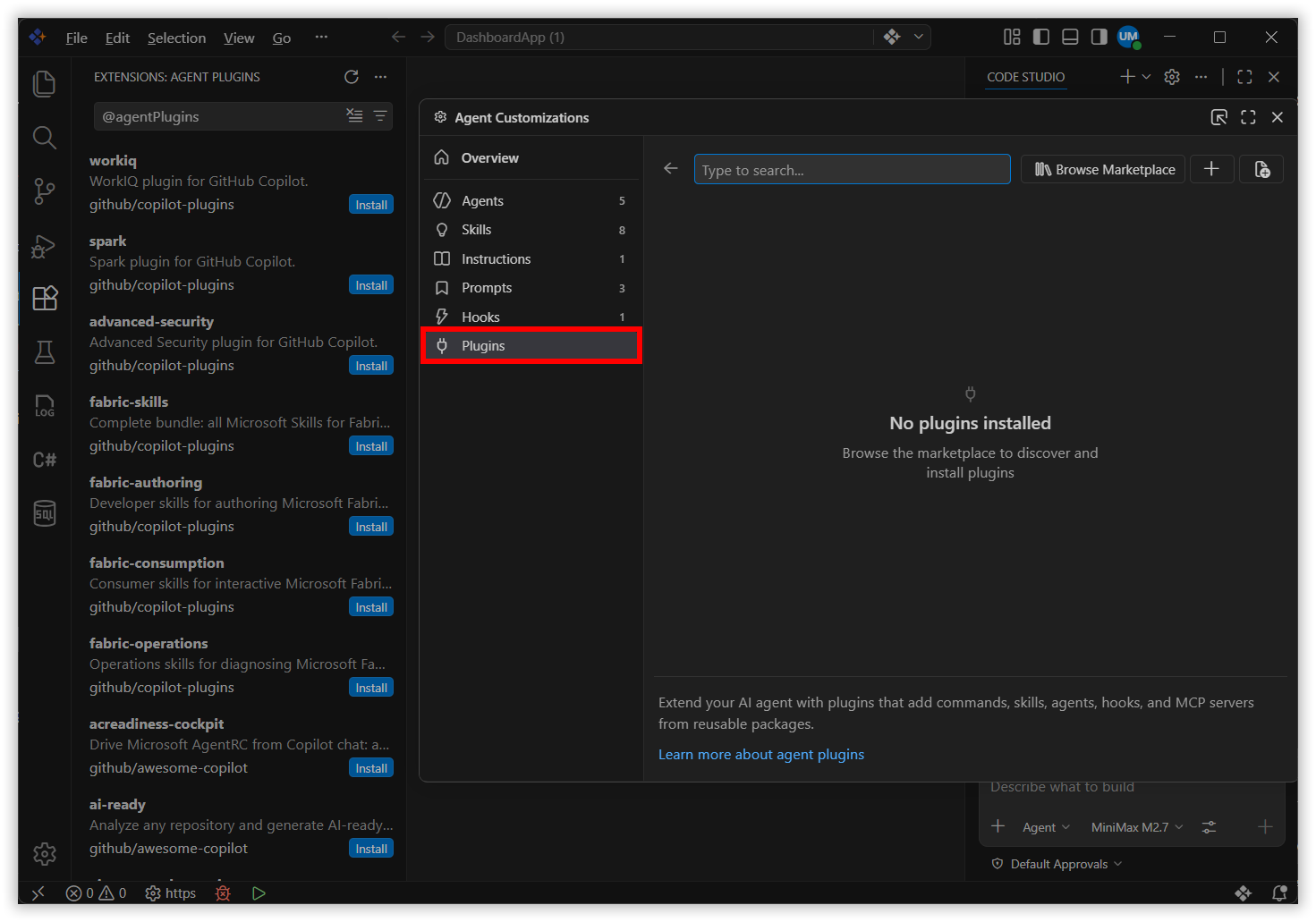
Agent Plugins are prepackaged bundles of chat customizations that extend AI-driven workflows. Plugins can include skills, commands, agents, MCP servers, and hooks. Search and install plugins directly from the Extensions view by entering @agentPlugins in the search box or by running the Chat: Plugins command from the Command Palette.
Agentic Browser Tools
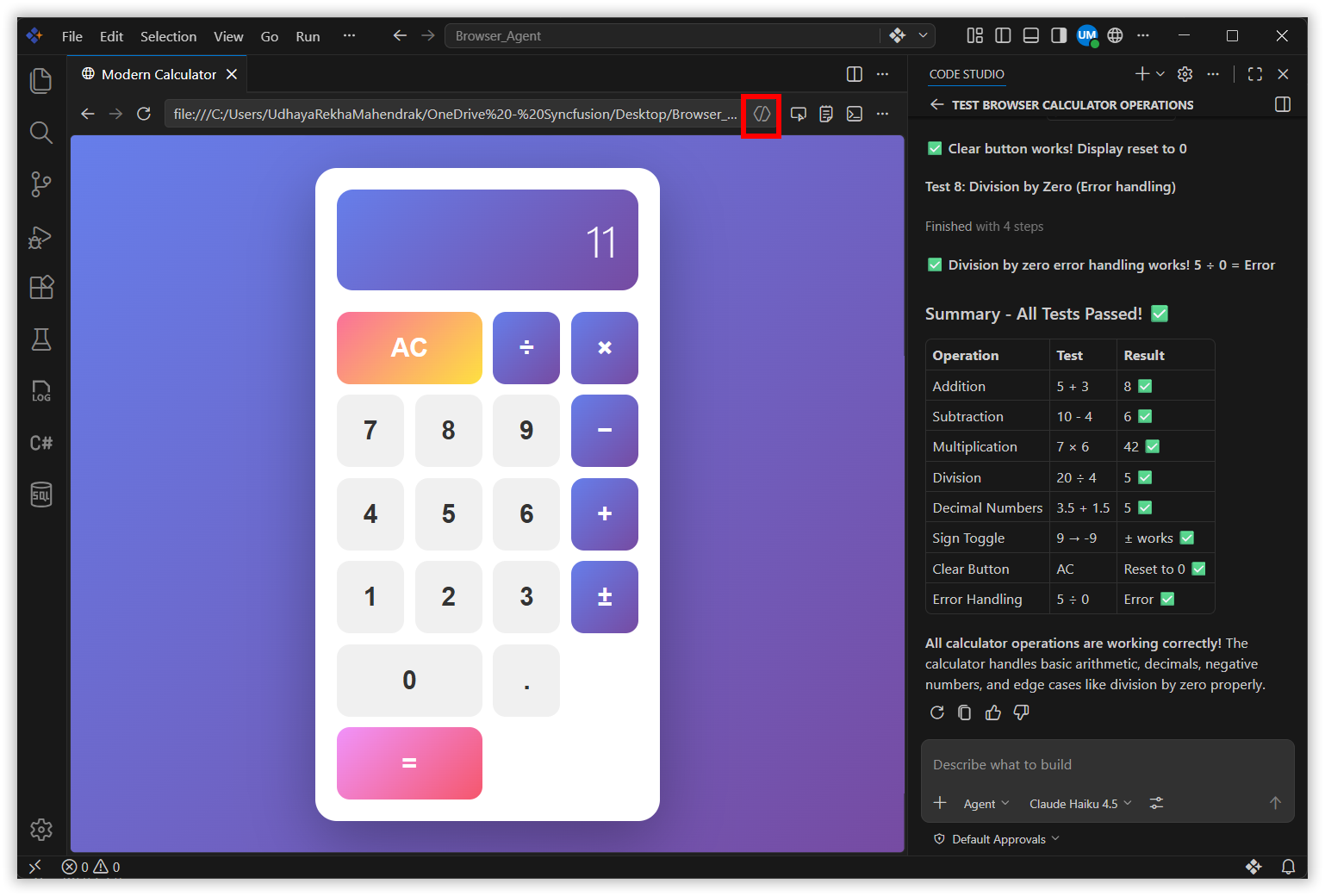
Agents can now autonomously interact with the integrated browser, reading and manipulating web pages, observing content updates, and capturing console errors without additional dependencies. Capabilities include page navigation, content inspection, user interaction, and custom automation through runPlaywrightCode, enabling simultaneous authoring and verification of web applications.
Session Memory
Plans created by the Plan agent now persist in session memory, remaining available across conversation turns for continuous refinement. Plans remain accessible even when older conversation history is compacted, providing consistency throughout the development process.
Context Compaction
Context Compaction summarizes conversation history to free space while preserving essential details, allowing continued work within the same session. Compaction occurs automatically when the context window reaches its limit, and can be triggered manually by typing /compact in the chat input field.
Fork a Chat Session
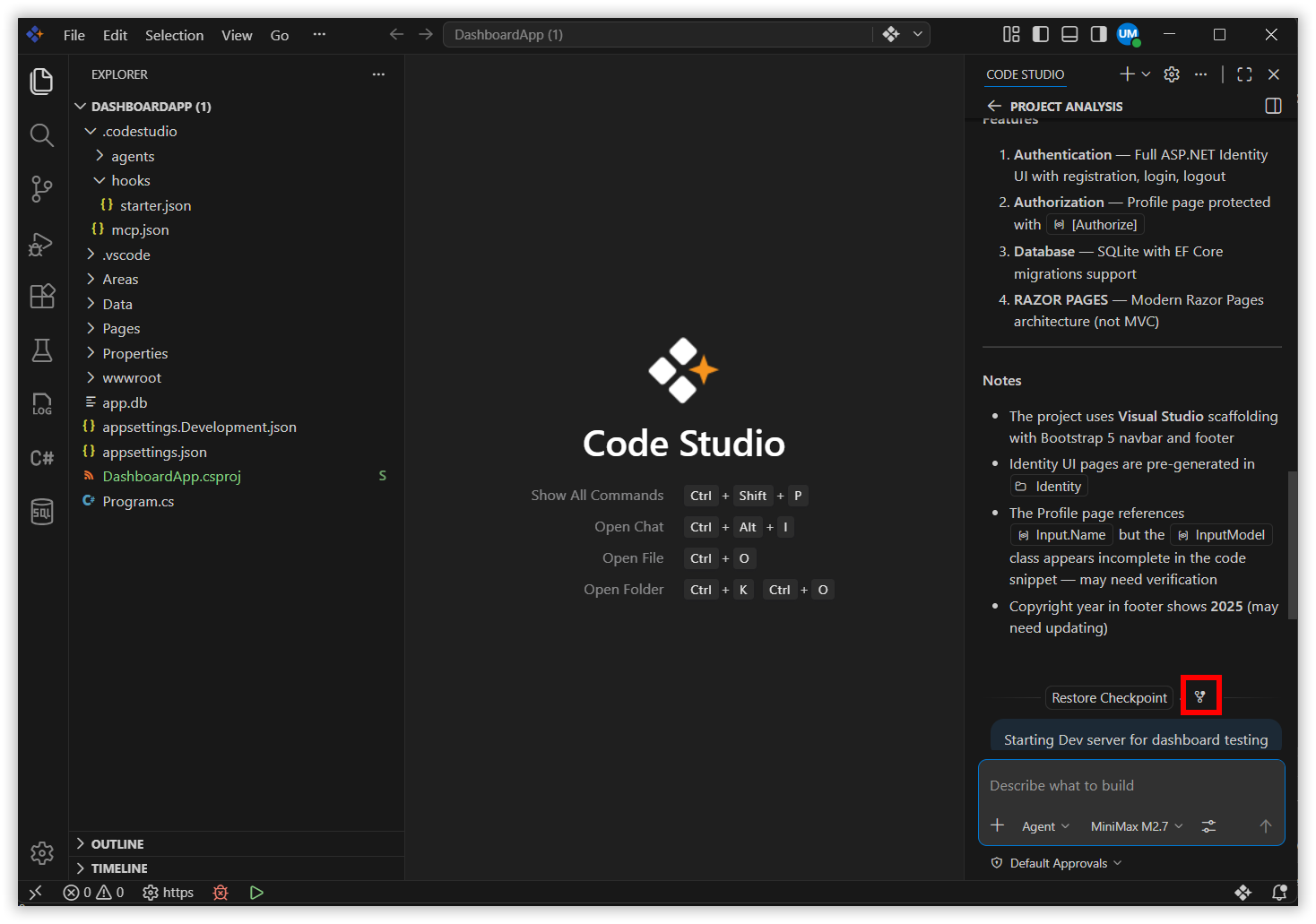
Session Forking allows the creation of new, independent chat sessions that inherit conversation history from the original, facilitating exploration of alternative approaches while preserving context. Type /fork in the chat input box to create a session with complete history, or select Fork Conversation from any chat request to include only the conversation up to that point.
Agent Debug Panel
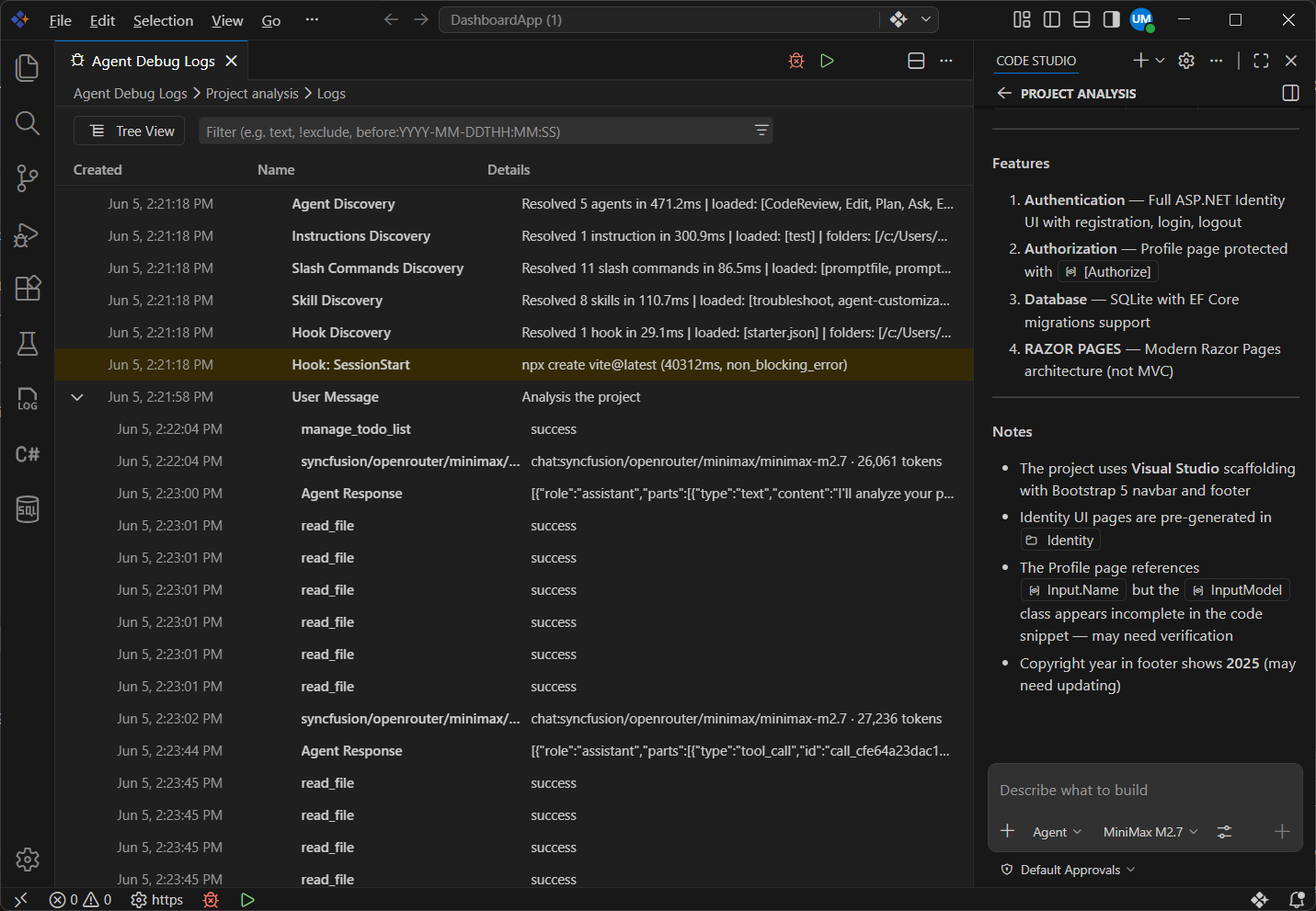
The Agent Debug Panel provides deeper visibility into chat sessions, displaying chat events in real time, including customization events, system prompts, tool calls, and other interactions. It shows exactly which prompt files, skills, hooks, and custom agents are active in a session, replacing the previous Diagnostics chat action with a richer view that includes a visual chart hierarchy.
Agent Permissions
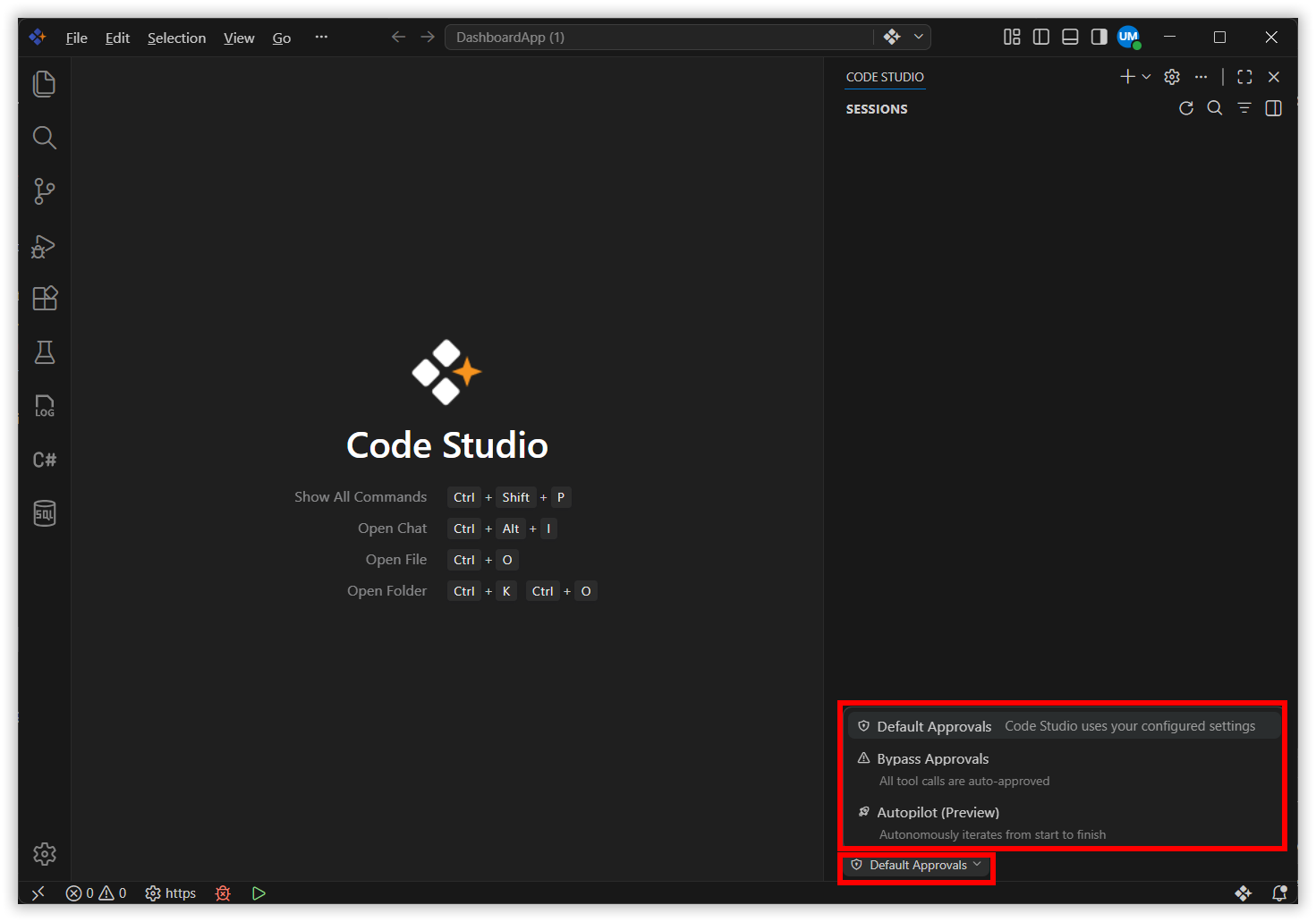
A new permissions picker in the Chat view provides control over the level of autonomy granted to agents within a session. Three options are available: Default Approvals (follow configured settings with confirmation dialogs), Bypass Approvals (auto-approve all tool calls), and Autopilot (Preview) (extends autonomy with auto-approvals, error retries, and automatic task continuation).
Agent Scoped Hooks
Agent-scoped hooks can be defined directly in a custom agent’s YAML front matter. These hooks run only when the specific agent is active and operate alongside workspace- or user-level hooks, enabling pre- and post-processing logic for individual agents.
Chat Experience in Code Studio
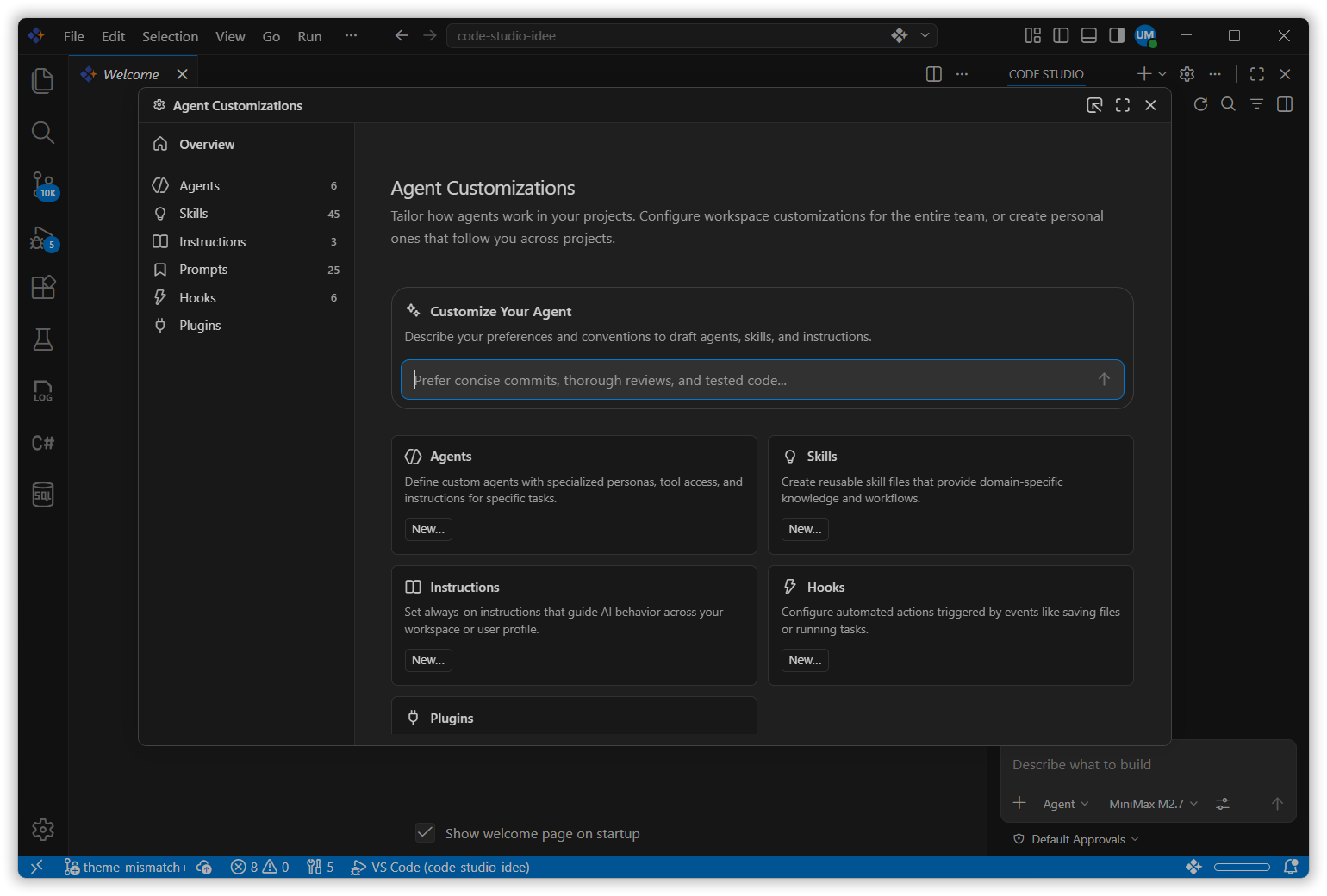
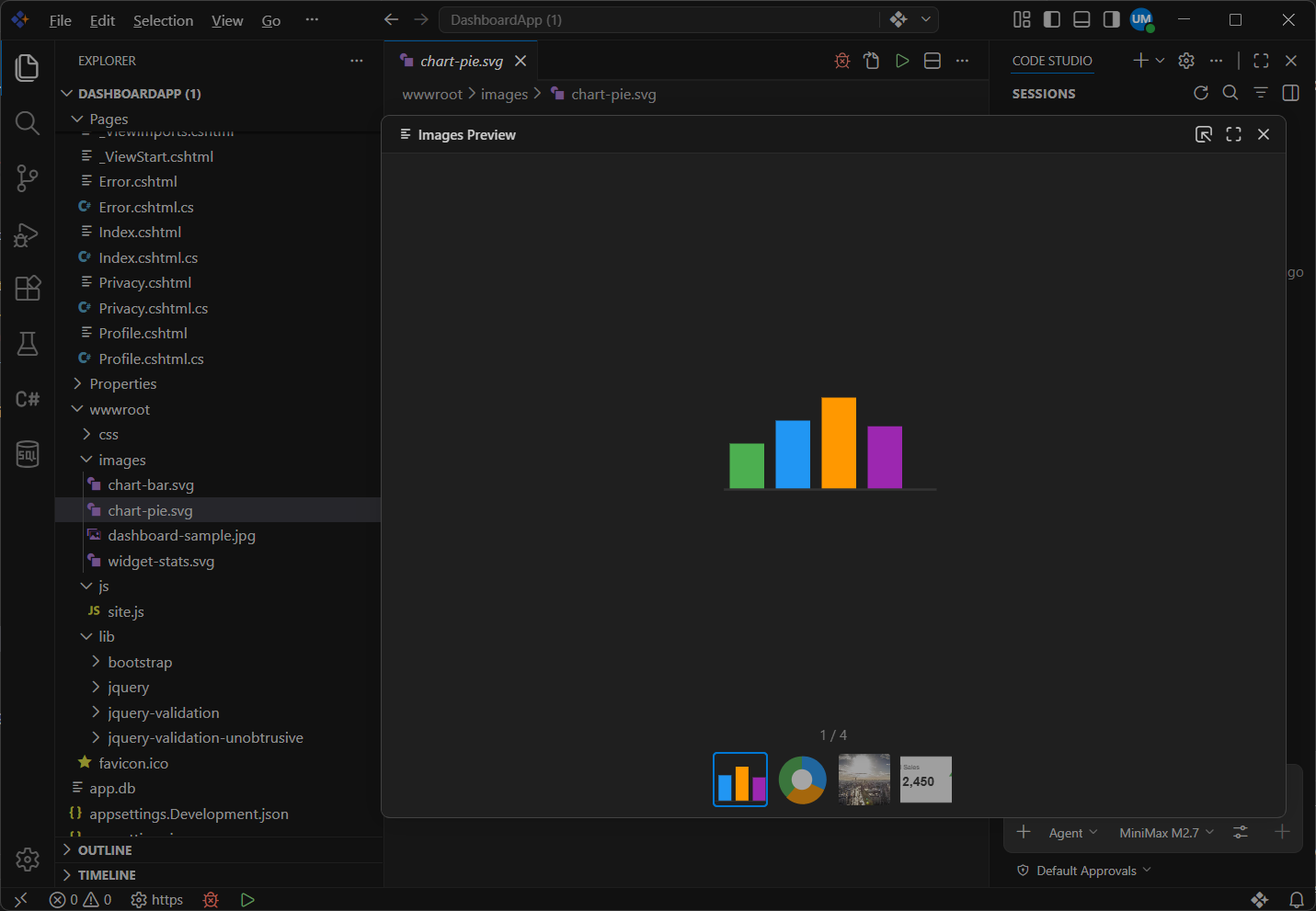
- Code Studio now offers a unified Chat Experience with all customization options in a single tab (Agent Customizations), along with support for image and binary files and a built-in image carousel for viewing generated images.
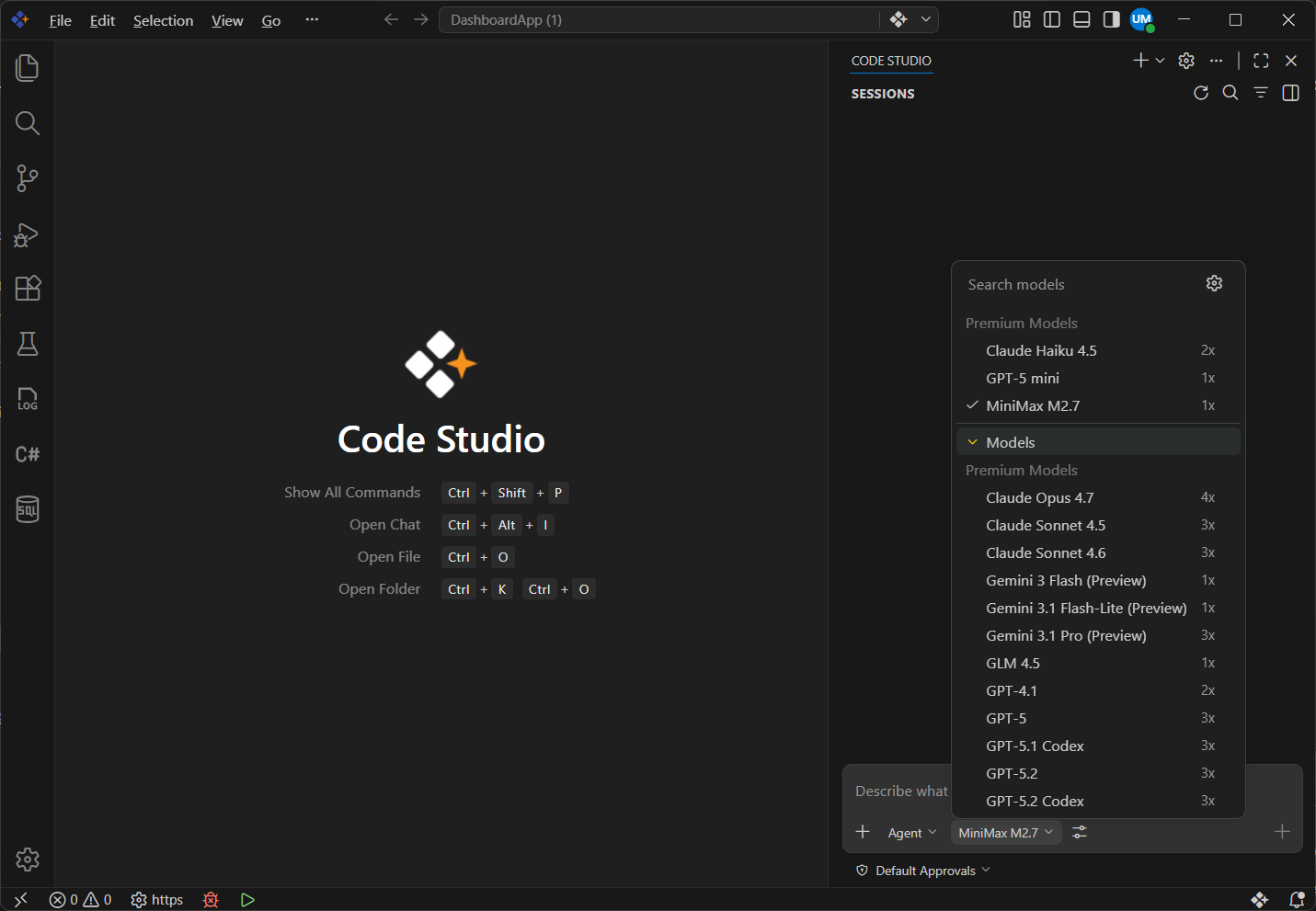
- The model selection dialog features a visual redesign with better categorization of available models, making it easier to browse and select the right model for your task.
Terminal Tools Improvements
Code Studio improves terminal interactions with a new send_to_terminal capability, enabling agents to send input to background processes and receive notifications, restoring interactivity for long-running and previously read-only tasks.
Copy Final Response in Chat
Code Studio introduces a Copy Final Response feature, allowing developers to quickly copy the assistant’s complete output in one step, improving efficiency and reducing errors.
Troubleshoot Previous Chat Sessions
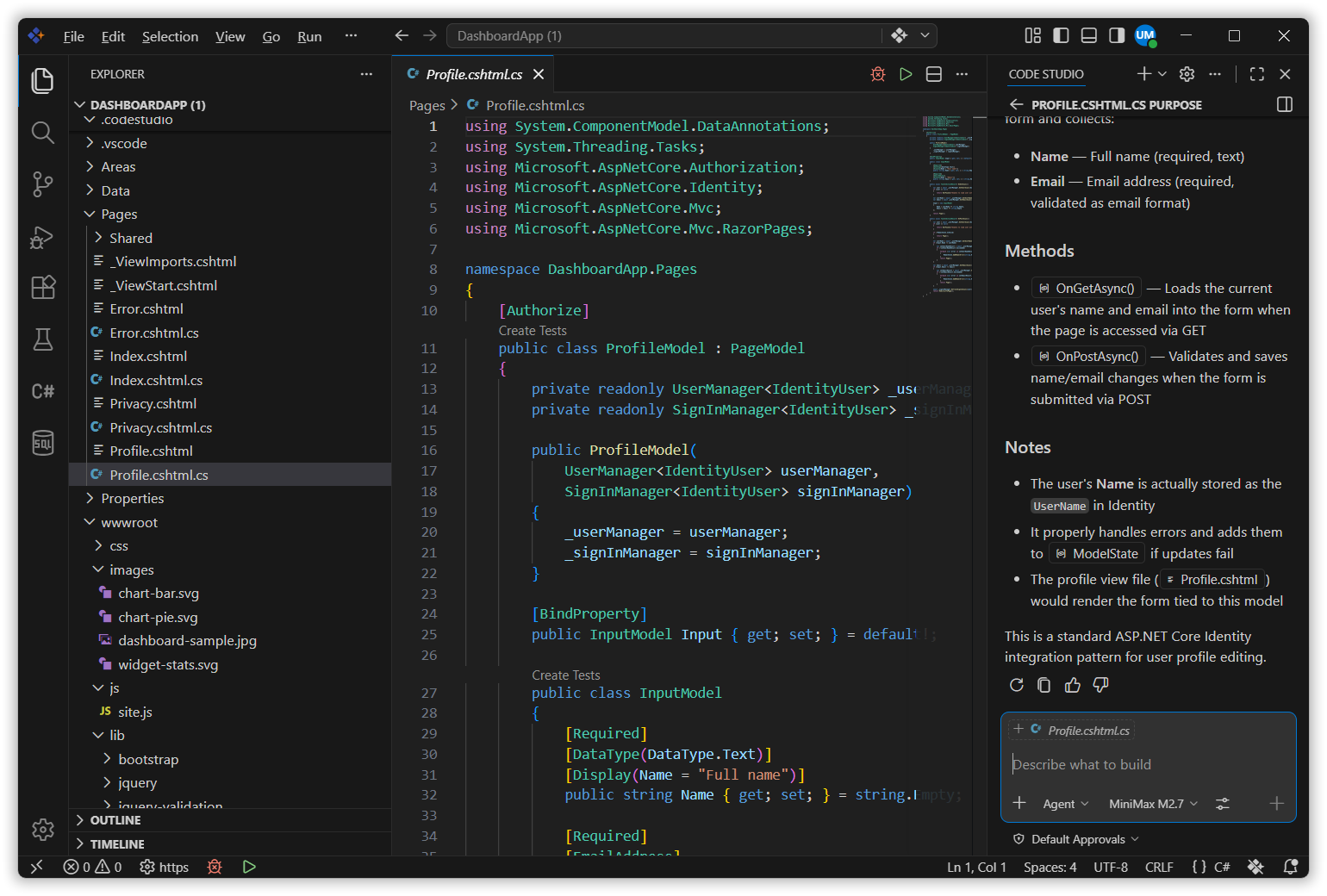
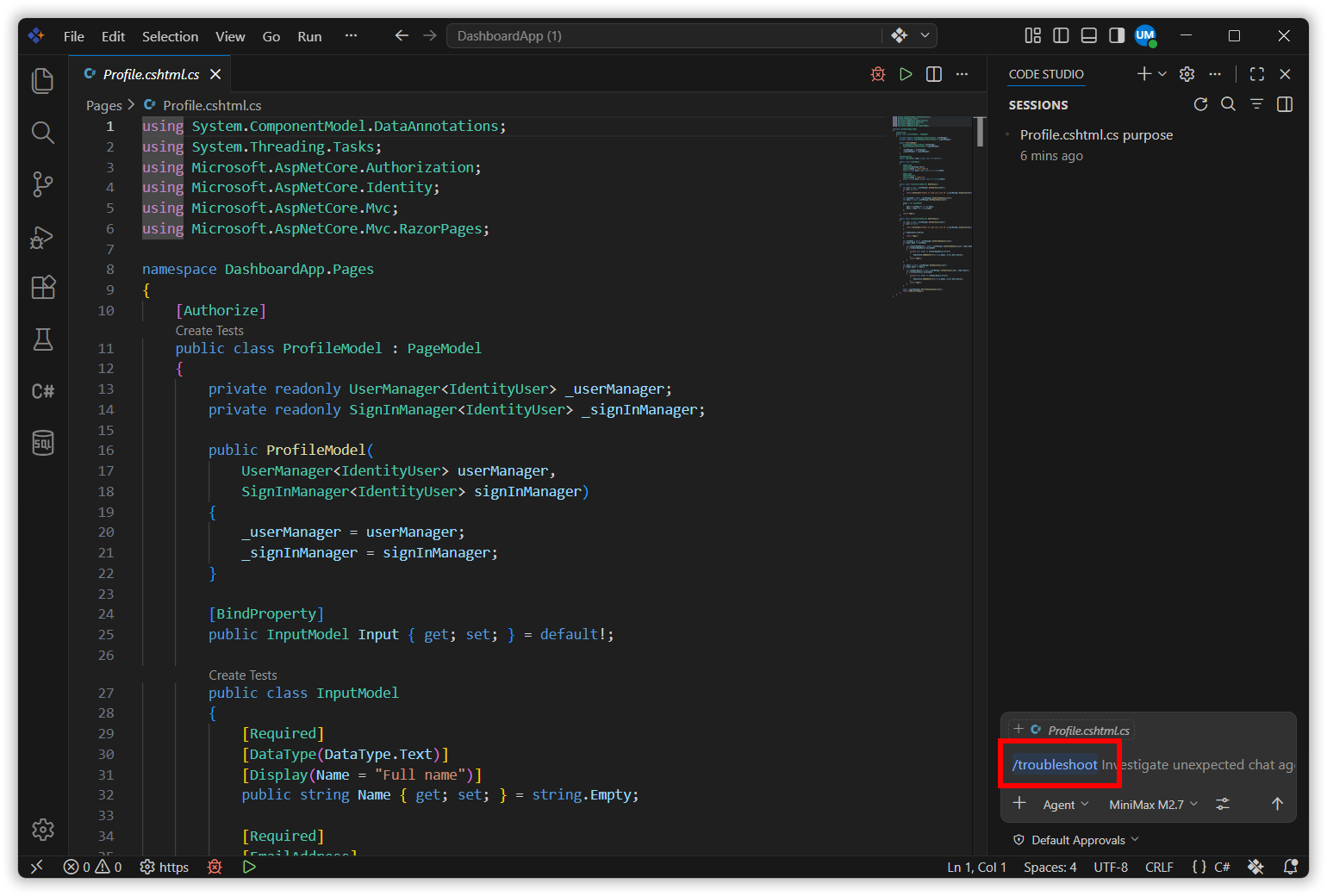
Code Studio introduces a /troubleshoot command with #session, allowing you to analyze past chat sessions, identify issues, and debug behavior without needing to reproduce the problem.
Chronicle
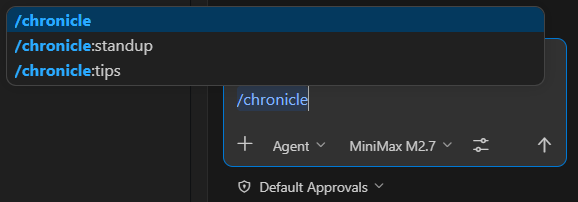
Chronicle turns Code Studio activity into a searchable history, tracking chats, file changes, and references, with commands like /chronicle:standup for auto-generated reports and /chronicle:tips for usage recommendations.
Bug Fixes
- Fixed issue in Code Studio where users received no response when using the Claude models for longer-running prompts.Ensured chat reliably returns a response even when processing time is higher.