Buy More Credits in Code Studio
14 May 20261 minute to read
Overview
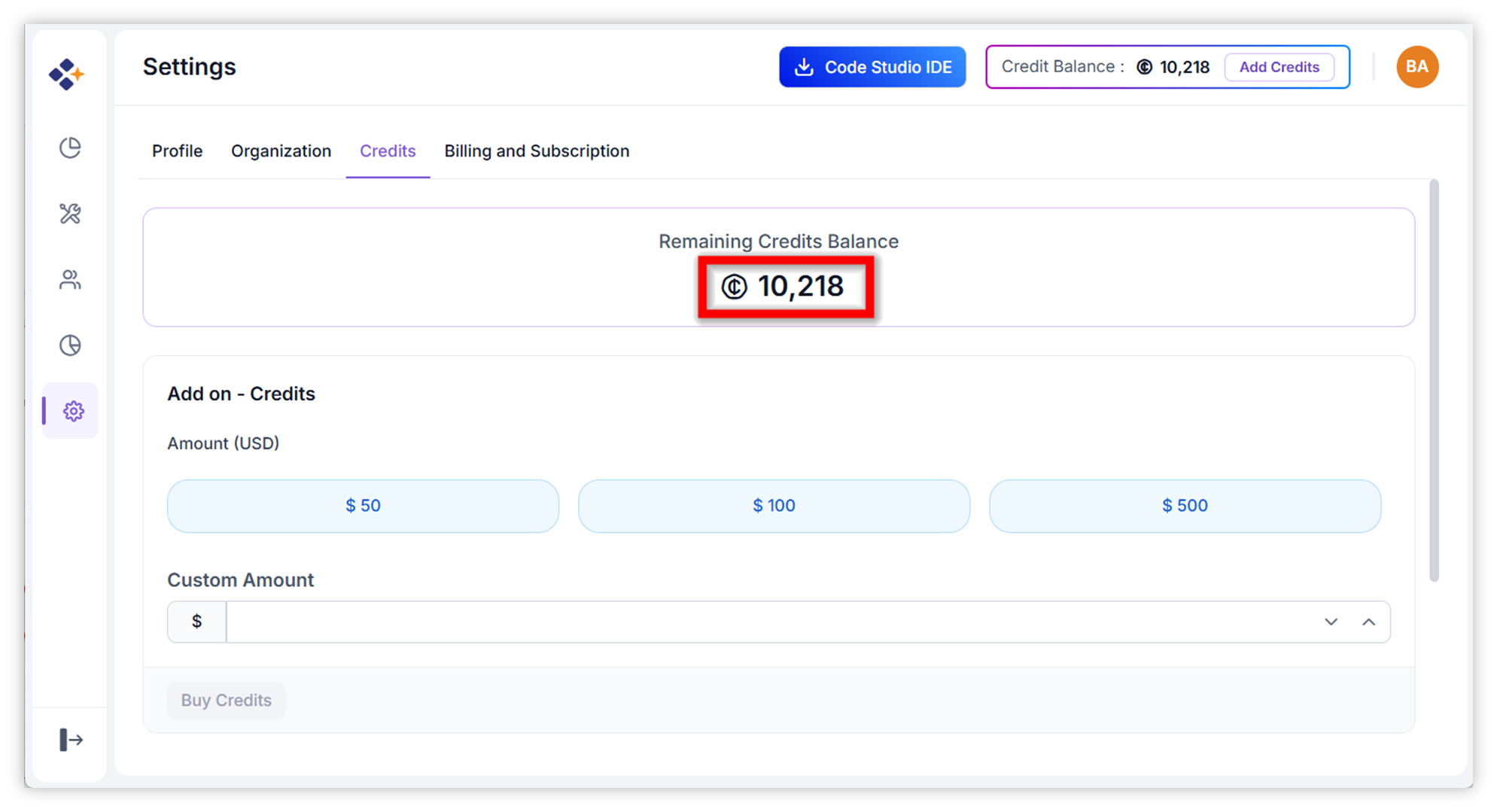
Credits in Syncfusion Code Studio Enterprise are add-on units that fund AI model usage across your organization. They provide flexibility beyond the standard subscription plans, allowing you to scale your AI-powered coding operations as needed. Once purchased, credits are immediately applied to your account after successful payment, and your current balance is visible at the top of the dashboard.
When to Use
Purchase additional credits when:
- Your organization’s monthly AI usage has exceeded the credits included in your current subscription plan
- You want to avoid any interruption in AI model access during peak development periods
- Your current credit balance is running low and you want to top it up quickly
Prerequisites
- Admin access: Only administrators are authorized to buy credits.
- Valid payment method: Ensure a valid payment method is available in your account.
Steps to Buy Credits
-
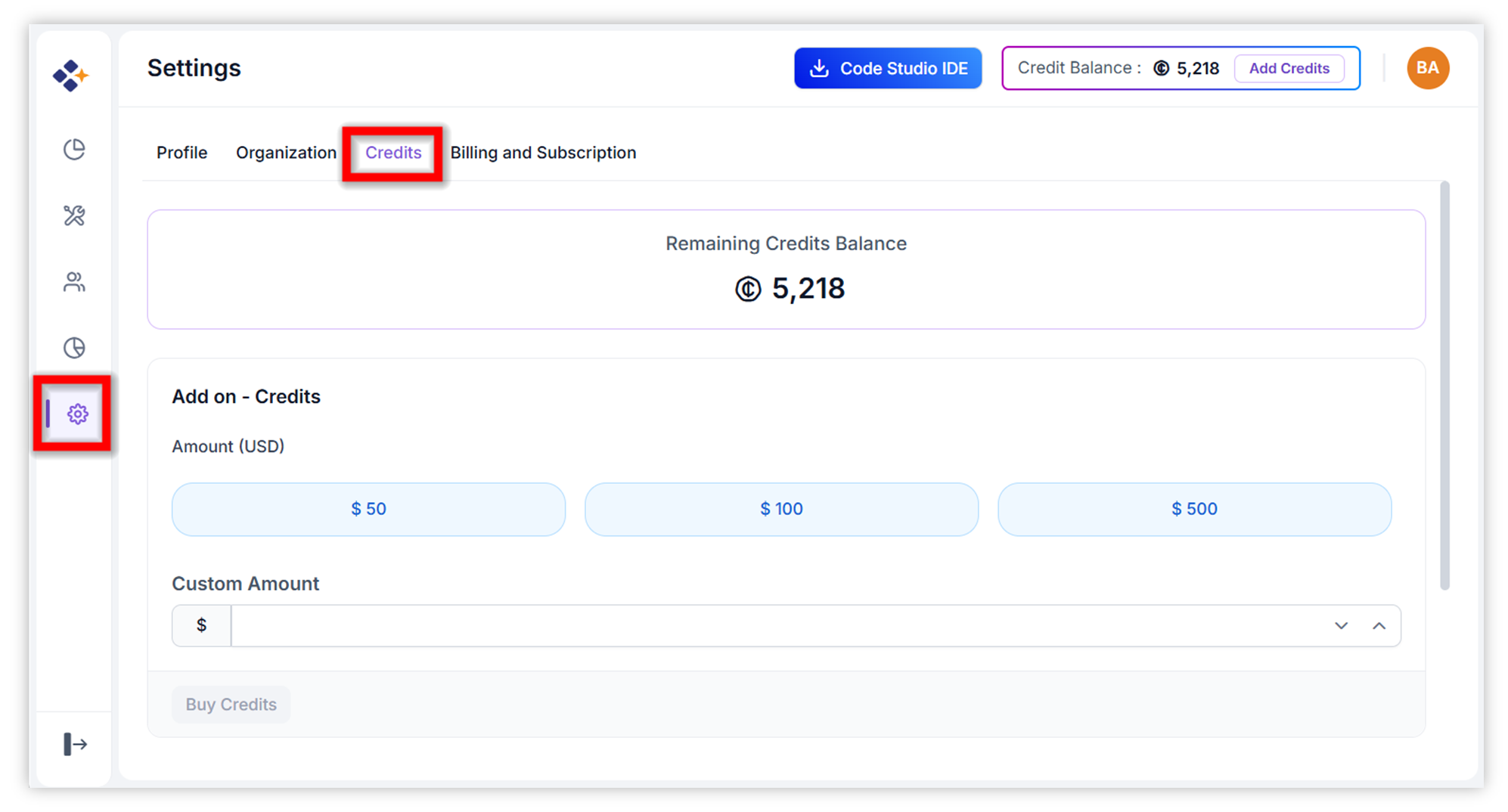
Navigate to the Credits Tab: From the Code Studio dashboard, click on “Settings” in the left sidebar, then select the “Credits” tab.
-
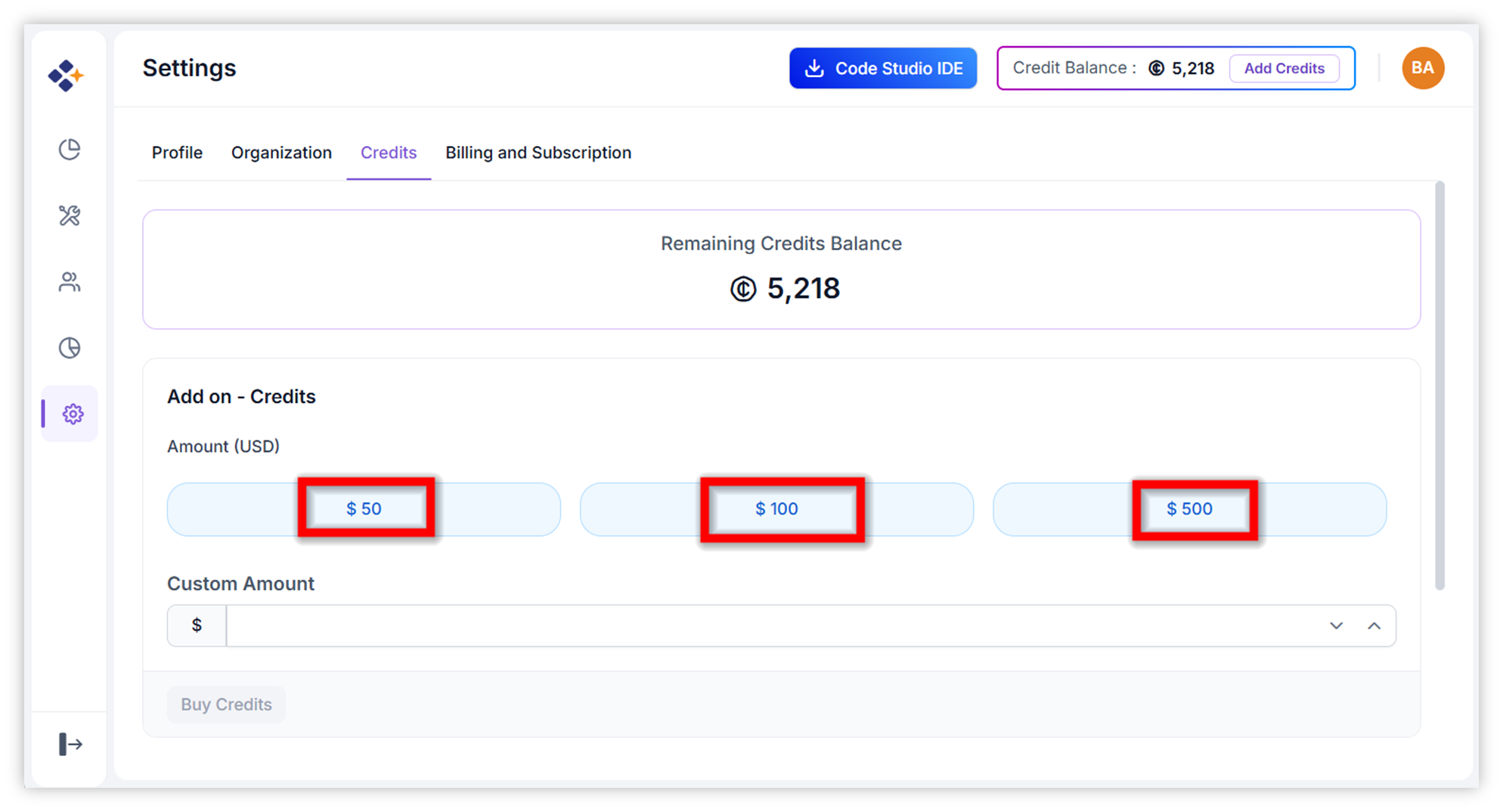
Choose Purchase Amount: Select a preset amount ($50, $100, or $500) or enter a custom dollar value in the provided field.
-
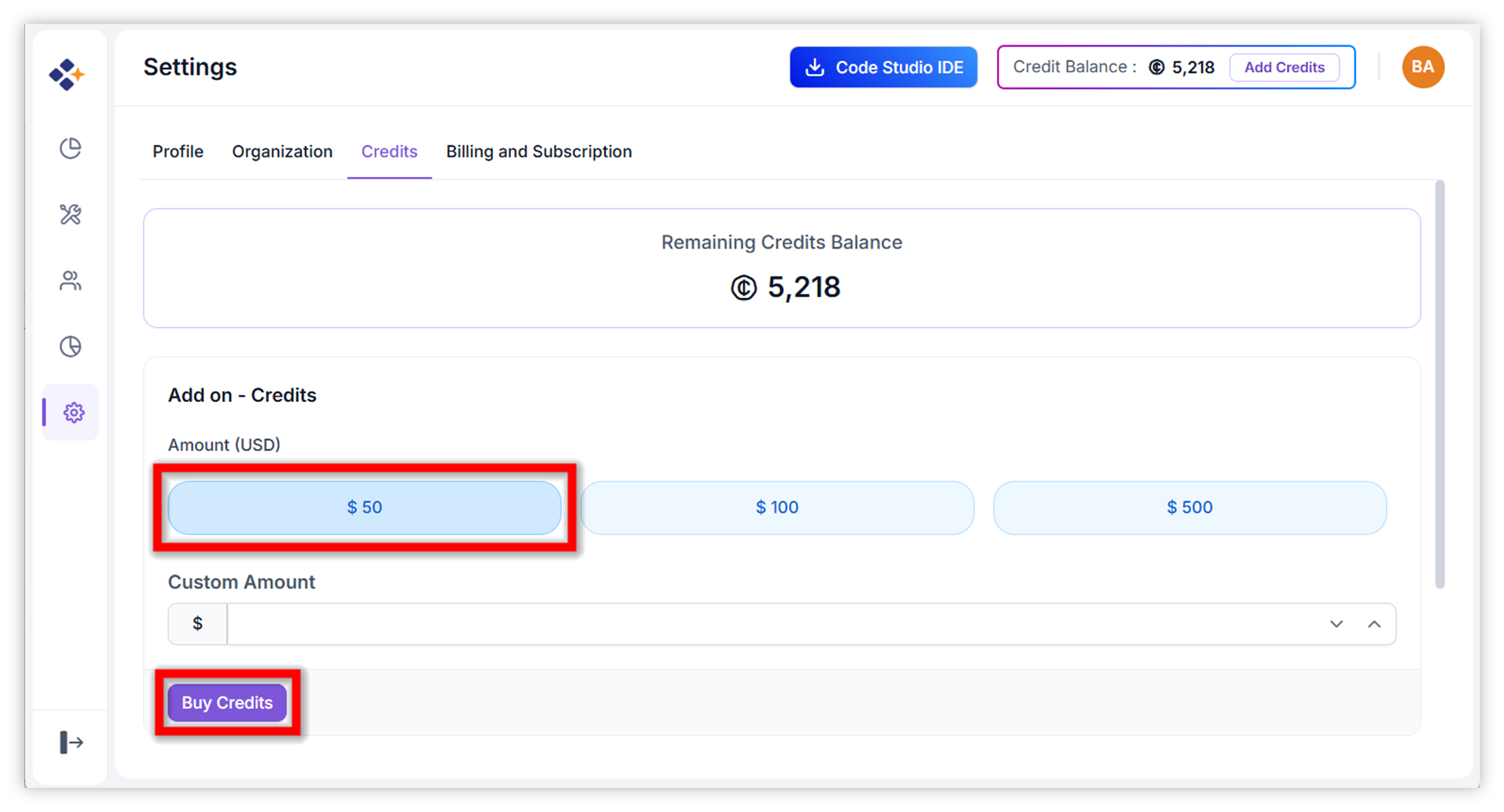
Initiate Purchase: Click the “Buy credits” button to be redirected to the secure payment page.
-
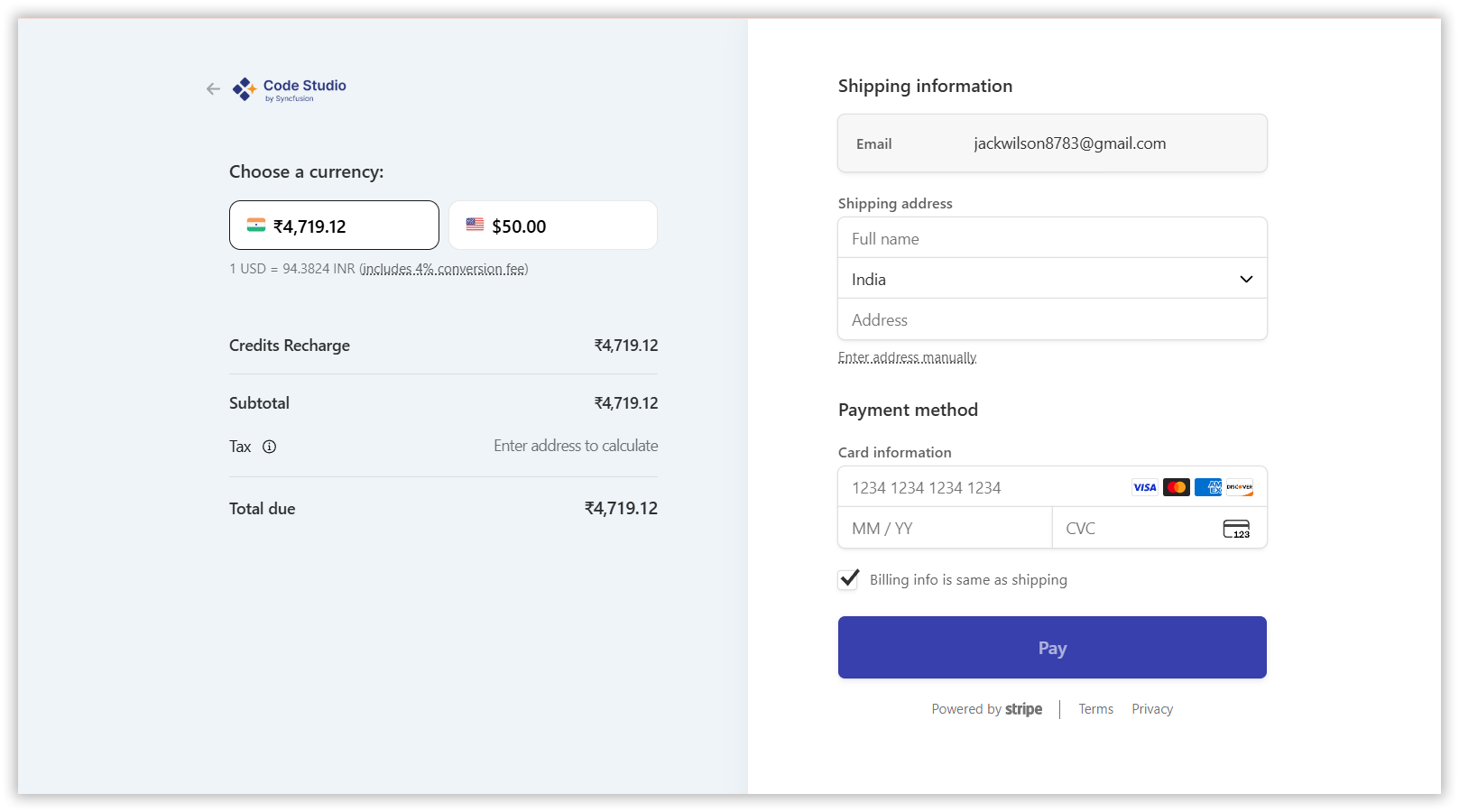
Complete Checkout: Enter or confirm your payment details and finalize the transaction.
-
Verify Application: After successful payment, the new credits will be automatically added to your organization’s balance. Refresh the page if needed to see the updated total.