Animation in WinUI Linear Gauge
Pointer animation
The EnableAnimation property of the pointer allows you to enable or disable animation for the pointer.
<gauge:SfLinearGauge>
    <gauge:SfLinearGauge.Axis>
        <gauge:LinearAxis Interval="10"
                          MinorTicksPerInterval="4">

            <gauge:LinearAxis.BarPointers>
                <gauge:BarPointer Value="60"
                                  EnableAnimation="True" />
            </gauge:LinearAxis.BarPointers>

            <gauge:LinearAxis.MarkerPointers>
                <gauge:LinearShapePointer Value="60"
                                    VerticalAnchor="End"
                                    OffsetPoint="0,-3"
                                    EnableAnimation="True" />

                <gauge:LinearContentPointer Value="60"
                                      VerticalAnchor="End"
                                      OffsetPoint="0,-23"
                                      EnableAnimation="True">
                    <gauge:LinearContentPointer.Content>
                        <TextBlock Text="60%" />
                    </gauge:LinearContentPointer.Content>
                </gauge:LinearContentPointer>

            </gauge:LinearAxis.MarkerPointers>
        </gauge:LinearAxis>
    </gauge:SfLinearGauge.Axis>
</gauge:SfLinearGauge>
SfLinearGauge sfLinearGauge = new SfLinearGauge();
sfLinearGauge.Axis.Interval = 10;
sfLinearGauge.Axis.MinorTicksPerInterval = 4;
BarPointer barPointer1 = new BarPointer();
barPointer1.Value = 60;
barPointer1.EnableAnimation = true;
sfLinearGauge.Axis.BarPointers.Add(barPointer1);
LinearShapePointer shapePointer1 = new LinearShapePointer();
shapePointer1.Value = 60;
shapePointer1.VerticalAnchor = GaugeAnchor.End;
shapePointer1.OffsetPoint = new Point(0, -3);
shapePointer1.EnableAnimation = true;
sfLinearGauge.Axis.MarkerPointers.Add(shapePointer1);
LinearContentPointer linearContentPointer1 = new LinearContentPointer();
linearContentPointer1.Value = 60;
linearContentPointer1.VerticalAnchor = GaugeAnchor.End;
linearContentPointer1.OffsetPoint = new Point(0, -23);
linearContentPointer1.Content = new TextBlock { Text = "60%" };
linearContentPointer1.EnableAnimation = true;
sfLinearGauge.Axis.MarkerPointers.Add(linearContentPointer1);
this.Content = sfLinearGauge;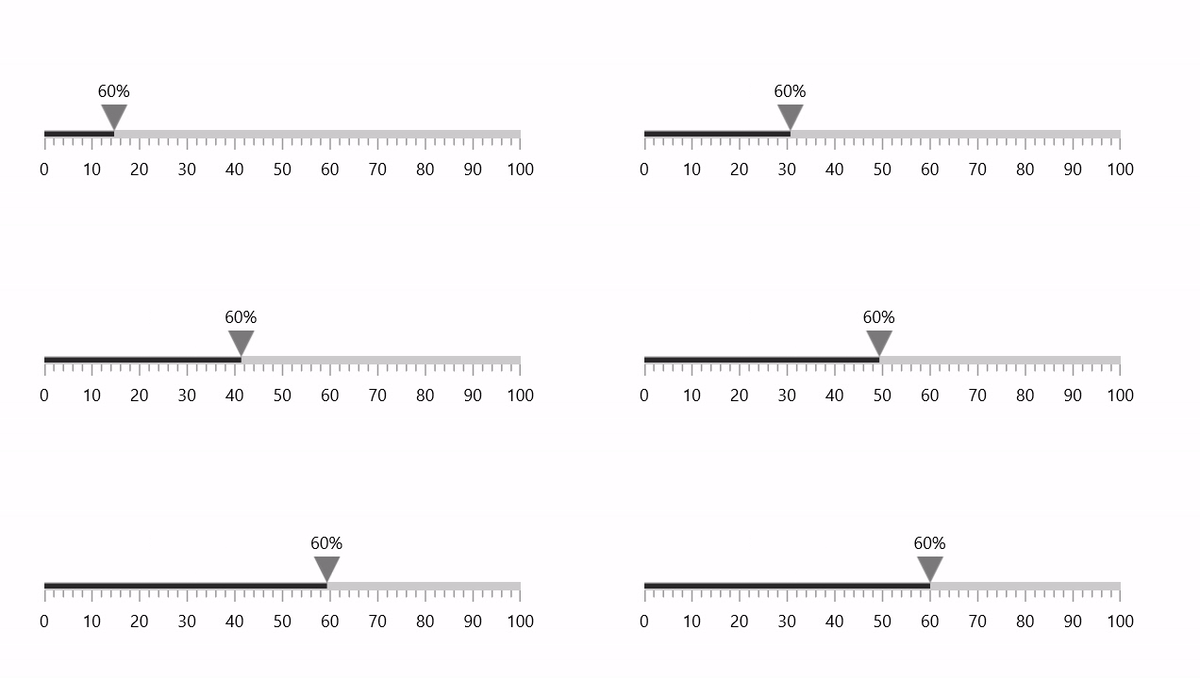
Animation duration
The AnimationDuration property of the pointer allows you to control the animation duration (in milliseconds). The default value of the animation duration is 1500ms.
<gauge:SfLinearGauge>
    <gauge:SfLinearGauge.Axis>
        <gauge:LinearAxis Interval="10"
                          MinorTicksPerInterval="4">

            <gauge:LinearAxis.BarPointers>
                <gauge:BarPointer Value="60"
                                  EnableAnimation="True"
                                  AnimationDuration="3000" />
            </gauge:LinearAxis.BarPointers>

            <gauge:LinearAxis.MarkerPointers>
                <gauge:LinearShapePointer Value="60"
                                    VerticalAnchor="End"
                                    OffsetPoint="0,-3"
                                    EnableAnimation="True"
                                    AnimationDuration="3000" />

                <gauge:LinearContentPointer Value="60"
                                      VerticalAnchor="End"
                                      OffsetPoint="0,-23"
                                      EnableAnimation="True"
                                      AnimationDuration="3000">
                    <gauge:LinearContentPointer.Content>
                        <TextBlock Text="60%" />
                    </gauge:LinearContentPointer.Content>
                </gauge:LinearContentPointer>

            </gauge:LinearAxis.MarkerPointers>
        </gauge:LinearAxis>
    </gauge:SfLinearGauge.Axis>
</gauge:SfLinearGauge>
SfLinearGauge sfLinearGauge = new SfLinearGauge();
sfLinearGauge.Axis.Interval = 10;
sfLinearGauge.Axis.MinorTicksPerInterval = 4;
BarPointer barPointer1 = new BarPointer();
barPointer1.Value = 60;
barPointer1.EnableAnimation = true;
barPointer1.AnimationDuration = 3000;
sfLinearGauge.Axis.BarPointers.Add(barPointer1);
LinearShapePointer shapePointer1 = new LinearShapePointer();
shapePointer1.Value = 60;
shapePointer1.VerticalAnchor = GaugeAnchor.End;
shapePointer1.OffsetPoint = new Point(0, -3);
shapePointer1.EnableAnimation = true;
shapePointer1.AnimationDuration = 3000;
sfLinearGauge.Axis.MarkerPointers.Add(shapePointer1);
LinearContentPointer linearContentPointer1 = new LinearContentPointer();
linearContentPointer1.Value = 60;
linearContentPointer1.VerticalAnchor = GaugeAnchor.End;
linearContentPointer1.OffsetPoint = new Point(0, -23);
linearContentPointer1.Content = new TextBlock { Text = "60%" };
linearContentPointer1.EnableAnimation = true;
linearContentPointer1.AnimationDuration = 3000;
sfLinearGauge.Axis.MarkerPointers.Add(linearContentPointer1);
this.Content = sfLinearGauge;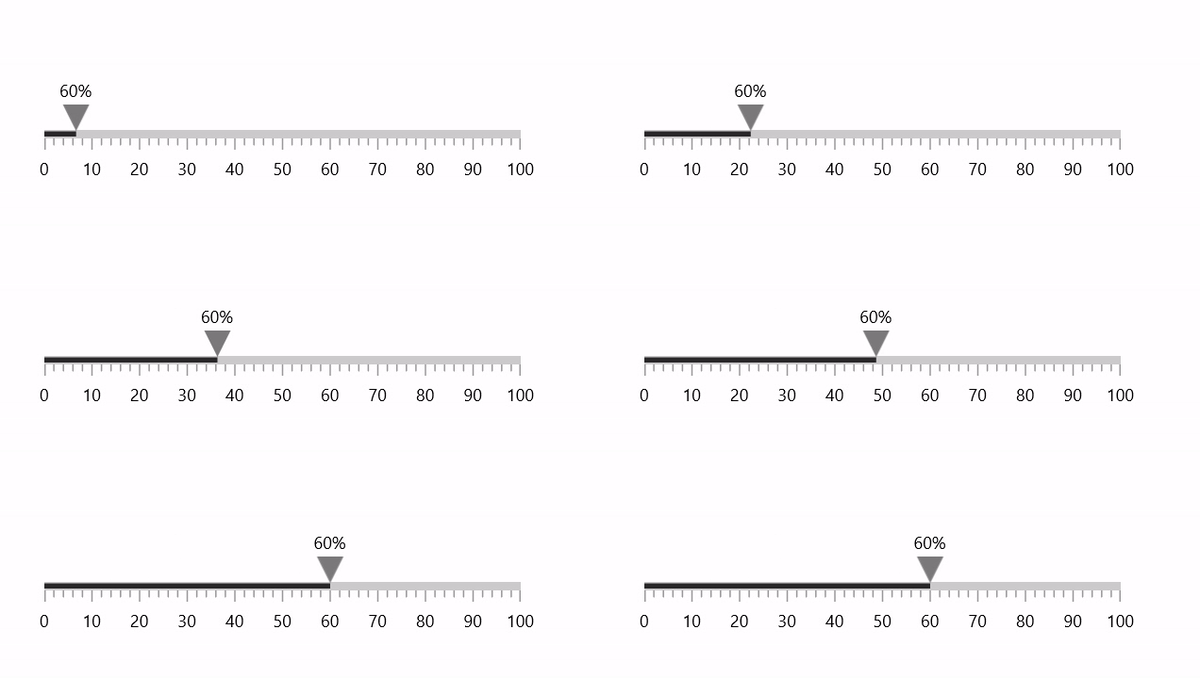
Animation easing function
The AnimationEasingFunction property of the pointer allows you to change the easing function. The default value of AnimationEasingFunction property is null.
<gauge:SfLinearGauge>
    <gauge:SfLinearGauge.Axis>
        <gauge:LinearAxis Interval="10"
                          MinorTicksPerInterval="4">

            <gauge:LinearAxis.BarPointers>
                <gauge:BarPointer Value="70"
                                  EnableAnimation="True"
                                  AnimationDuration="3000">
                    <gauge:BarPointer.AnimationEasingFunction>
                        <CircleEase EasingMode="EaseIn" />
                    </gauge:BarPointer.AnimationEasingFunction>
                </gauge:BarPointer>
            </gauge:LinearAxis.BarPointers>

            <gauge:LinearAxis.MarkerPointers>
                <gauge:LinearShapePointer Value="70"
                                    VerticalAnchor="End"
                                    OffsetPoint="0,-3"
                                    EnableAnimation="True"
                                    AnimationDuration="3000">
                    <gauge:LinearShapePointer.AnimationEasingFunction>
                        <CircleEase EasingMode="EaseIn" />
                    </gauge:LinearShapePointer.AnimationEasingFunction>
                </gauge:LinearShapePointer>

                <gauge:LinearContentPointer Value="70"
                                    VerticalAnchor="End"
                                    OffsetPoint="0,-23"
                                    EnableAnimation="True"
                                    AnimationDuration="3000">
                    <gauge:LinearContentPointer.AnimationEasingFunction>
                        <CircleEase EasingMode="EaseIn" />
                    </gauge:LinearContentPointer.AnimationEasingFunction>
                    <gauge:LinearContentPointer.Content>
                        <TextBlock Text="70%" />
                    </gauge:LinearContentPointer.Content>
                </gauge:LinearContentPointer>

            </gauge:LinearAxis.MarkerPointers>
        </gauge:LinearAxis>
    </gauge:SfLinearGauge.Axis>
</gauge:SfLinearGauge>
SfLinearGauge sfLinearGauge = new SfLinearGauge();
sfLinearGauge.Axis.Interval = 10;
sfLinearGauge.Axis.MinorTicksPerInterval = 4;
BarPointer barPointer1 = new BarPointer();
barPointer1.Value = 70;
barPointer1.EnableAnimation = true;
barPointer1.AnimationDuration = 3000;
barPointer1.AnimationEasingFunction = new CircleEase { EasingMode = EasingMode.EaseIn };
sfLinearGauge.Axis.BarPointers.Add(barPointer1);
LinearShapePointer shapePointer1 = new LinearShapePointer();
shapePointer1.Value = 70;
shapePointer1.VerticalAnchor = GaugeAnchor.End;
shapePointer1.OffsetPoint = new Point(0, -3);
shapePointer1.EnableAnimation = true;
shapePointer1.AnimationDuration = 3000;
shapePointer1.AnimationEasingFunction = new CircleEase { EasingMode = EasingMode.EaseIn };
sfLinearGauge.Axis.MarkerPointers.Add(shapePointer1);
LinearContentPointer linearContentPointer1 = new LinearContentPointer();
linearContentPointer1.Value = 70;
linearContentPointer1.VerticalAnchor = GaugeAnchor.End;
linearContentPointer1.OffsetPoint = new Point(0, -23);
linearContentPointer1.Content = new TextBlock { Text = "70%" };
linearContentPointer1.EnableAnimation = true;
linearContentPointer1.AnimationDuration = 3000;
linearContentPointer1.AnimationEasingFunction = new CircleEase { EasingMode = EasingMode.EaseIn };
sfLinearGauge.Axis.MarkerPointers.Add(linearContentPointer1);
this.Content = sfLinearGauge;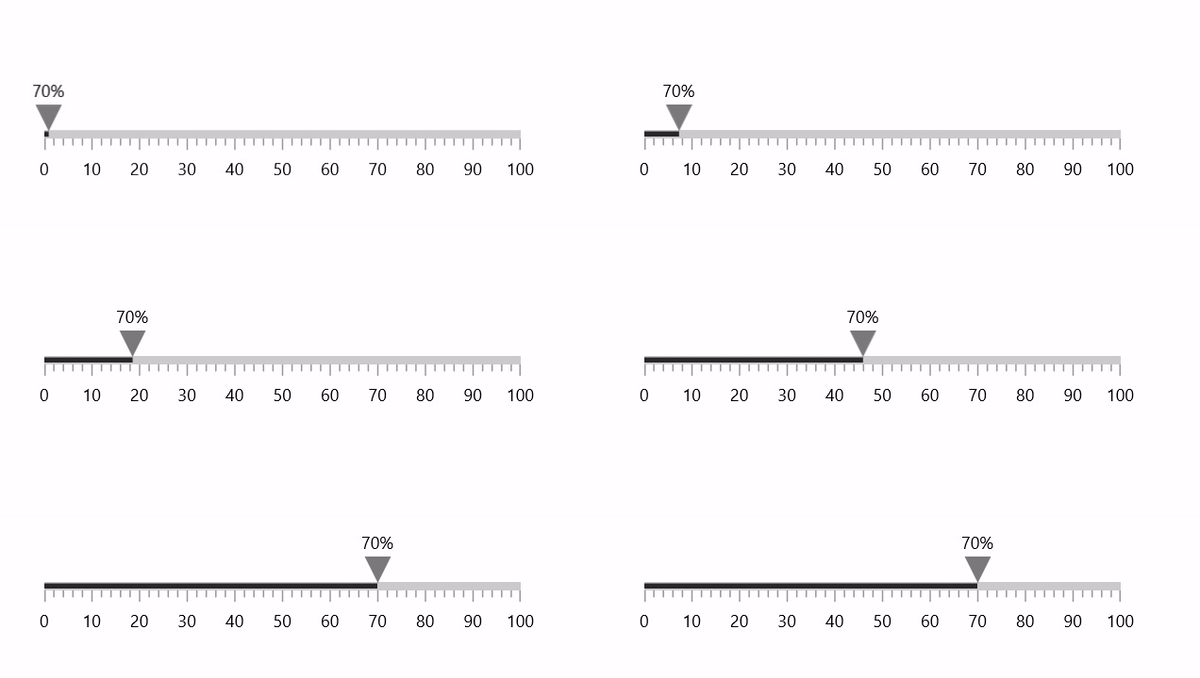
Refer to this EasingFunctionBase, to learn more about available easing functions in WinUI.