Touch Support in Windows Forms Pivot Chart
The pivot chart provides swipe scrolling, panning, and zooming touch support. The touch support can be enabled by setting the EnableTouchMode property to true. This will enable the pivot chart to support swiping, panning, and zooming. The default value of the EnableTouchMode property is false.
//Enable the touch mode for PivotChart
this.pivotChart1.EnableTouchMode = true;
'Enable the touch mode for WinForms Pivot Chart
Me.pivotChart1.EnableTouchMode = TrueTouch swiping
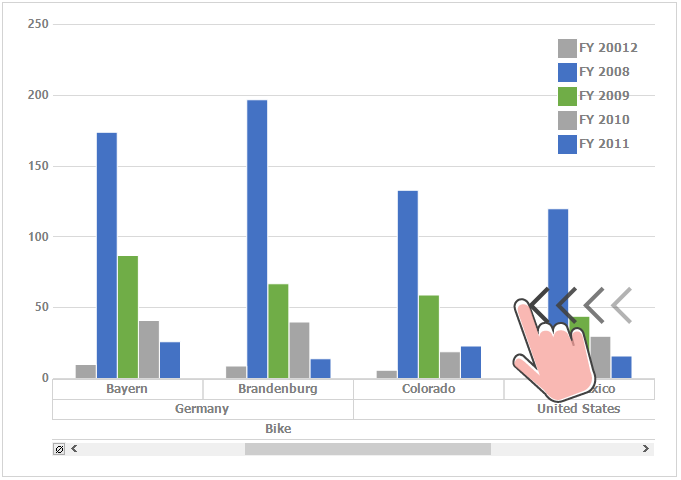
The pivot chart provides the swipe scrolling and panning support in the horizontal direction.
Touch zooming
Touch zooming in both the x-axis and y-axis can be enabled by setting the EnableXZooming and EnableYZooming properties to true. The default value of EnableXZooming is true and the default value of EnableYZooming is false.
//Enable the X axis zooming
this.pivotChart1.EnableXZooming = true;
//Enable the Y axis zooming
this.pivotChart1.EnableYZooming = true;
'Enable the X axis zooming
Me.pivotChart1.EnableXZooming = True
'Enable the Y axis zooming
Me.pivotChart1.EnableYZooming = True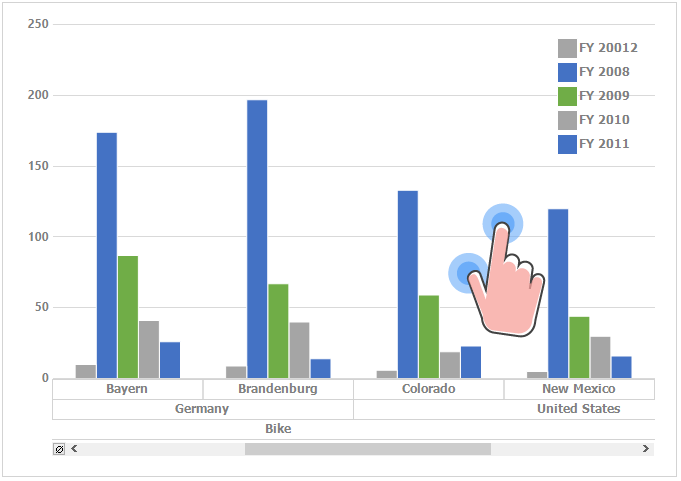
Disabling X and Y axes zooming
The zooming can be disabled in the x-axis and y-axis by setting the EnableXZooming and EnableYZooming properties to false.
//Disable the X axis zooming
this.pivotChart1.EnableXZooming = false;
//Disable the Y axis zooming
this.pivotChart1.EnableYZooming = false;
'Disable the X axis zooming
Me.pivotChart1.EnableXZooming = False
'Disable the Y axis zooming
Me.pivotChart1.EnableYZooming = False