Print and Export in ASP.NET Core Maps
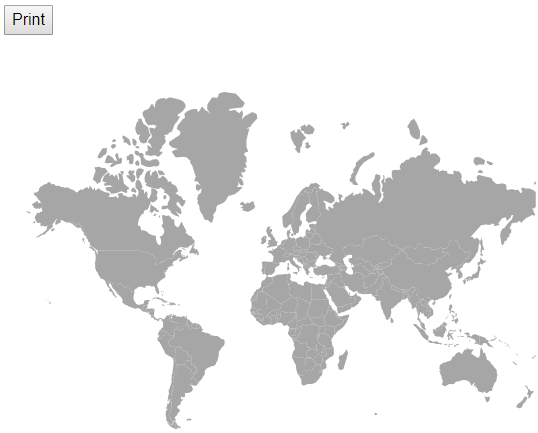
The rendered Maps can be printed directly from the browser by calling the print method. To use the print functionality, set the AllowPrint property to “true”.
@using Syncfusion.EJ2;
<div id="map">
    <button id="export">Export</button>
    <ejs-maps id="maps" load="onMapLoad"  allowPrint="true">
        <e-maps-layers>
        <e-maps-layer shapeData="ViewBag.MapsData">
        </e-maps-layer>
        </e-maps-layers>
    </ejs-maps>
</div>

<script>
    function onMapLoad(args) {
        window.maps = args.maps;
    }
    window.onload = function () {
        document.getElementById("export").onclick = () => {
            window.maps.print();
        };
    };
</script>
using System;
using System.Collections.Generic;
using System.Diagnostics;
using System.Linq;
using System.Threading.Tasks;
using Microsoft.AspNetCore.Mvc;
using EJ2_Core_Application.Models;
using Newtonsoft.Json;
namespace EJ2_Core_Application.Controllers
{
public class HomeController : Controller
{
public IActionResult Index()
{
ViewBag.ShapeData = this.GetWorldMap();
return View();
}
public object GetWorldMap()
{
string allText = System.IO.File.ReadAllText("./wwwroot/scripts/MapsData/world_map.js");
return JsonConvert.DeserializeObject(allText);
}
}
}
Export
Image Export
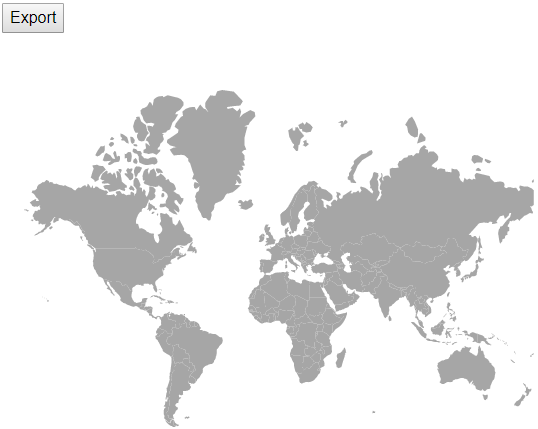
To use the image export functionality in Maps, set the AllowImageExport property to true. The rendered map can be exported as an image using the export method. This method requires two parameters: image type and file name. The Maps can be exported as an image in the following formats.
- JPEG
- PNG
- SVG
@using Syncfusion.EJ2;
<div id="map">
    <button id="export">Export</button>
    <ejs-maps id="maps" load="onMapLoad"  allowImageExport="true">
        <e-maps-layers>
        <e-maps-layer shapeData="ViewBag.MapsData">
        </e-maps-layer>
        </e-maps-layers>
    </ejs-maps>
</div>

<script>
    function onMapLoad(args) {
        window.maps = args.maps;
    }
    window.onload = function () {
        document.getElementById("export").onclick = () => {
            window.maps.export('PNG', 'Maps');
        };
    };
</script>
using System;
using System.Collections.Generic;
using System.Diagnostics;
using System.Linq;
using System.Threading.Tasks;
using Microsoft.AspNetCore.Mvc;
using EJ2_Core_Application.Models;
using Newtonsoft.Json;
namespace EJ2_Core_Application.Controllers
{
public class HomeController : Controller
{
public IActionResult Index()
{
ViewBag.ShapeData = this.GetWorldMap();
return View();
}
public object GetWorldMap()
{
string allText = System.IO.File.ReadAllText("./wwwroot/scripts/MapsData/world_map.js");
return JsonConvert.DeserializeObject(allText);
}
}
}
Exporting Maps as base 64 string of the file
The image can be exported as base64 string for the JPEG and PNG formats. The rendered Maps can be exported to image as a base64 string using the export method. There are four parameters required: image type, file name, orientation of the exported PDF document which must be set as null for image export and finally allowDownload which should be set as false to return base64 string.
@using Syncfusion.EJ2;
<div id="map">
    <button id="export">Export</button>
    <ejs-maps id="maps" load="onMapLoad"  allowImageExport="true">
        <e-maps-layers>
        <e-maps-layer shapeData="ViewBag.MapsData">
        </e-maps-layer>
        </e-maps-layers>
    </ejs-maps>
    <div id="data"></div>
</div>

<script>
    function onMapLoad(args) {
        window.maps = args.maps;
    }
    window.onload = function () {
        document.getElementById("export").onclick = () => {
            window.maps.export('JPEG', 'Maps', null, false).then((data) => {
                document.getElementById('data').innerHTML = data;
        });
        };
    };
</script>
using System;
using System.Collections.Generic;
using System.Diagnostics;
using System.Linq;
using System.Threading.Tasks;
using Microsoft.AspNetCore.Mvc;
using EJ2_Core_Application.Models;
using Newtonsoft.Json;
namespace EJ2_Core_Application.Controllers
{
public class HomeController : Controller
{
public IActionResult Index()
{
ViewBag.ShapeData = this.GetWorldMap();
return View();
}
public object GetWorldMap()
{
string allText = System.IO.File.ReadAllText("./wwwroot/scripts/MapsData/world_map.js");
return JsonConvert.DeserializeObject(allText);
}
}
}PDF Export
To use the PDF export functionality, set the AllowPdfExport property to true. The rendered Maps can be exported as PDF using the export method. The export method requires three parameters: file type, file name and orientation of the PDF document. The orientation setting is optional and 0 indicates portrait and 1 indicates landscape.
@using Syncfusion.EJ2;
<div id="map">
    <button id="export">Export</button>
    <ejs-maps id="maps" load="onMapLoad"  allowPdfExport="true">
        <e-maps-layers>
        <e-maps-layer shapeData="ViewBag.MapsData">
        </e-maps-layer>
        </e-maps-layers>
    </ejs-maps>
</div>

<script>
    function onMapLoad(args) {
        window.maps = args.maps;
    }
    window.onload = function () {
        document.getElementById("export").onclick = () => {
            window.maps.export('PDF', 'Maps', 0);
        };
    };
</script>
using System;
using System.Collections.Generic;
using System.Diagnostics;
using System.Linq;
using System.Threading.Tasks;
using Microsoft.AspNetCore.Mvc;
using EJ2_Core_Application.Models;
using Newtonsoft.Json;
namespace EJ2_Core_Application.Controllers
{
public class HomeController : Controller
{
public IActionResult Index()
{
ViewBag.ShapeData = this.WorldMap();
return View();
}
public object GetWorldMap()
{
string allText = System.IO.File.ReadAllText("./wwwroot/scripts/MapsData/world_map.js");
return JsonConvert.DeserializeObject(allText);
}
}
}
Export the tile Maps
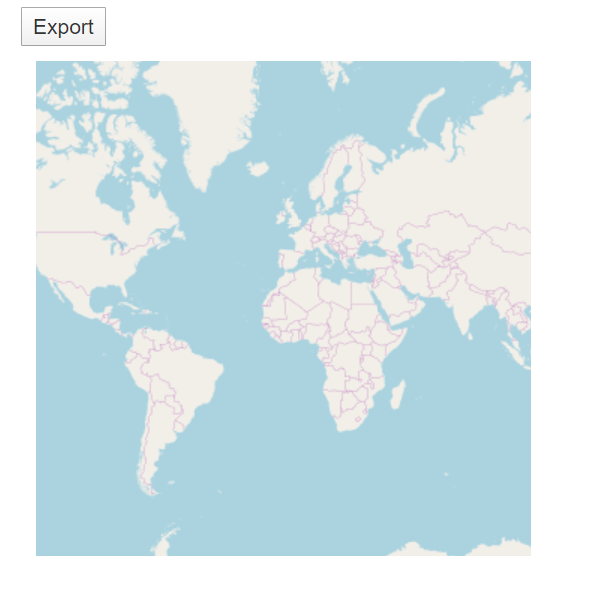
The rendered Maps with providers such as OSM, Bing and Google static Maps can be exported using the export method. It supports the following export formats.
- JPEG
- PNG
@using Syncfusion.EJ2;
<div id="map">
    <button id="export">Export</button>
    <ejs-maps id="maps" load="onMapLoad"  allowImageExport="true">
        <e-maps-layers>
        <e-maps-layer urlTemplate="https://tile.openstreetmap.org/level/tileX/tileY.png">
        </e-maps-layer>
        </e-maps-layers>
    </ejs-maps>
</div>

<script>
    function onMapLoad(args) {
        window.maps = args.maps;
    }
    window.onload = function () {
        document.getElementById("export").onclick = () => {
            window.maps.export('PNG', 'Maps');
        };
    };
</script>
using System;
using System.Collections.Generic;
using System.Diagnostics;
using System.Linq;
using System.Threading.Tasks;
using Microsoft.AspNetCore.Mvc;
using EJ2_Core_Application.Models;
using Newtonsoft.Json;
namespace EJ2_Core_Application.Controllers
{
public class HomeController : Controller
{
public IActionResult Index()
{
ViewBag.shapeData = this.GetWorldMap();
return View();
}
public object GetWorldMap()
{
string allText = System.IO.File.ReadAllText("./wwwroot/scripts/MapsData/world_map.js");
return JsonConvert.DeserializeObject(allText);
}
}
}