How can I help you?
Layout
You can decide on the visual representation of nodes belonging to all the treemap levels using the ItemsLayoutMode property of the TreeMap.
There are four different TreeMap layouts such as
- Squarified Layout
- SliceAndDiceAuto Layout
- SliceAndDiceHorizontal Layout
- SliceAndDiceVertical Layout
Squarified Layout
Squarified layout creates rectangles with best aspect ratio.
<ej-tree-map id="treemap" datasource="ViewBag.datasource" weight-value-path="Population" color-value-path="Growth" items-layout-mode="Squarified">
		<e-levels><e-level group-path="Continent" group-gap="5"></e-level></e-levels>
	</ej-tree-map>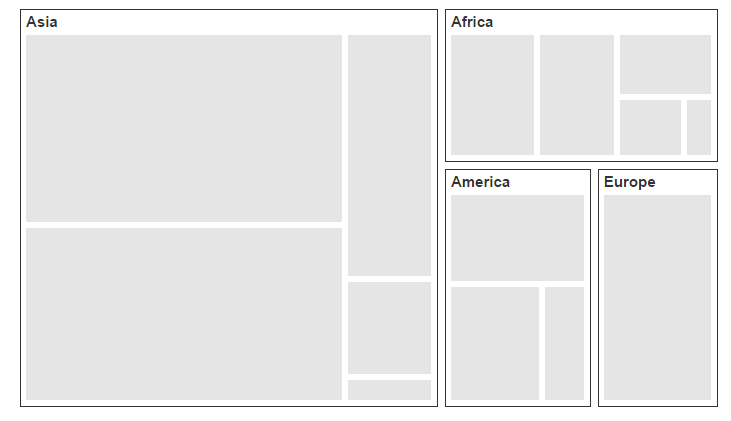
SliceAndDiceAuto Layout
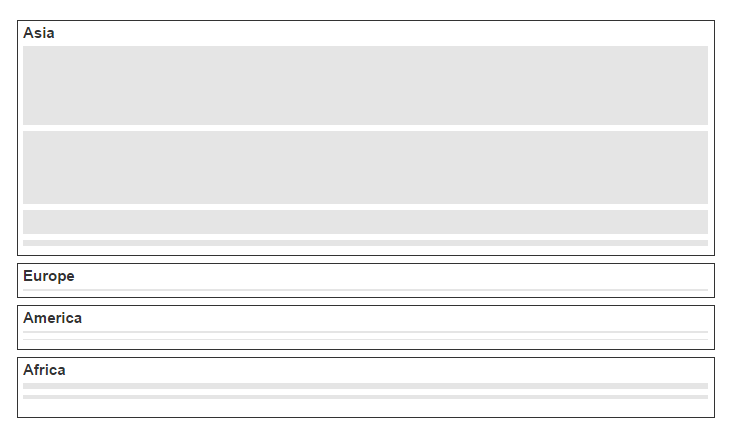
SliceAndDiceAuto layout creates rectangles with high aspect ratio and displays them sorted both horizontally and vertically.
<ej-tree-map id="treemap" datasource="ViewBag.datasource" weight-value-path="Population" color-value-path="Growth" items-layout-mode="SliceAndDiceAuto">
		<e-levels><e-level group-path="Continent" group-gap="5"></e-level></e-levels>
	</ej-tree-map>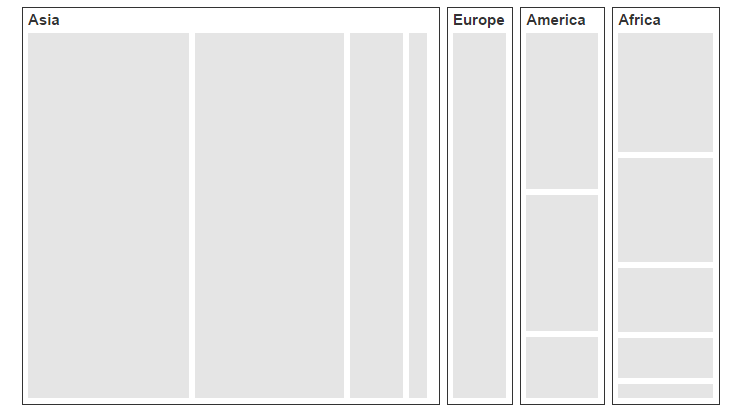
SliceAndDiceHorizontal Layout
SliceAndDiceHorizontal layout creates rectangles with high aspect ratio and displays them sorted horizontally.
<ej-tree-map id="treemap" datasource="ViewBag.datasource" weight-value-path="Population" color-value-path="Growth" items-layout-mode="SliceAndDiceHorizontal">
		<e-levels><e-level group-path="Continent" group-gap="5"></e-level></e-levels>
	</ej-tree-map>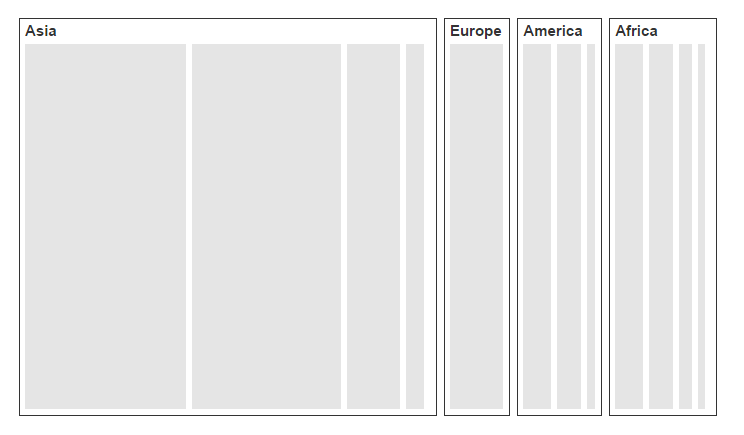
SliceAndDiceVertical Layout
SliceAndDiceVertical layout creates rectangles with high aspect ratio and displays them sorted vertical.
<ej-tree-map id="treemap" datasource="ViewBag.datasource" weight-value-path="Population" color-value-path="Growth" items-layout-mode="SliceAndDiceVertical">
		<e-levels><e-level group-path="Continent" group-gap="5"></e-level></e-levels>
	</ej-tree-map>