About Syncfusion WPF Kanban Board Control
18 Nov 20181 minute to read
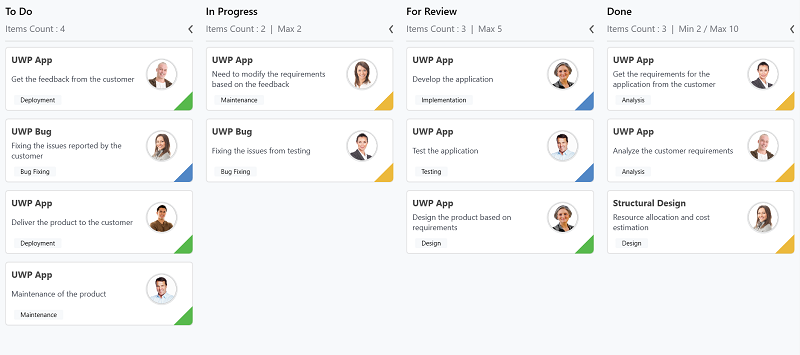
The WPF Kanban Board is an efficient way to visualize workflows at each stage of completion. It enables effective planning and provides clear visibility into work progress. A rich set of features helps monitor task progress throughout the software development cycle.
Key Features
- Workflows - It allows users to control the transitions between tasks from one category (status) to another.
- Customization - Cards and placeholders can be customized.
- WIP Limit - Visualize the Work-In-Progress limit.
- Indicator color customization - The indicator color for cards can be customized.
- Dragging events - Dragging events are raised while rearranging or repositioning cards.
Getting Started
To get started with the WPF Kanban Board control, refer to the Getting Started documentation, which walks you through adding the control to a WPF project, populating it with data, and customizing the appearance.