Mermaid Diagram Support in WinUI Markdown Viewer
18 Nov 20182 minutes to read
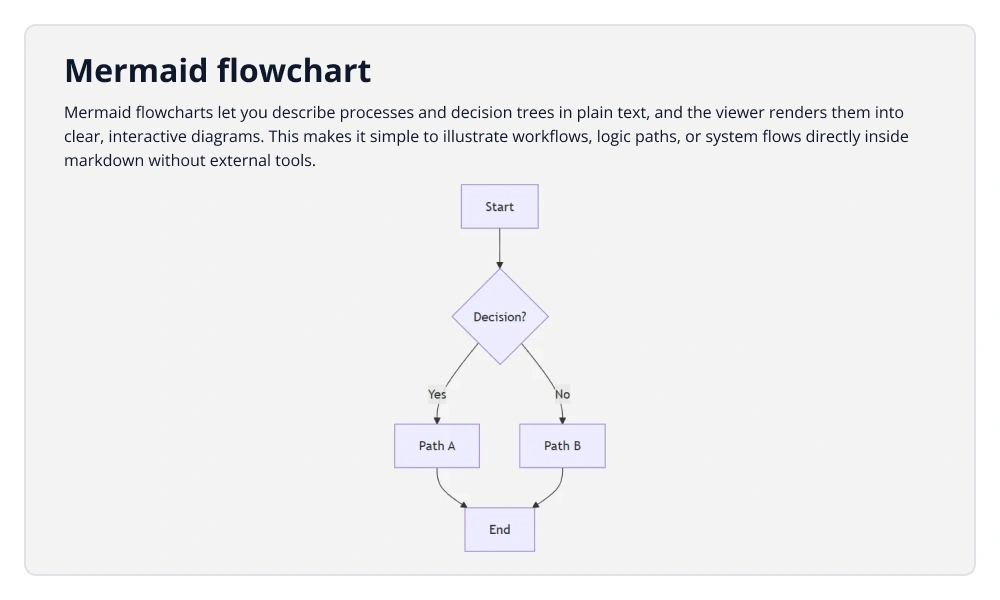
The Markdown Viewer control supports embedding Mermaid diagrams directly in Markdown content using simple text syntax. Mermaid code blocks defined in the Source property are automatically interpreted and rendered as visual diagrams.
Rendering Mermaid Diagrams
Mermaid diagrams are created using fenced code blocks marked with the mermaid language inside Markdown content. When the viewer encounters these blocks, it converts the diagram definition into a graphical representation.
The following XAML and C# examples demonstrate how to assign Markdown content containing Mermaid syntax to the Markdown Viewer control using the Source property
<Grid>
    <syncfusion:SfMarkdownViewer>
        <syncfusion:SfMarkdownViewer.Source>
            <x:String xml:space="preserve">
                <![CDATA[

# Mermaid Flowchart

Mermaid flowcharts let you describe processes and decision trees in plain text. The viewer renders them into clear, interactive diagrams.

---

```mermaid
flowchart TD
    A[User Opens App] --> B[Markdown Viewer Loads]
    B --> C{Contains Mermaid?}
    C -->|Yes| D[Render Diagram]
    C -->|No| E[Render Plain Markdown]
    D --> F[Display Enhanced Output]
    E --> F
```
                ]]>
            </x:String>
        </syncfusion:SfMarkdownViewer.Source>
    </syncfusion:SfMarkdownViewer>
</Grid>
namespace MarkdownViewerGettingStarted
{
public partial class MainWindow : Window
{
public MainWindow()
{
InitializeComponent();
SfMarkdownViewer markdownViewer = new SfMarkdownViewer();
markdownViewer.Source =
@"
# Mermaid Flowchart
Mermaid flowcharts let you describe processes and decision trees in plain text. The viewer renders them into clear, interactive diagrams.
---
```mermaid
flowchart TD
A[User Opens App] --> B[Markdown Viewer Loads]
B --> C{Contains Mermaid?}
C -->|Yes| D[Render Diagram]
C -->|No| E[Render Plain Markdown]
D --> F[Display Enhanced Output]
E --> F
```
";
Content = markdownViewer;
}
}
}