# Right to Left (RTL) in WinUI Controls
Right to left (RTL) support allows you to change the direction of text and other UI elements flow within the controls' layout.
Syncfusion® WinUI controls allow you to change the flow direction and are suitable for all applications that are localized in right to left languages. The layout of the control direction can be changed by setting the [FlowDirection](https://docs.microsoft.com/en-us/uwp/api/windows.ui.xaml.frameworkelement.flowdirection?view=winrt-19041) to `RightToLeft`.
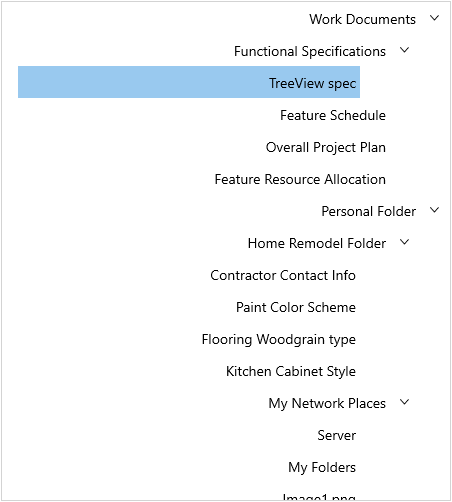
The following example shows a `TreeView` control with RTL direction.
{% tabs %}
{% highlight xaml %}
{% endhighlight %}
{% highlight c# %}
treeView.FlowDirection = FlowDirection.RightToLeft;
{% endhighlight %}
{% endtabs %}