Add Syncfusion® DOCX Editor SDK References for WPF Application
16 Jul 20263 minutes to read
The Syncfusion® DOCX Editor SDK Reference Manager is an Add-In for WPF applications. It adds the Syncfusion® DOCX Editor SDK assembly reference to the project, either from the GAC location or the Essential Studio® installed location. It can also migrate projects that contain old versions of the Syncfusion® assembly reference to newer or specific versions of the Syncfusion® assembly reference.
NOTE
This Syncfusion® DOCX Editor SDK Reference Manager can be applied to a project for Syncfusion® assembly version 32.1.19 and later.
Follow the given steps to add the Syncfusion® DOCX Editor SDK Reference Manager in Visual Studio:
Before using the Syncfusion® DOCX Editor SDK Reference Manager, check whether the Syncfusion® DOCX Editor SDK Extensions - Syncfusion® is installed in the Visual Studio Extension Manager by clicking on Tools -> Extensions and Updates -> Installed for Visual Studio 2022 or later, by clicking on Extensions -> Manage Extensions -> Installed. If this extension is not installed, please install it by following the steps in the download and installation help topic.
-
Open a new or existing WPF application.
-
To open the Syncfusion® DOCX Editor SDK Reference Manager Wizard, follow either one of the options below:
Option 1:
Click the Syncfusion® Menu and choose Essential Studio® for Syncfusion® DOCX Editor SDK > Add Syncfusion® DOCX Editor SDK Reference Manager….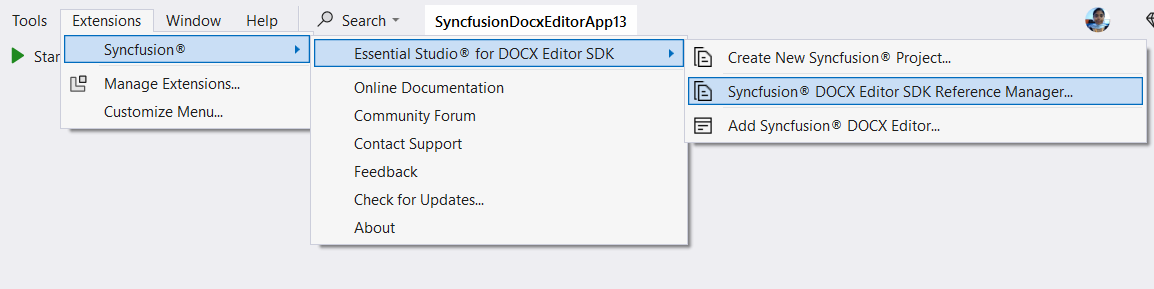
Option 2:
Right-click the selected WPF project file from the Solution Explorer, then select Syncfusion® DOCX Editor SDK Reference Manager… from the Context Menu. The following screenshot shows this option in Visual Studio.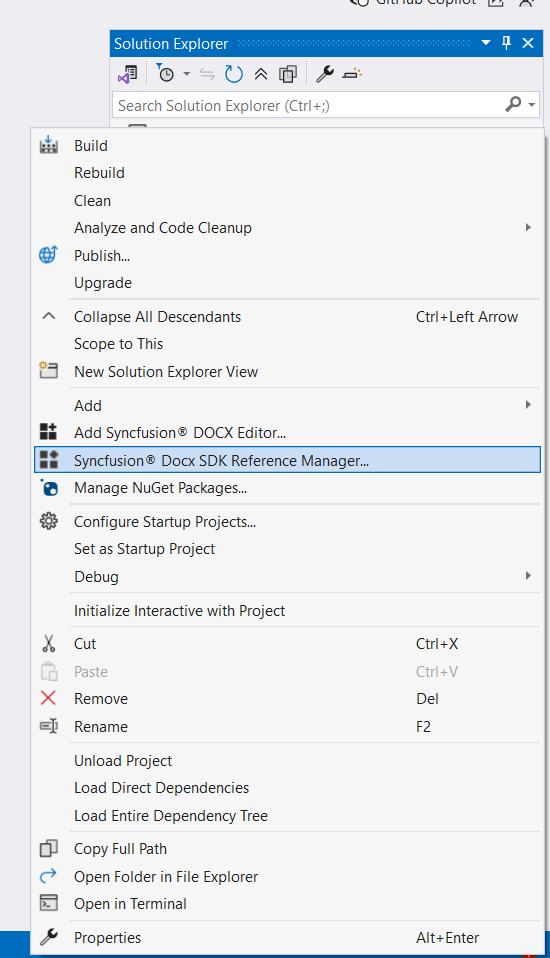
-
The Syncfusion® DOCX Editor SDK Reference Manager Wizard will be loaded.
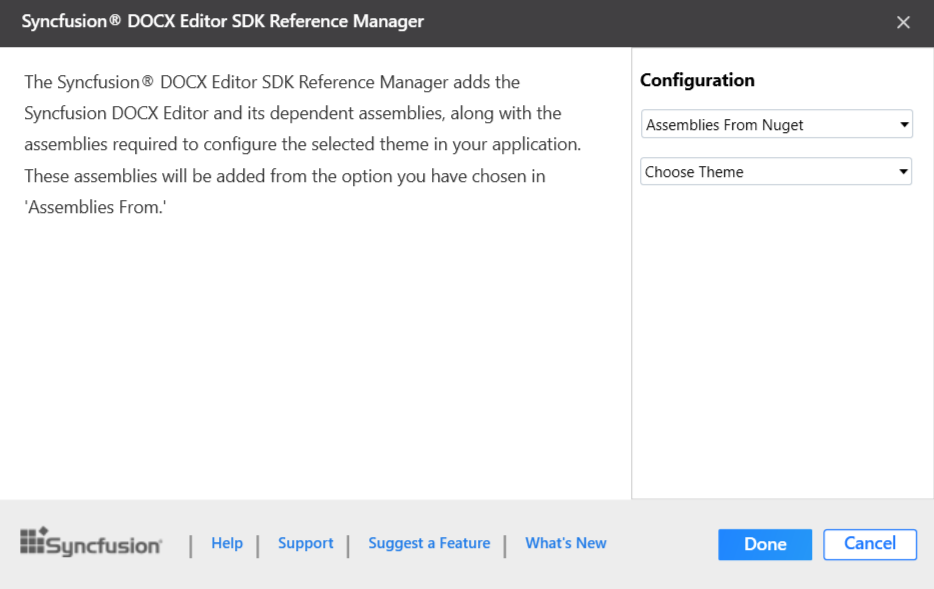
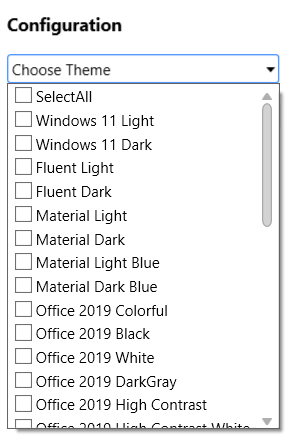
Choose Theme: Choose the required theme option, which is enabled only for WPF applications, from the dropdown.
Assembly From: Choose the assembly location, either from NuGet packages, the build installed location, or by using the GAC location.
NOTE
The installed location and GAC option will be available only when the Syncfusion® DOCX Editor SDK setup has been installed.
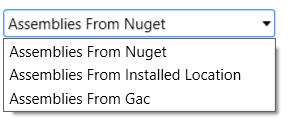
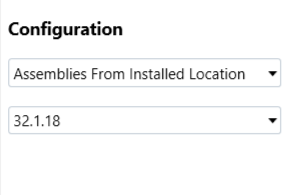
Version: Choose the installed build version to add the corresponding version assemblies to the project.
-
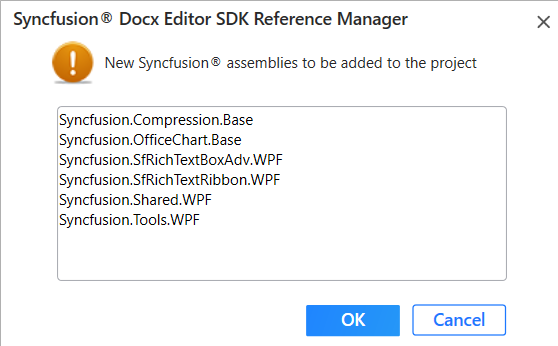
Click Done to add the required DOCX Editor SDK assemblies for the selected control into the project. The following screenshot shows the list of required DOCX Editor SDK assemblies for the control to be added.
-
Click OK. The listed Syncfusion® assemblies are added to the project. Then it notifies that the “Syncfusion® DOCX Editor SDK assemblies have been added successfully” in the Visual Studio status bar.
-
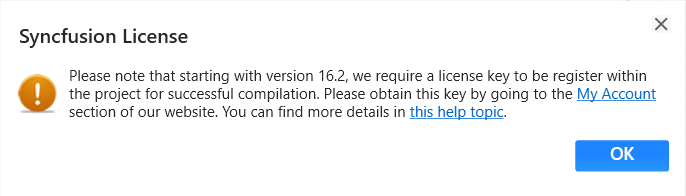
Then, a Syncfusion® licensing registration required message box will be shown, if you have installed the trial setup or NuGet packages, since Syncfusion® introduced the licensing system from 2018 Volume 2 (v16.2.0.41) Essential Studio® release. Navigate to the help topic, which is shown in the licensing message box, to generate and register the Syncfusion® license key to your project. Refer to this blog post for understanding the licensing changes introduced in Essential Studio®.
NOTE
Syncfusion® provides Syncfusion® DOCX Editor SDK Reference Manager support for specific .NET Frameworks, which are shipped (assemblies) in the Syncfusion® Essential Studio® setup. So, if you try to add Syncfusion® assemblies in the project and the project framework is not supported with the selected Syncfusion® version assemblies, the dialog appears along with the “Current build v{version} is not supported this framework v{Framework Version}” message.