About Syncfusion WPF DOCX Editor Control
30 Aug 20261 minute to read
The WPF DOCX Editor (SfRichTextBoxAdv) is a feature-rich, user-interactive control that enables viewing, editing, and printing rich text content with advanced formatting and layout capabilities, supporting elements such as text, images, tables, paragraphs, and comments.
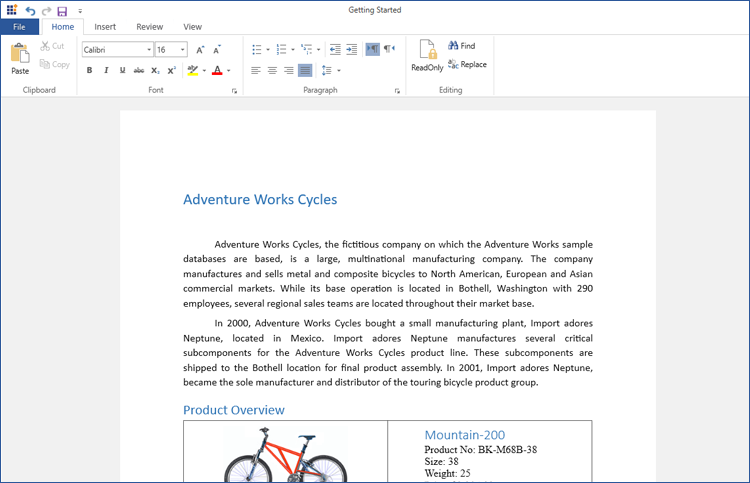
Features
- View and edit rich text content, including text, images, tables, and comments.
- Import and export document formats such as Word (.doc, .docx), Rich Text Format (.rtf), HTML (.htm, .html), XAML (.xaml), and plain text (.txt).
- Print document content with page-by-page rendering.
- Supports a wide range of image formats (except Metafile images).
- Provides undo and redo support for all editing and formatting operations, including text, tables, images, hyperlinks, and styling (bold, italic, etc.).
- Supports different header and footer configurations, including first page and odd/even pages.
- Enables cut, copy, and paste operations, including rich text content via the clipboard.
- Supports loading encrypted Word documents with valid password.
Limitation: The SfRichTextBoxAdv cannot currently edit rich text in headers and footers.
You can refer to our WPF DOCX Editor feature tour page for its groundbreaking feature representations. You can also explore our WPF DOCX Editor example to know how to render and configure the editing tool.