Shapes in UWP DOCX Editor
30 Aug 20261 minute to read
Shapes are drawing objects such as text boxes, rectangles, lines, curves, and circles. Shapes follow a preset or custom geometry. SfRichTextBoxAdv does not support inserting shapes. However, if the document contains a shape during import, the shape is preserved.
Shape preservation is supported starting from Syncfusion UWP DOCX Editor v18.3.0.X.
Supported shapes
SfRichTextBoxAdv has preservation support for text box and rectangle shapes.
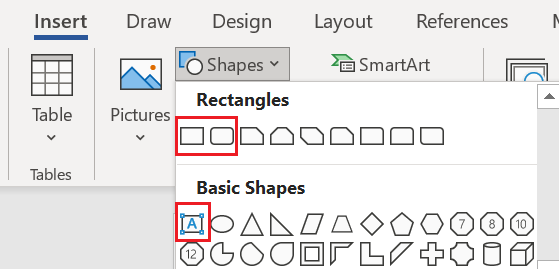
Text box shape
A text box is a rectangular area in the document where you can enter text. When you click in a text box, a flashing cursor displays, indicating that you can begin typing. You can enter multiple lines of text with the full range of text formatting.
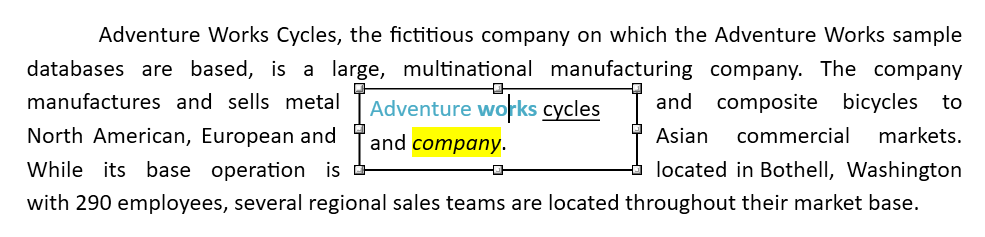
Shape resizer
SfRichTextBoxAdv also supports a built-in shape resizer that lets you resize shapes in the document. The shape resizer accepts both touch and mouse interactions.
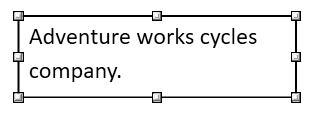
Text wrapping style
Text wrapping refers to how shapes are positioned relative to the surrounding text in a document. Refer to the Text wrapping style page for more information about the text wrapping styles available in SfRichTextBoxAdv.
Positioning the shape
Starting from Syncfusion UWP DOCX Editor v19.1.0.X, SfRichTextBoxAdv preserves the position properties of the shape and displays the shape based on those properties. It does not support modifying the position properties. A shape positioned relative to the line or paragraph is automatically moved as the surrounding text is edited.
At present, a shape with the
Inlinetext wrapping style can be dragged and dropped anywhere in the document.