How to Install Syncfusion PowerPoint Linux Installer
14 Aug 20261 minute to read
Overview
This guide walks you through installing the Syncfusion® PowerPoint Linux Installer on a Linux machine. The installer is distributed as a .zip archive that contains the demo samples and the NuGet packages required to build the included samples.
Step-by-Step Installation
The steps below show how to install PowerPoint Linux installer.
-
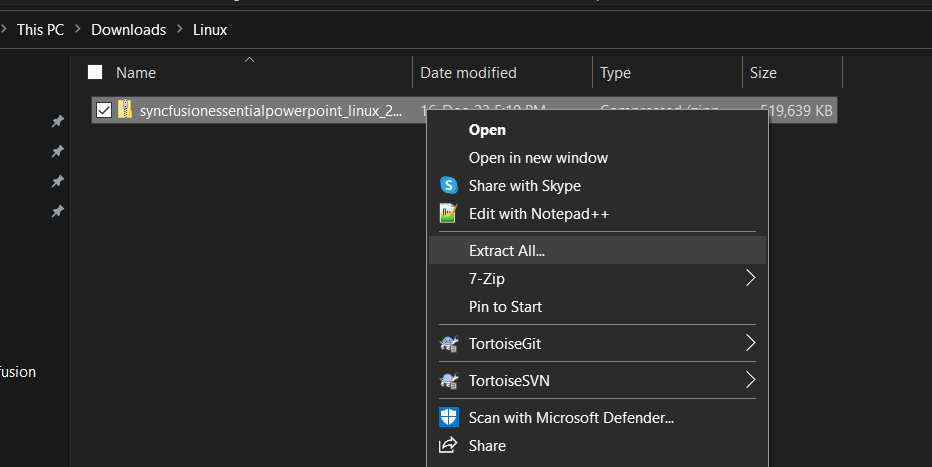
Extract the Syncfusion® PowerPoint Linux installer(.zip) file. The files are extracted in your machine.
-
The Linux zip file contains the following folders.
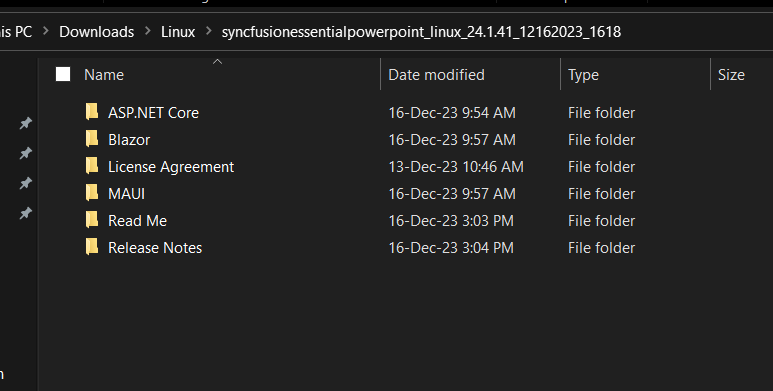
The Unlock key is not required to install the Linux installer.
-
You can launch the demo source and use the NuGet packages included in the Linux installer.
-
Run the following command in linux machine to deploy the ASP.NET Core samples
dotnet restore project-name -s \nuget in order to restore.
License key registration in samples
After the installation, the license key is required to register the demo source that is included in the Linux installer. To learn about the steps for license registration for the ASP.NET Core - EJ2 samples in the Essential Studio® PowerPoint linux installer, please refer to this.