Right to Left (RTL) in WPF Pdf Viewer
14 Aug 20261 minute to read
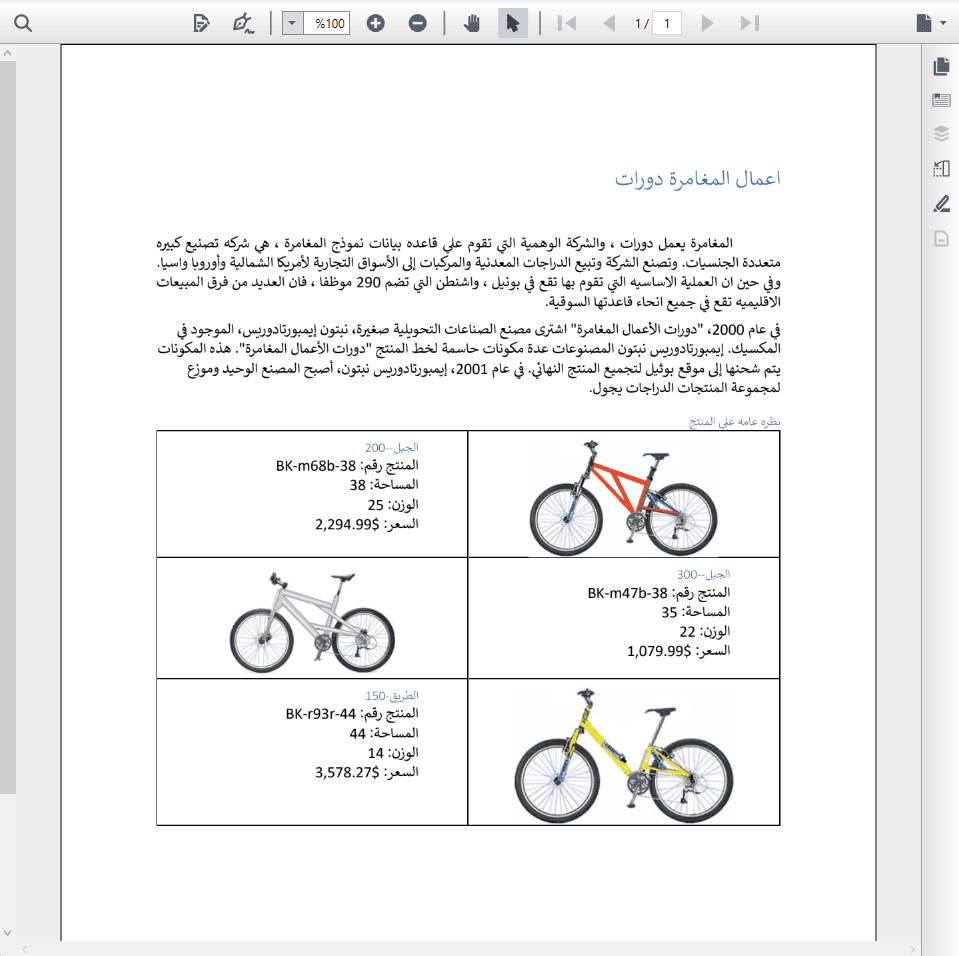
The WPF PDF Viewer control supports right-to-left (RTL) rendering. All user interface elements are displayed based on left-to-right (LTR) or right-to-left (RTL) direction, ensuring proper layout and alignment for RTL languages.
Enabling RTL in WPF PDF Viewer
RTL can be configured in the WPF PDF Viewer using the FlowDirection property. By default, the layout direction is LeftToRight; setting it to RightToLeft enables RTL. This can be set either in XAML or in the code-behind (C#).
Configuring RTL in XAML
RTL can be enabled in XAML by setting the FlowDirection property to RightToLeft.
<Grid>
    <PdfViewer:PdfViewerControl x:Name="pdfViewer" FlowDirection="RightToLeft"/>
 </Grid>
Configuring RTL in Code-Behind (C#)
RTL can also be configured programmatically by setting the FlowDirection property in the code-behind. Refer to the following code snippet.
using System.Windows;
using Syncfusion.Windows.PdfViewer;

namespace RTLSample
{
    public partial class MainWindow : Window
    {
        public MainWindow()
        {
            InitializeComponent();
            pdfViewer.FlowDirection = FlowDirection.RightToLeft;
            pdfViewer.Load("../../../Data/RTLText.pdf");

        }
    }
}
The sample project to perform the operation is available in the GitHub.