How to hide toolbar buttons in WinForms PDF Viewer
14 Aug 20261 minute to read
In the WinForms PDF Viewer, there is an API called ToolbarSettings that allows you to access and manage toolbar buttons. To hide a specific button, use the IsVisible property associated with that button. By setting IsVisible to false, the button will be hidden from the toolbar.
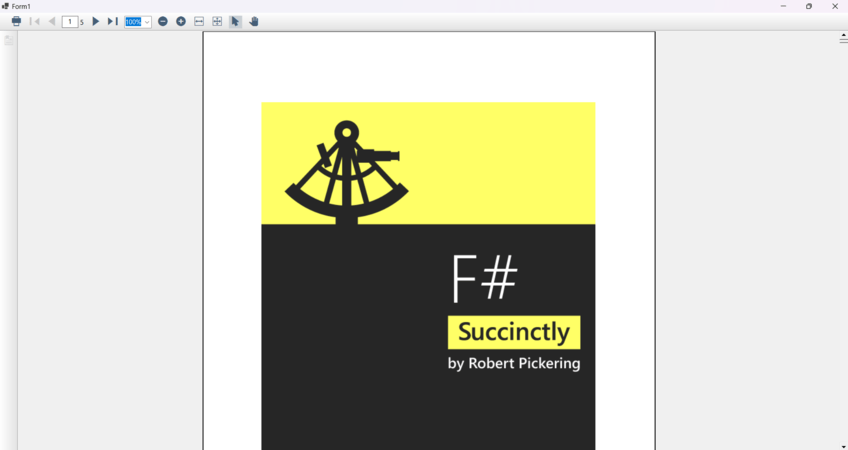
The following code snippet demonstrates how to hide the Open and Save buttons in the WinForms PDF Viewer control.
//Load the document to PDFViewer control
pdfviewerControl.Load("Input.pdf");

//Change the visibility of Open and Save buttons
pdfviewerControl.ToolbarSettings.OpenButton.IsVisible = false;
pdfviewerControl.ToolbarSettings.SaveButton.IsVisible = false;
' Load the document into the PDFViewer control
pdfviewerControl.Load("Input.pdf")
' Change the visibility of Open and Save buttons
pdfviewerControl.ToolbarSettings.OpenButton.IsVisible = False
pdfviewerControl.ToolbarSettings.SaveButton.IsVisible = FalseThe following image shows the PDF Viewer with the Open and Save buttons hidden in the toolbar.