Document Link Navigation in .NET MAUI PDF Viewer
14 Aug 20261 minute to read
The PDF Viewer allows navigating from one part of the PDF document to another using document link annotations. When a document link annotation is tapped, the PDF Viewer scrolls to the destination page or location defined by that annotation. This type of annotation is most commonly used to make a PDF’s table of contents interactive — each entry links directly to the corresponding page in the document.
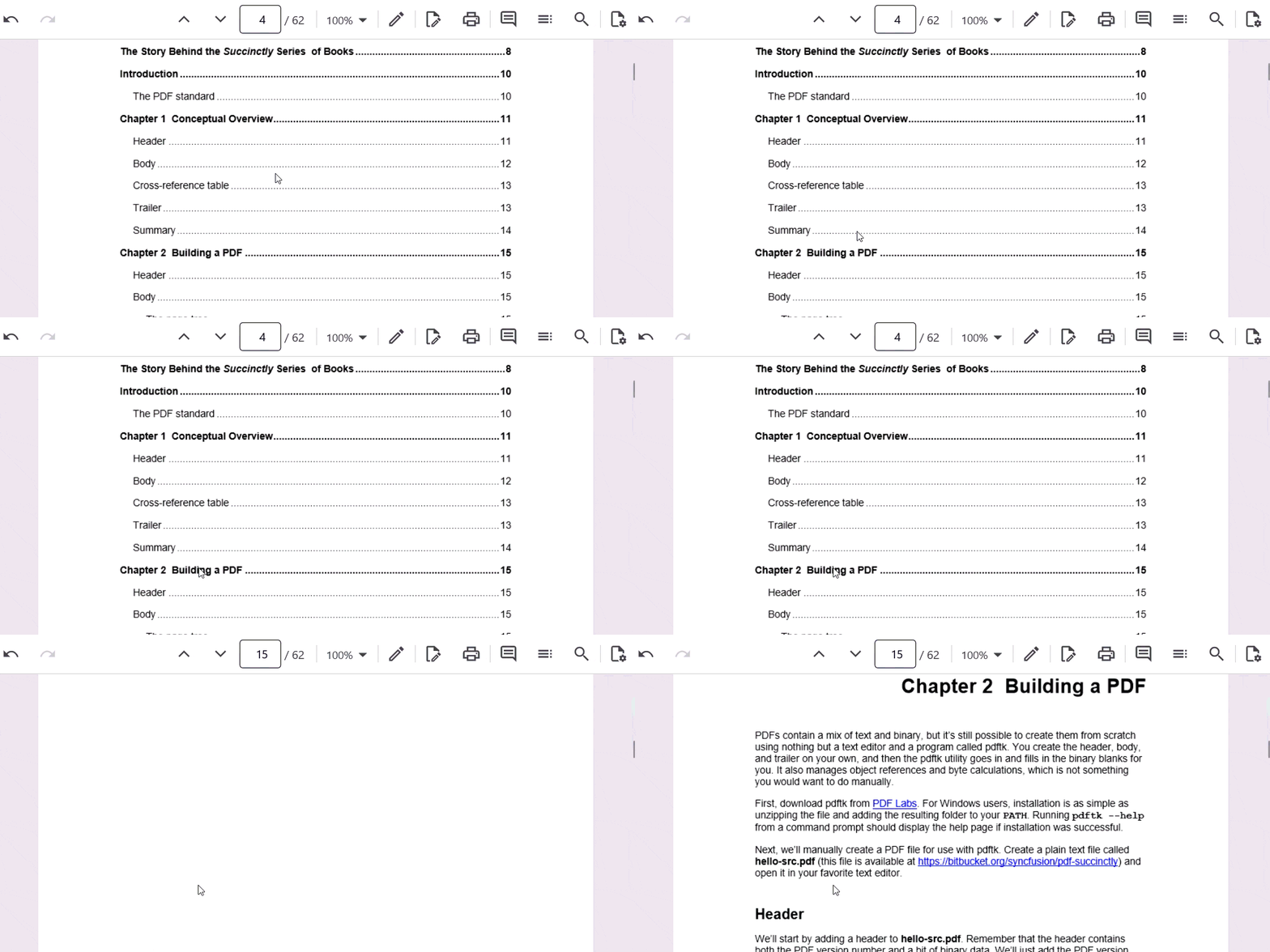
Document link annotations differ from hyperlink annotations. Document links navigate within the same PDF document, while hyperlinks open an external URL in the device browser. See Hyperlink Navigation for details on handling external links.
Enable or disable document link navigation
The document link navigation can be turned on or off using the EnableDocumentLinkNavigation property. The default value of this property is true. The code snippet below illustrates disabling the document link navigation.
pdfViewer.EnableDocumentLinkNavigation = false;