Move and Resize Form Fields in ASP.NET MVC PDF Viewer
14 Aug 20262 minutes to read
- Move: Drag the form field to reposition it.
- Resize: Use the resize handles to change width and height.
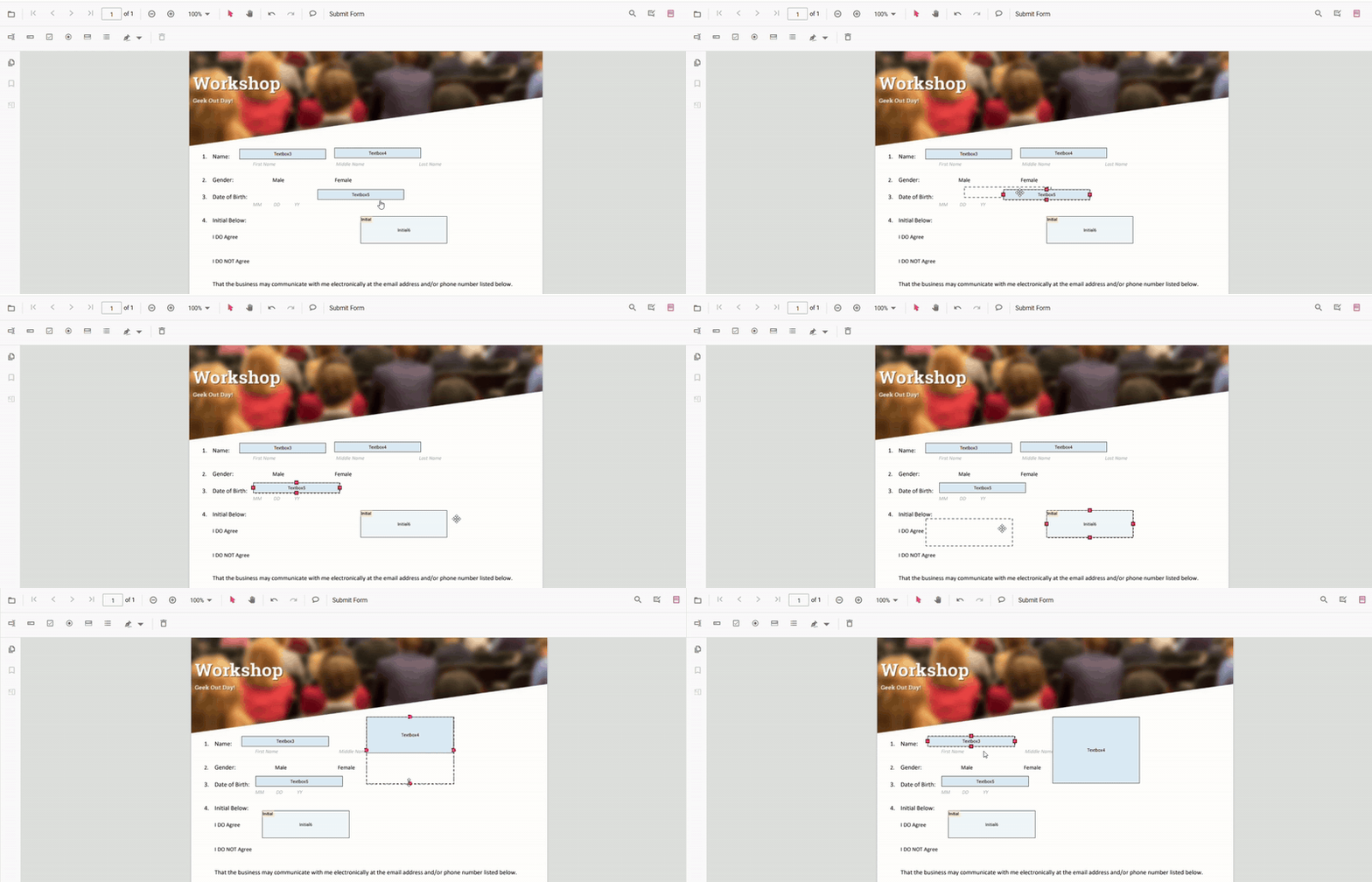
Move and Resize Fields Programmatically (API)
You can set absolute bounds or move fields by a delta.
Set absolute bounds
<div style="width:100%;height:120px">
        <button id="resizeMove">Resize and Move FormFields</button>
    </div>

    <div style="width:100%;height:600px">
        @Html.EJS().PdfViewer("pdfviewer").DocumentPath("https://cdn.syncfusion.com/content/pdf/form-filling-document.pdf").Render()
    </div>

    <script>
        document.addEventListener("DOMContentLoaded", function () {
            var pdfviewer = document.getElementById('pdfviewer').ej2_instances[0];
            document.getElementById('resizeMove').addEventListener('click', function () {
                var fields = pdfviewer.retrieveFormFields();
                var field = fields.find(function (f) { return f.name === 'First Name'; }) || fields[0];
                if (field) {
                    pdfviewer.formDesignerModule.updateFormField(field, {
                        bounds: { X: 140, Y: 210, Width: 220, Height: 24 }
                    });
                }
            });
        });
    </script>