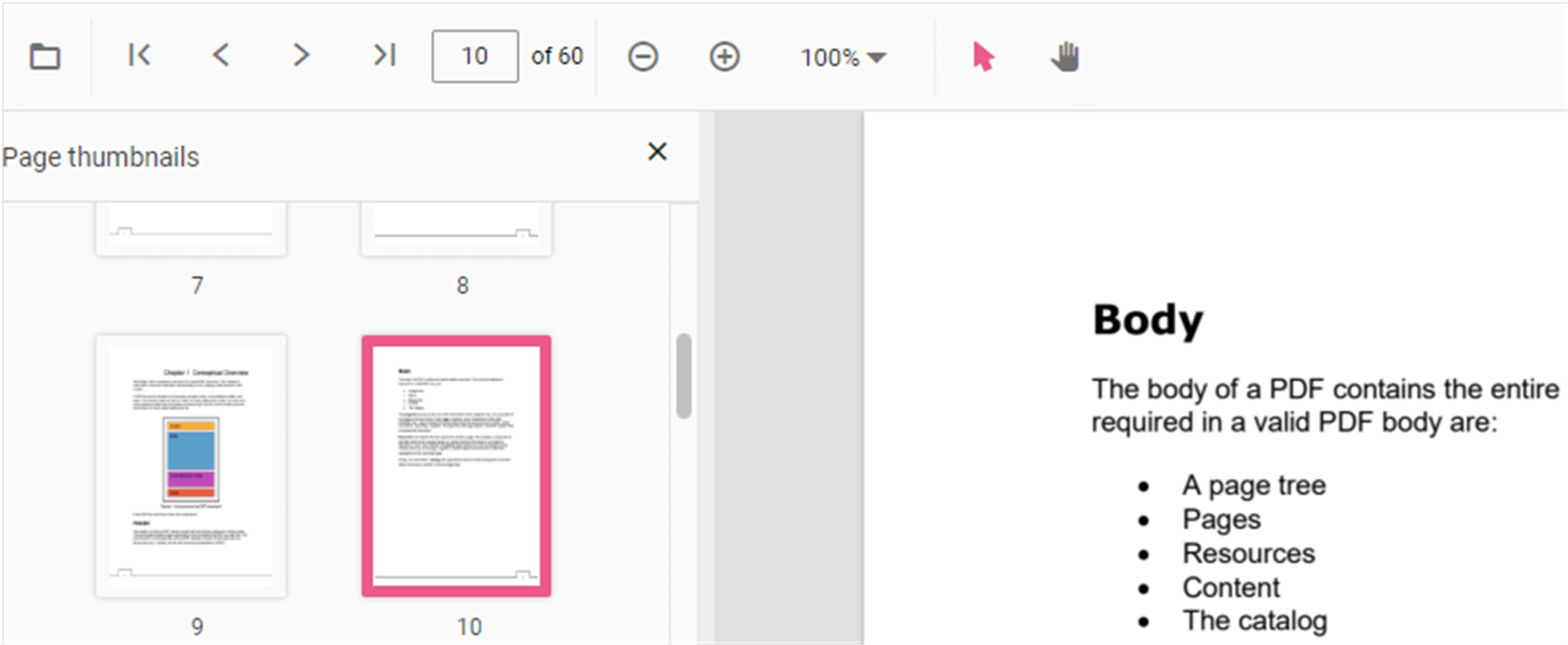
Page Thumbnail Navigation in ASP.NET Core PDF Viewer
14 Aug 20261 minute to read
Page thumbnails provide miniature representations of pages and enable quick navigation. Use the thumbnail pane to jump to specific pages without scrolling.
Enable thumbnail navigation
You can enable or disable thumbnail navigation using the enableThumbnail property. The example below shows how to enable thumbnails.
-
Property:
enableThumbnail -
Type:
boolean -
Default:
true
Example: Enable thumbnails
<div style="width:100%;height:600px">
    <ejs-pdfviewer id="pdfviewer"
                   documentPath="https://cdn.syncfusion.com/content/pdf/pdf-succinctly.pdf"
                   enableThumbnail="true">
    </ejs-pdfviewer>
</div>
<div style="width:100%;height:600px">
<ejs-pdfviewer id="pdfviewer"
serviceUrl='/Index'
documentPath="https://cdn.syncfusion.com/content/pdf/pdf-succinctly.pdf"
enableThumbnail="true">
</ejs-pdfviewer>
</div>