Built-in Context Menu in Angular PDF Viewer
14 Aug 20264 minutes to read
The Angular PDF Viewer includes a context-sensitive menu that updates dynamically based on the right-clicked element within the document. This page lists the default menu items available for different document elements.
Context Menu Scenarios
Menu items vary depending on the target element:
-
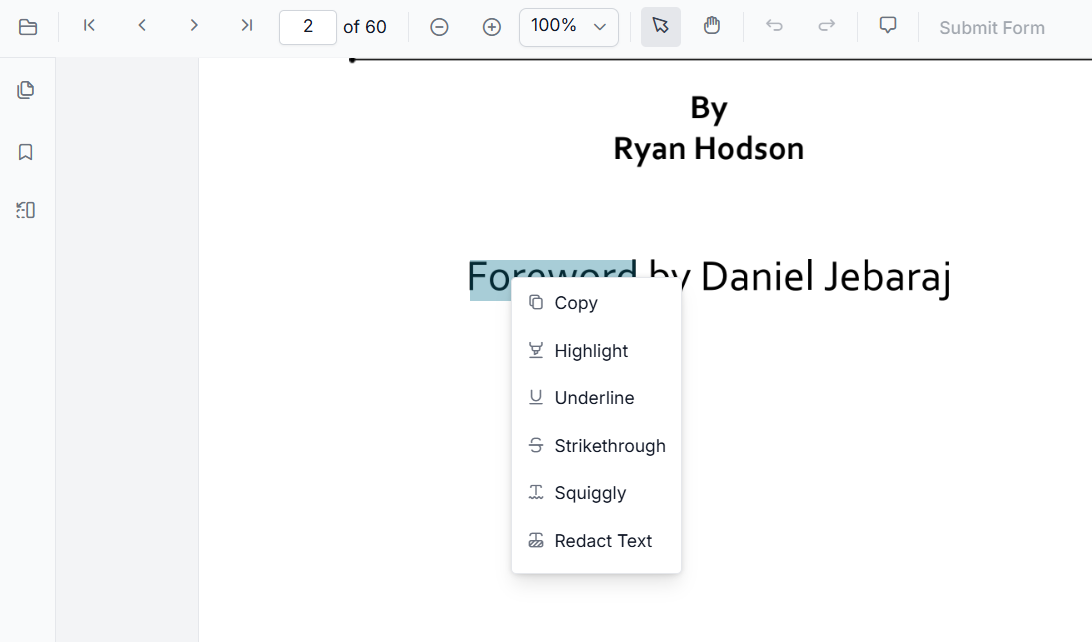
Text: Displays options to annotate and copy selected text.
-
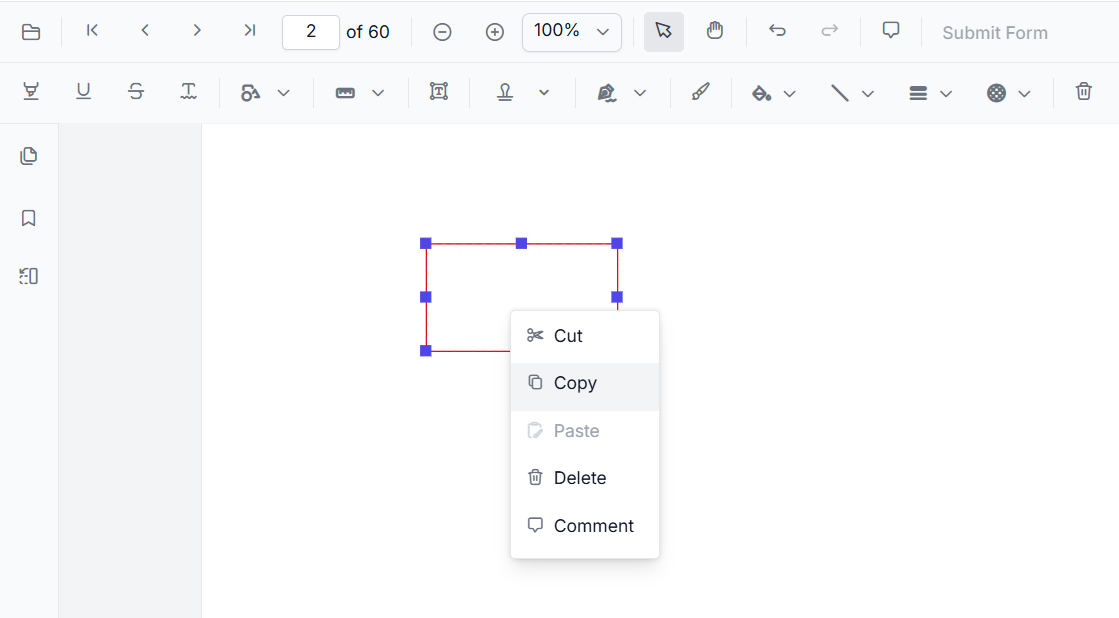
Annotations: Provides options to copy, cut, paste, or remove annotations, and add comments.
-
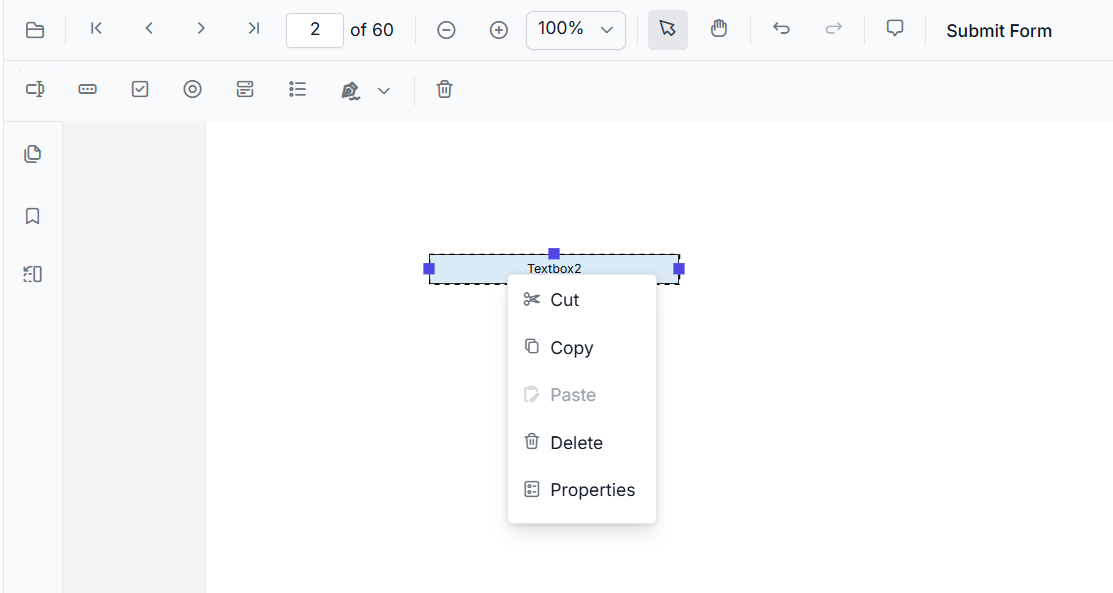
Form Fields: Shows standard form field interactions, such as modifying properties. The context menu for form fields appears only when the viewer is in designer mode.
-
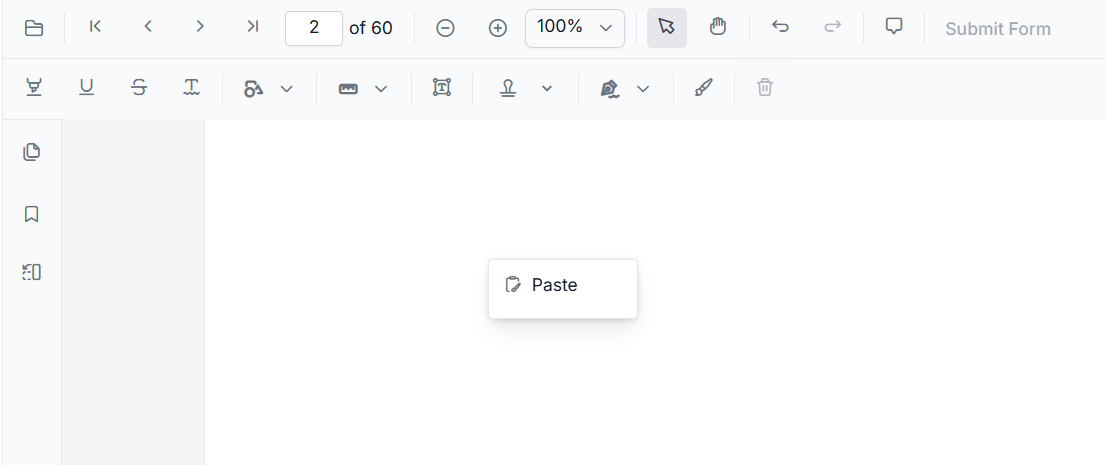
Empty Space: Displays the option to paste a previously copied annotation or form field. Paste is available only if an annotation or form field has been previously copied or cut, and it is placed at the location of the right-click.
Default Item Reference
Text Menu Items
The following table describes the default items available when right-clicking selected text:
| Item | Description |
|---|---|
| Copy | Copies selected text to the clipboard. |
| Highlight | Highlights selected text using the default highlight color. |
| Underline | Applies an underline to the selected text. |
| Strikethrough | Applies a strikethrough to the selected text. |
| Squiggly | Applies a squiggly underline to the selected text. |
| Redact Text | Redacts the selected text. |
Annotation Menu Items
The following items are available when interacting with annotations:
| Item | Description |
|---|---|
| Copy | Copies the selected annotation for pasting within the same page. |
| Cut | Removes the selected annotation and copies it to the clipboard. |
| Paste | Pastes a previously copied or cut annotation. |
| Delete | Permanently removes the selected annotation. |
| Comments | Opens the comment panel for the annotation. |
Form Field Menu Items
These items appear when the viewer is in Form Designer mode and a form field is selected:
| Item | Description |
|---|---|
| Copy | Copies the selected form field for duplication. |
| Cut | Removes the selected form field for relocation. |
| Paste | Pastes a copied or cut form field. |
| Delete | Removes the selected form field from the document. |
| Properties | Launches the properties dialog for the specific form field. |
See Also
- Context Menu in Angular PDF Viewer – An overview of the built-in context menu and its capabilities.
- Customize Context Menu – A guide on how to add, remove, and reorder custom menu items.