Open PDF from AWS S3
13 Aug 20262 minutes to read
To load a PDF file from AWS S3, follow these steps:
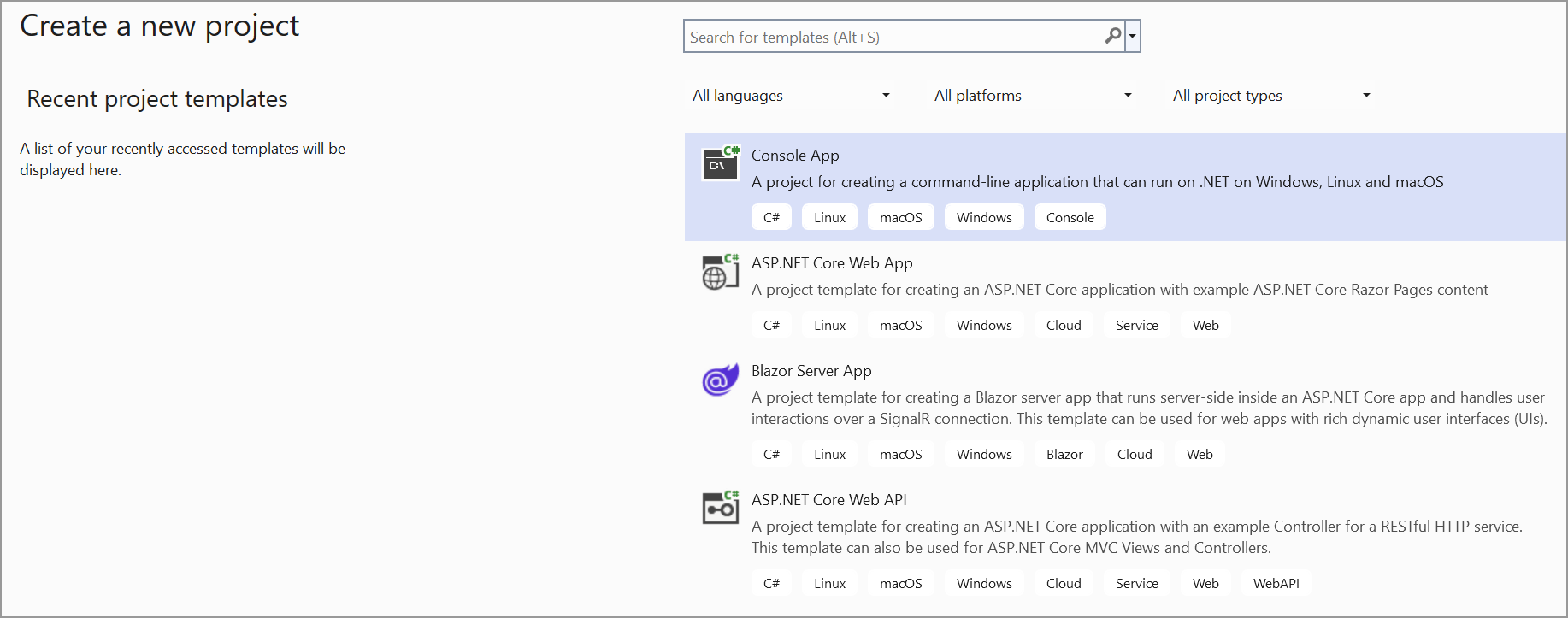
Step 1: Create a simple console application.
Step 2: Install the Syncfusion.Pdf.Net.Core NuGet package as a reference to your project from NuGet.org.
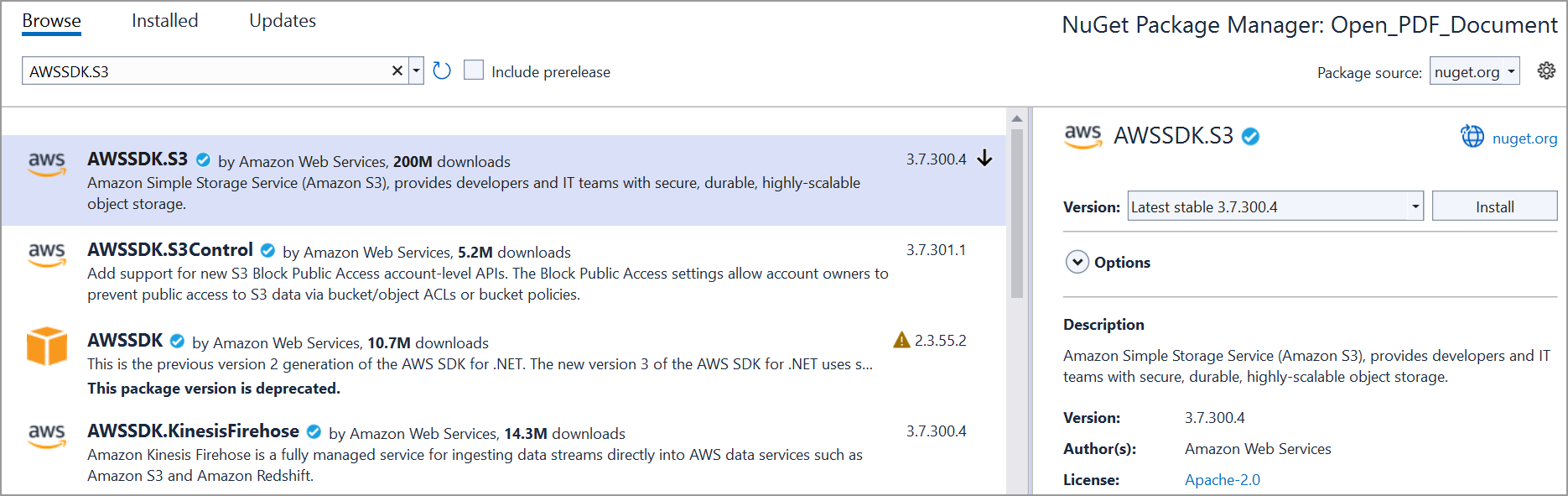
Step 3: Install the AWSSDK.S3 NuGet package as a reference to your project from the NuGet.org.
Step 4: Include the following namespaces in the Program.cs file.
using Amazon;
using Amazon.S3;
using Amazon.S3.Transfer;
using Syncfusion.Pdf;
using Syncfusion.Pdf.Parsing;
using System.IO;
Step 5: Add the below code example to load a PDF from AWS S3.
// Set your AWS credentials and region.
string accessKey = "YOUR_ACCESS_KEY";
string secretKey = "YOUR_SECRET_KEY";
// Change to your desired region.
RegionEndpoint region = RegionEndpoint.YOUR_REGION;

// Specify the bucket name and object key.
string bucketName = "YOUR_BUCKET_NAME";
string objectKey = "YOUR_OBJECT_KEY";

// Download the PDF from S3 to a local file.
string localFilePath = "Output.pdf";
using (var s3Client = new AmazonS3Client(accessKey, secretKey, region))
{
    using (var transferUtility = new TransferUtility(s3Client))
    {
        transferUtility.Download(localFilePath, bucketName, objectKey);
    }
}

// Load the downloaded PDF using Syncfusion.
using (FileStream fileStream = new FileStream(localFilePath, FileMode.Open, FileAccess.Read))
{
    PdfLoadedDocument loadedDocument = new PdfLoadedDocument(fileStream);
    // Use the loadedDocument for further processing (e.g., extracting text or images).
    // Remember to dispose of the loadedDocument when you are done.
    loadedDocument.Close(true);
}
You can download a complete working sample from GitHub.