HTML-to-PDF Installation Guide for a .NET PDF Library
13 Aug 20261 minute to read
The HTML to PDF Converter uses the Blink rendering engine to convert HTML, web pages, and web content into PDF documents. The converter is available for Windows, Linux, and macOS.
Prerequisites:
Before installing the HTML to PDF Converter:
- Ensure that you have a valid Syncfusion license.
- Verify that your development environment supports the version of Syncfusion® PDF Library you are using.
- Download the latest installer package from the Syncfusion Downloads page:
https://www.syncfusion.com/account/downloads
Windows
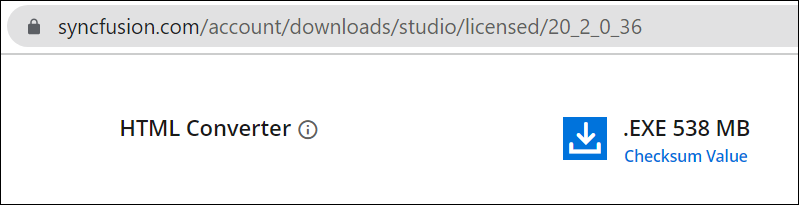
Get the required assemblies and demos for converting HTML to PDF by installing the HTML converter installer for windows.
Linux
Get the required assemblies and demos for converting HTML to PDF by installing the HTML converter installer for Linux.

Mac
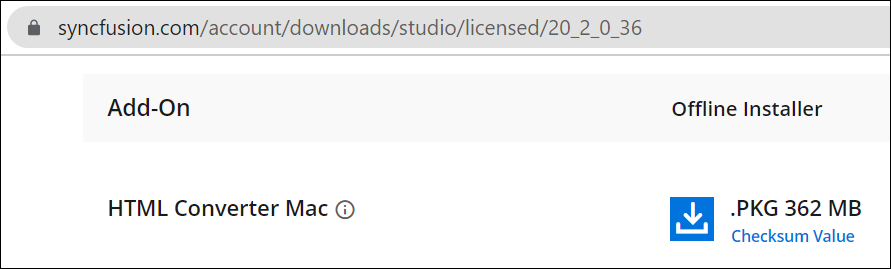
Get the required assemblies and demos for converting HTML to PDF by installing the HTML converter installer for Mac.