Duplicate Worksheet in React Spreadsheet
17 Aug 20261 minute to read
The Spreadsheet component allows you to create a copy of an existing worksheet, including its data, formatting, and configurations. Duplicating a sheet is useful when you want to reuse the same structure or data without manually recreating it.
While duplicating the worksheet, a new worksheet is created as an exact copy of the selected sheet and is placed next to it. The duplicated sheet will automatically be assigned a unique name to avoid conflicts with existing sheet names.
You can duplicate a worksheet in the following way,
-
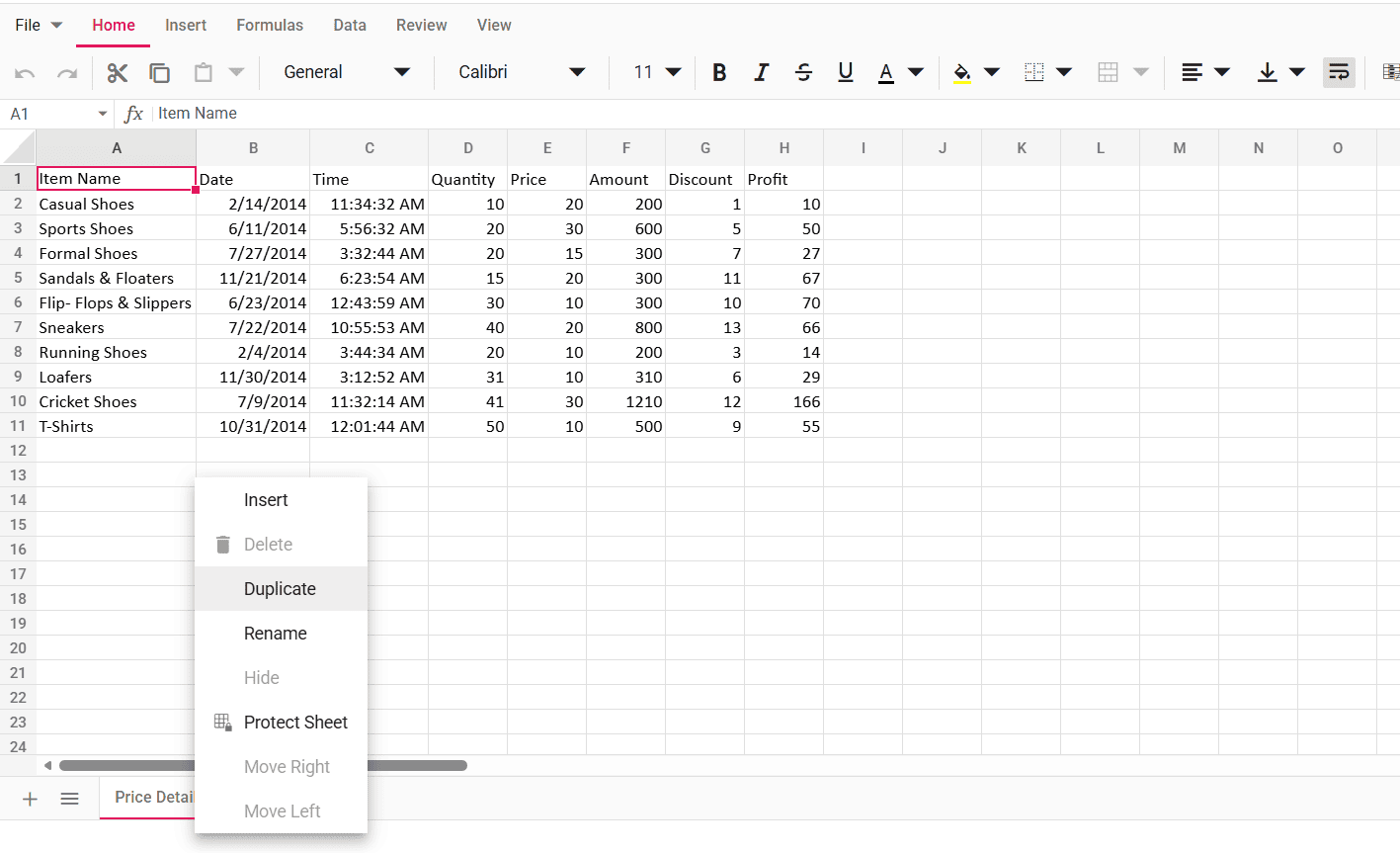
Right-click on the sheet tab, and then select the
Duplicateoption from the context menu. -
Duplicate a sheet programmatically using the duplicateSheet method; it copies the specified worksheet (including data, formatting and settings) and places the copy next to the original so you can reuse or edit it without affecting the source.