Getting Started with React Spreadsheet Agentic UI Builder
17 Aug 20261 minute to read
This guide shows you how to create a React Spreadsheet Editor component simply by typing what you want using natural language commands — with the Syncfusion® React Agentic UI Builder (powered by Syncfusion’s MCP Server). Just describe it, and the tool builds the complete implementation of the spreadsheet component for you.
Prerequisite
- Make sure the React Agentic UI Builder is installed in your IDE. Refer to the official Getting Started and installation guide.
- Ensure you have a React project set up (JavaScript or TypeScript, any supported version) before using the Agentic UI Builder.
Usage
Once installed, open your React project in your preferred IDE, launch the AI assistant, and describe what you want to build using the #sf_react_ui_builder command, as shown below:
Example:
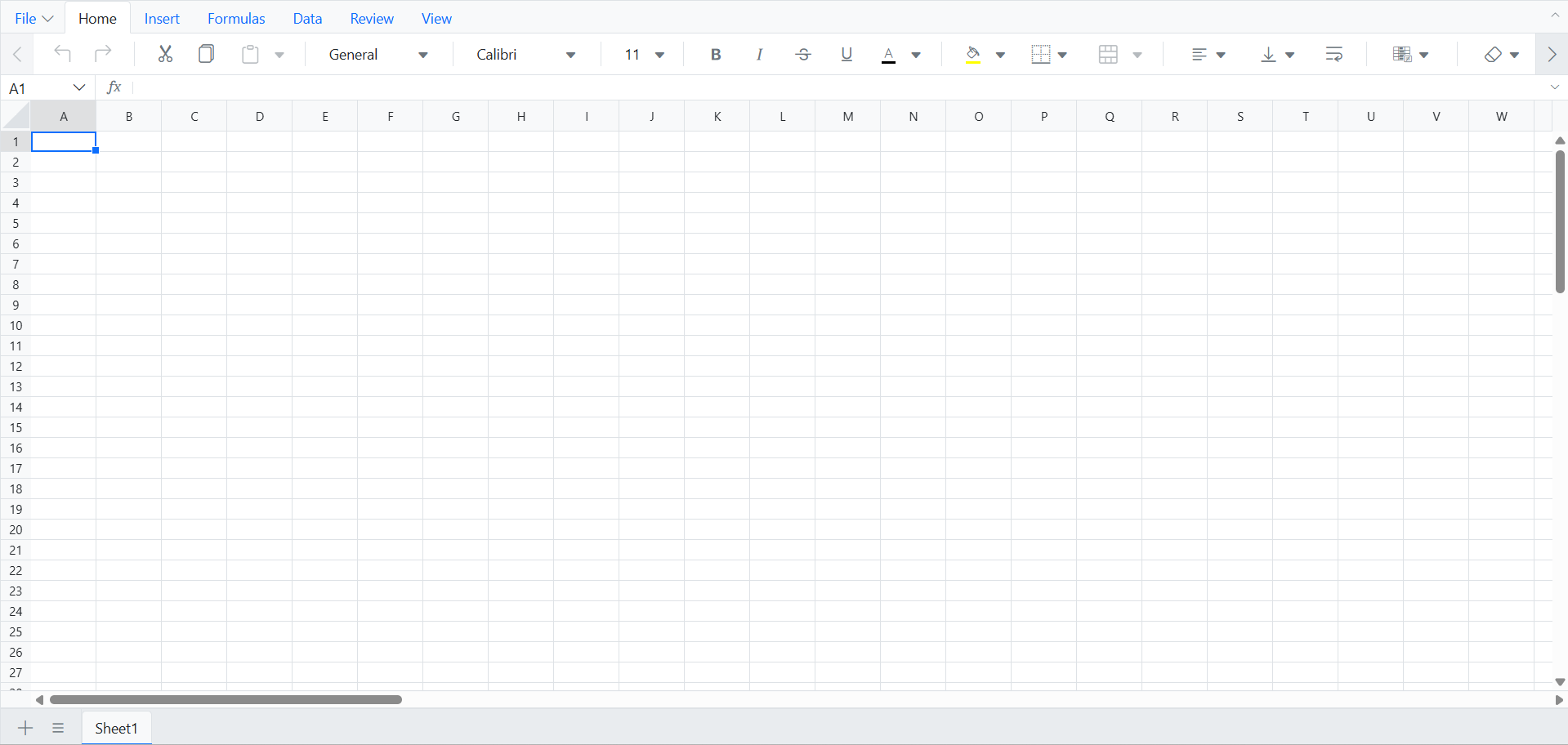
#sf_react_ui_builder Create an empty React Spreadsheet using the Bootstrap 5 theme. Install the required packages, import the theme CSS in the correct order, and initialize the spreadsheet.
The UI Builder delivers full implementations, covering layout, components, and styling. The following illustration shows the generated output:
Individual Tools
You can directly invoke individual tools by name for more targeted assistance (especially useful for specialized tasks). In addition to the main UI Builder, tools like layout, style, and component are available. For more details, see the individual tools documentation.
Tips & Best Practices
- Enable Agent mode in your IDE for smooth, multi-step execution with confirmation prompts.
- Use higher-capability models (Claude Sonnet 4.5 or newer, GPT-5) as they typically produce more accurate, higher-quality code.
Troubleshooting
- If a step times out or becomes unresponsive, cancel it and retry the current step.
- If the generated code does not match expectations, refine your prompt and run the command again.
- Always review the generated code and commands before accepting or applying them in production.
See also
- To explore customization options for layouts, components, styles, and more examples of effective prompts, refer to the prompt Library.