Getting Started with ASP.NET MVC Smart Data Extractor
14 Aug 20262 minutes to read
The Syncfusion® Smart Data Extractor is a .NET library used to extract structured data and document elements from PDFs and images in ASP.NET MVC applications.
Steps to Extract data from PDF document in ASP.NET MVC
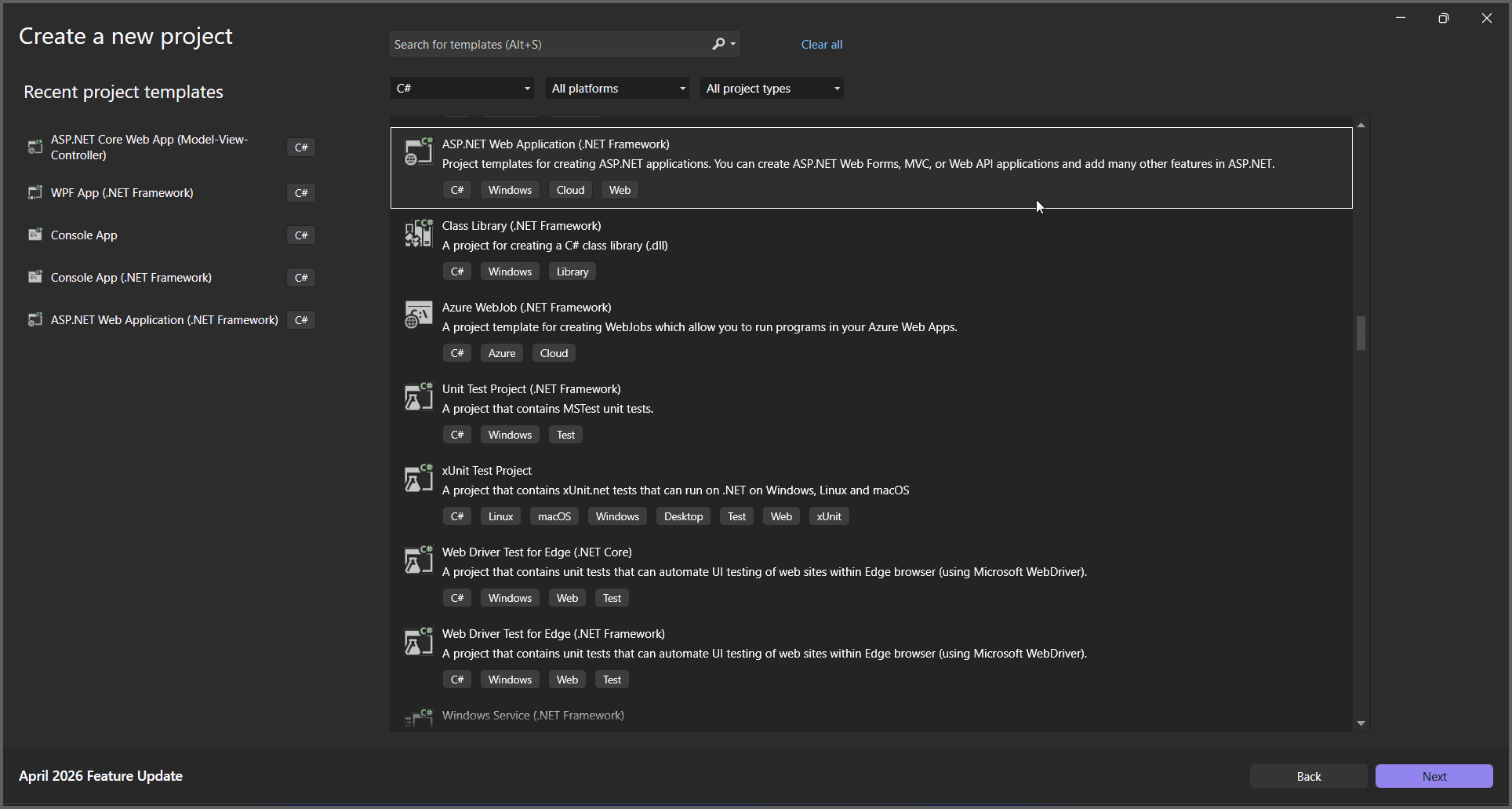
Step 1: Create a new C# ASP.NET Web Application (.NET Framework) project.
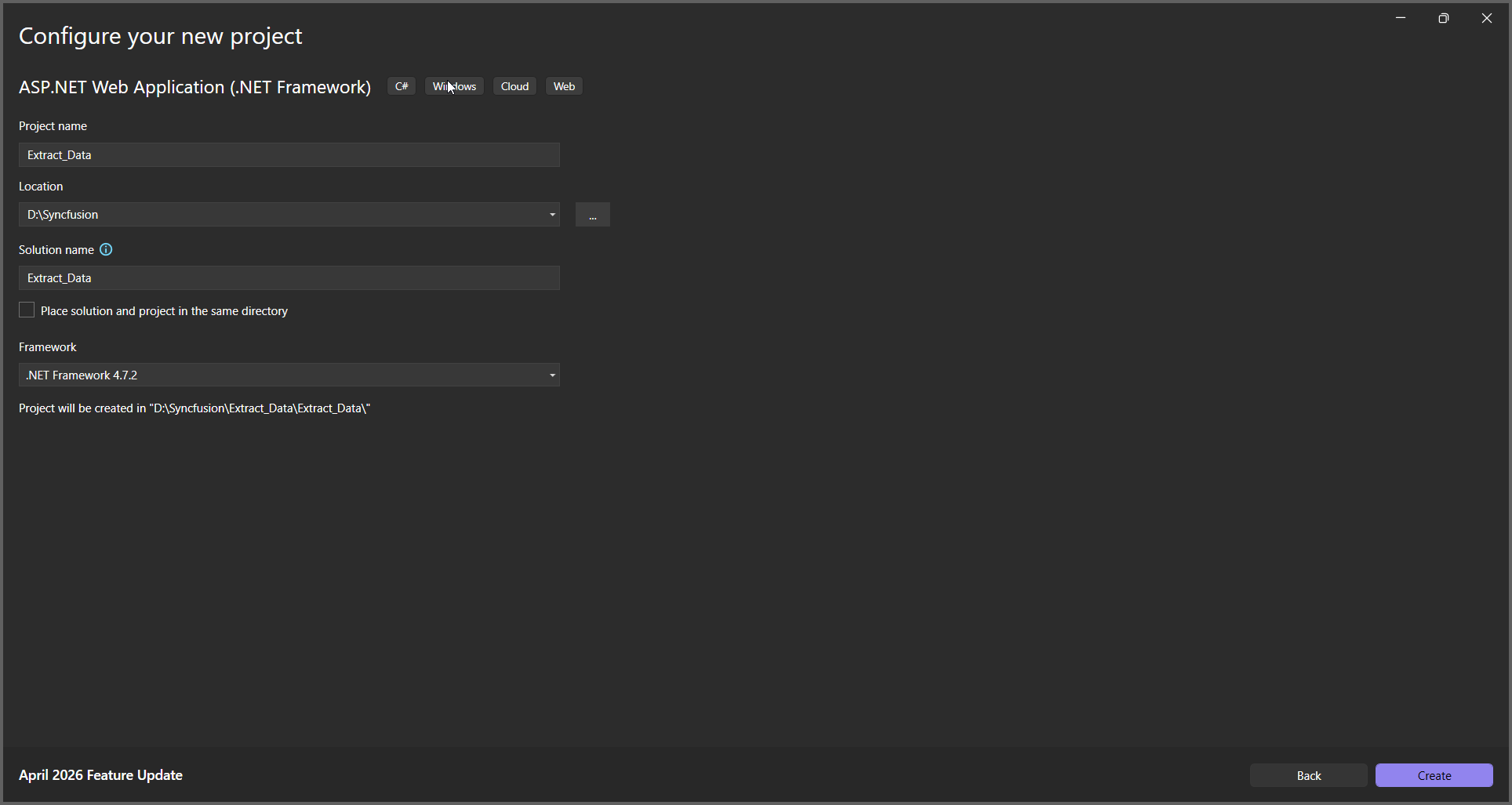
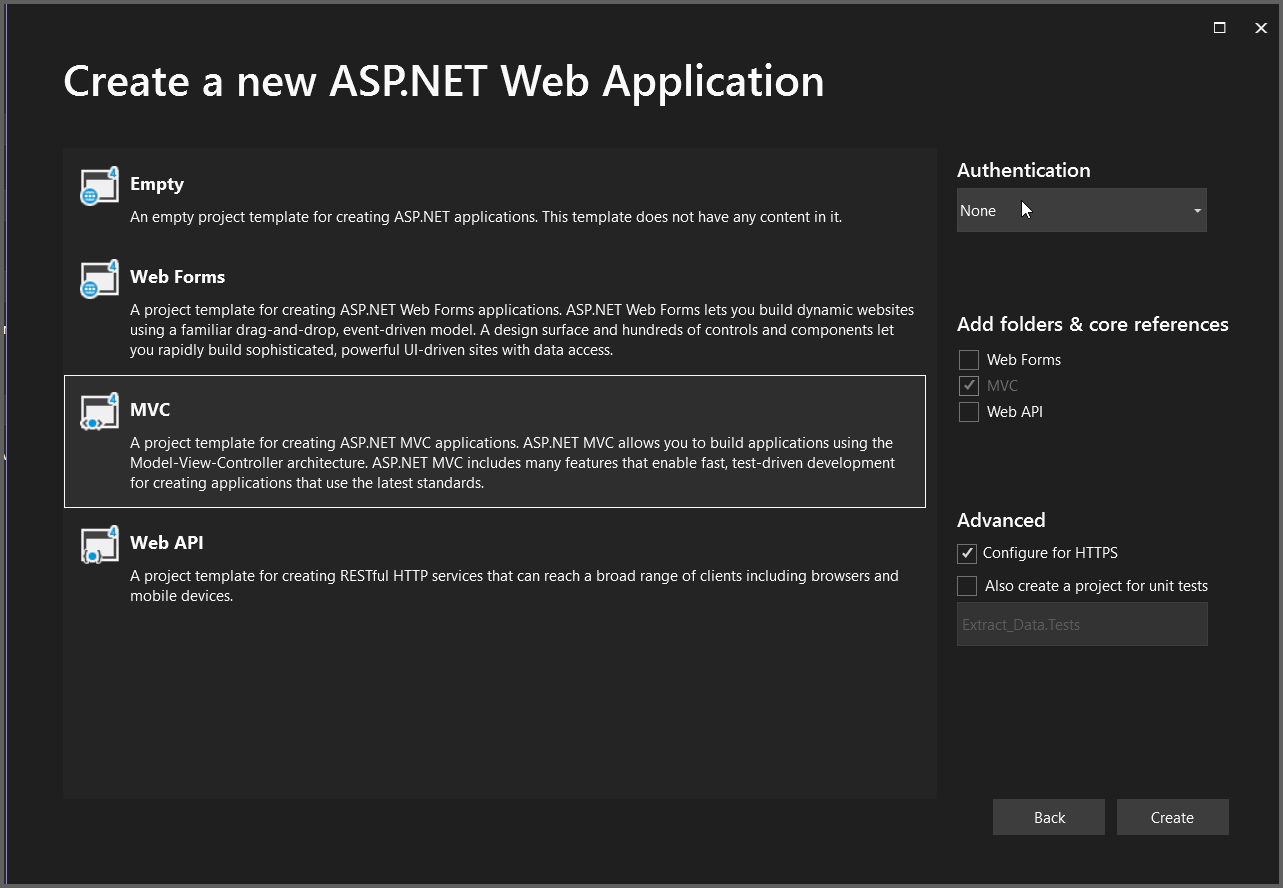
Step 2: In the project configuration window, name your project and select Create.
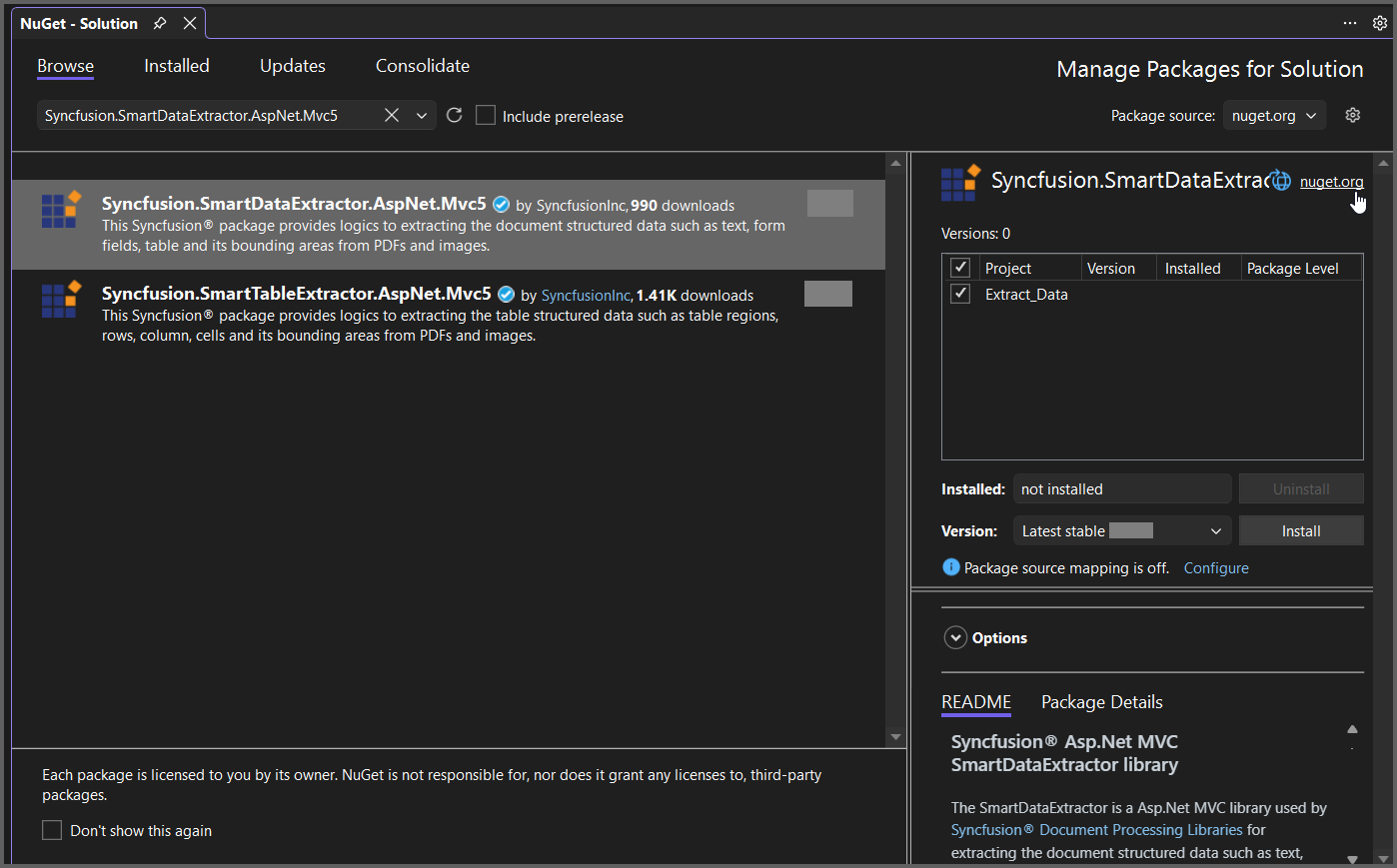
Step 3: Install Syncfusion.SmartDataExtractor.AspNet.Mvc5 NuGet package as a reference for your ASP.NET MVC application from NuGet.org.
Add the input PDF file named Input.pdf to the App_Data folder before running the sample.
Step 4: Include the following namespaces in the HomeController.cs file.
using System.IO;
using System.Text;
using Syncfusion.SmartDataExtractor;
Step 5: Add a new button in the Index.cshtml as shown below.
@{
   ViewBag.Title = "Home Page";
}

<div style="margin-top:20px;">
    @using (Html.BeginForm("ExtractData", "Home", FormMethod.Get))
    {
        <input type="submit" value="Extract Data from PDF" style="width:220px;height:30px" />
    }
</div>
Step 6: Add a new action method named ExtractData in HomeController.cs and include the following code example to extract data from a PDF document using the ExtractDataAsJson method in the DataExtractor class.
// Resolve the path to the input PDF file inside the App_Data folder.
string inputPath = Server.MapPath("~/App_Data/Input.pdf");

// Open the input PDF file as a stream.
using (FileStream stream = new FileStream(inputPath, FileMode.Open, FileAccess.ReadWrite))
{
    // Initialize the Data Extractor.
    DataExtractor extractor = new DataExtractor();
    // Extract form data as JSON.
    string data = extractor.ExtractDataAsJson(stream);
    // Convert JSON string into a MemoryStream for download.
    MemoryStream outputStream = new MemoryStream(Encoding.UTF8.GetBytes(data));
    // Reset stream position.
    outputStream.Position = 0;
    // Return JSON file as download in browser.
    return File(outputStream, "application/json", "Output.json");
}
A complete working sample can be downloaded from GitHub.
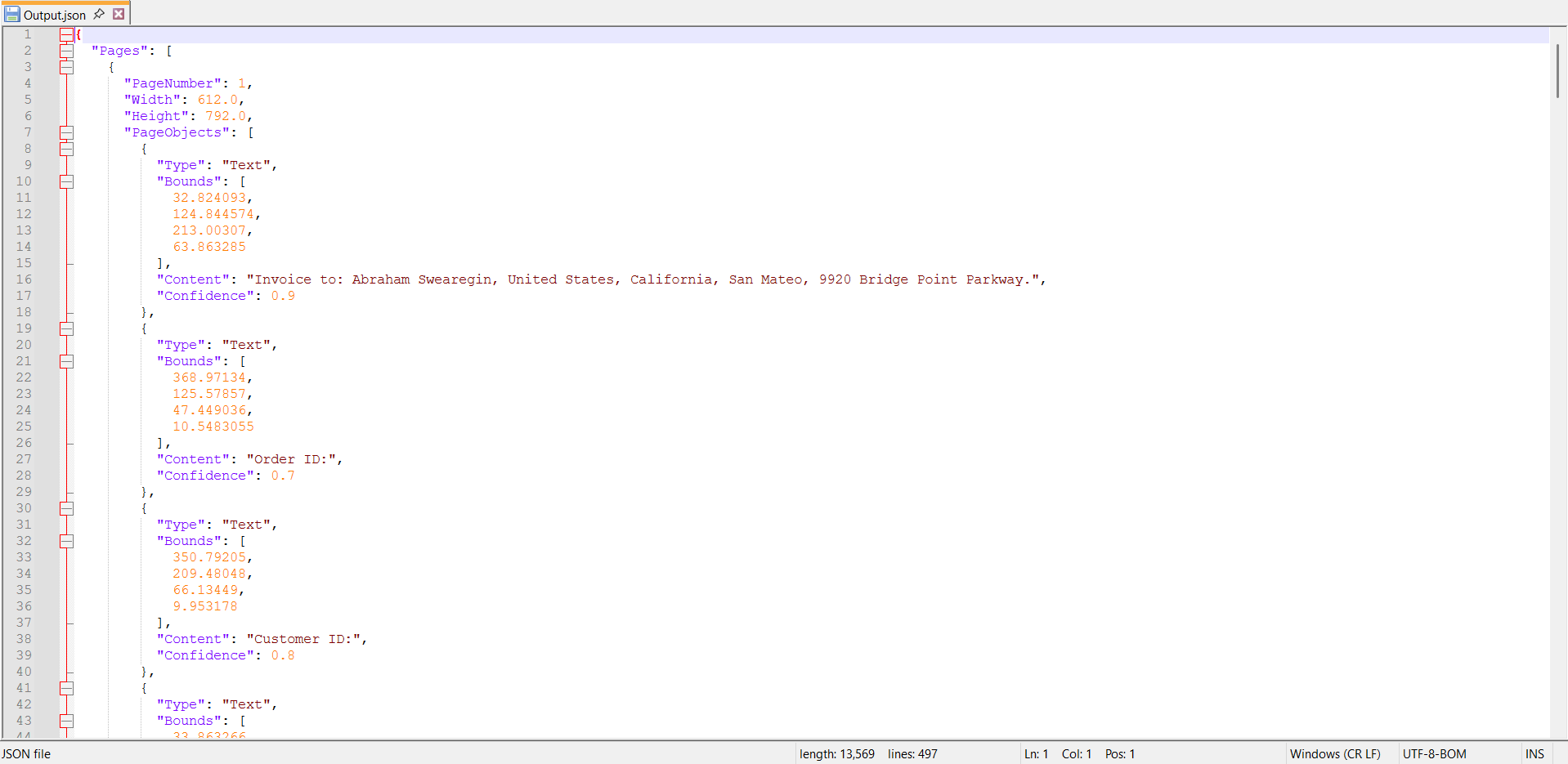
By executing the program, you will get the JSON file as follows.
Click here to explore the rich set of Syncfusion® Data Extraction library features.