Check for Updates in Windows Forms
18 Nov 20181 minute to read
Syncfusion® provides the Check for Updates extension to find the latest version of the Essential Studio® release. If an update is available, it provides the option to update to the most recent version of the Essential Studio® release, so that you always get the latest features, fixes, and improvements by installing the latest version.
The Syncfusion® Check for Updates is available from v17.1.0.32.
You can check for updates availability in Visual Studio, and then install the updated version if required.
-
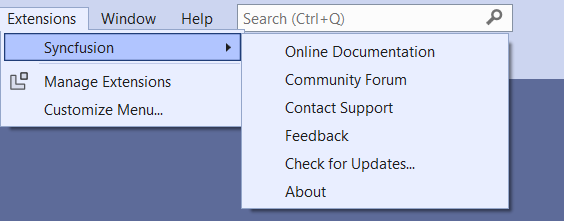
Choose Extensions > Syncfusion > Check for Updates… in the Visual Studio menu.
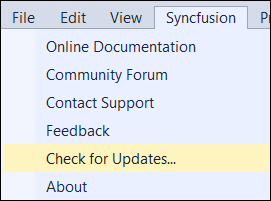
In Visual Studio 2017 or lower, you can see the Syncfusion menu directly in the Visual Studio menu.
-
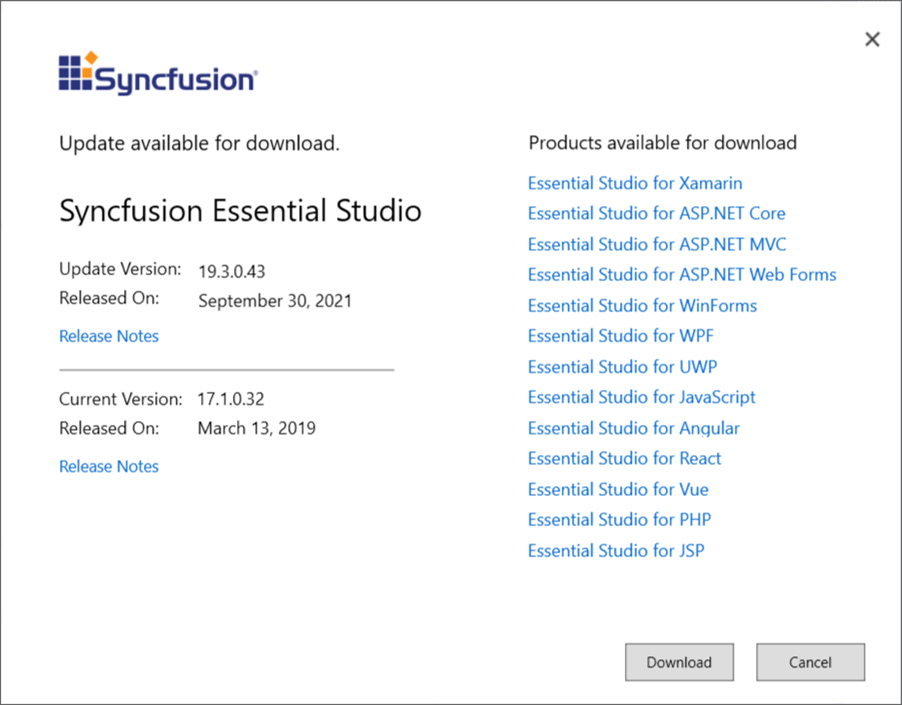
When there is an update, the Update dialog box opens.
-
You can download the latest Syncfusion Essential Studio from the Syncfusion website by selecting Download.